Operation Manual IQ-BASIC-GPS 7
Bräuniger GmbH
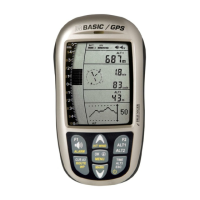
Wind data- display (1)
Actual track (0-360°)
Wind direction (0 – 360°)
Wind speed
Navigation data- display (2)
Active Waypoint from Route, GoTo or last Thermal
Bearing in degree
Distance
Navigation data- display (3)
Actual track
Bearing
Req. Glide ratio to reach the active Waypoint
WP Approach data- display (4)
Speed over Ground
Glide ratio Ground
Req. Glide ratio to reach the next Waypoint (Goal)
Competition Route data – display (5)*
Position to Cylinder / +/- Start time
Required speed to reach the Start cylinder at Start time 0:00
Distance to Cylinder
*This data field can only be selected with active Route!
1.6 The setting menus
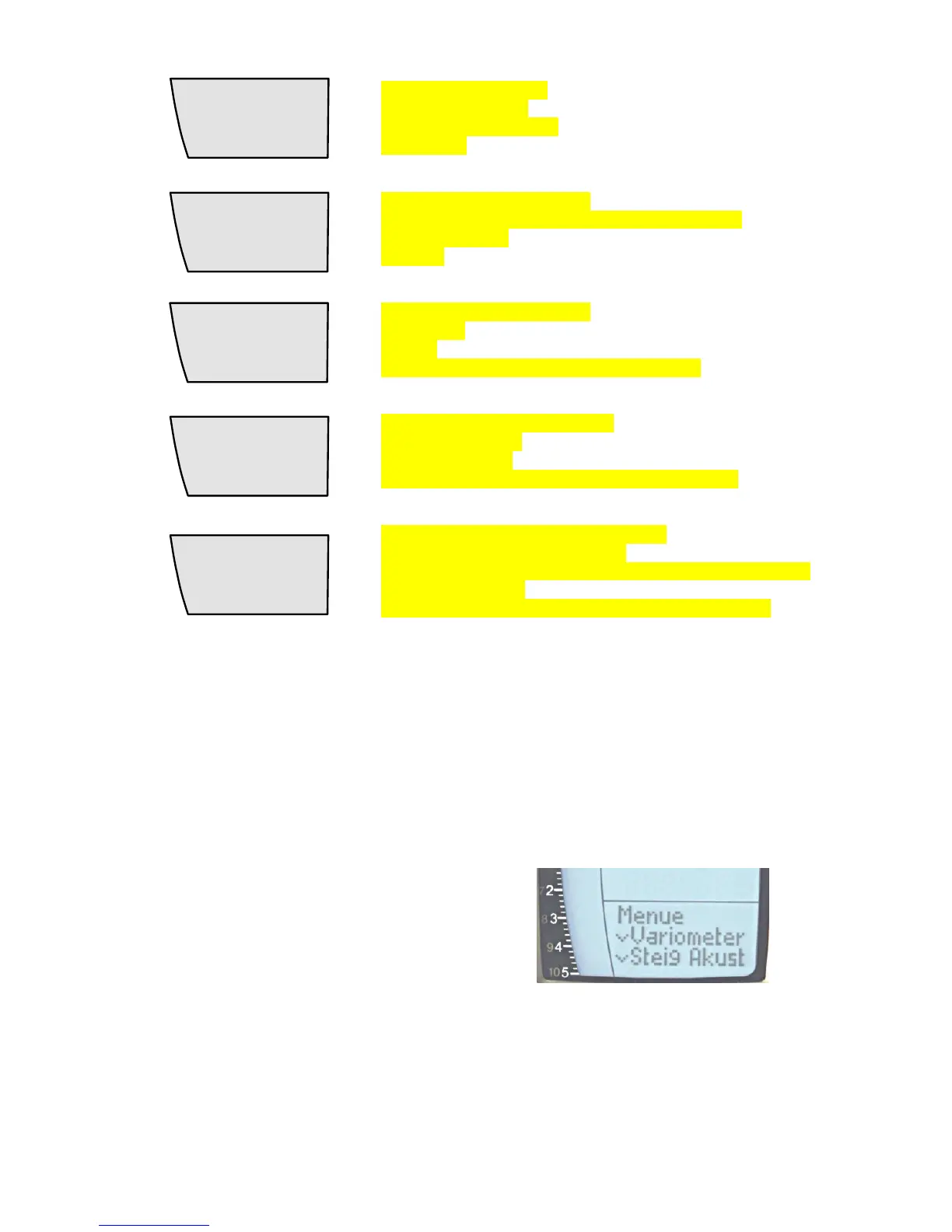
By long pressure on the MENU key access is given to the Menu setting mode. Using the keys ▼
and ▲ one of the Menu items (flashing line) is selected and pressing the OK key gives access to
the corresponding menu or submenu.
Flashing values can be modified by use of
the ▲UP or ▼DOWN key. By pressing the
OK key the setting is memorised. Using the
ESC (escape) key operates the return to the
normal flight display screen. If there is no
keystroke effected during 30sec., the
instrument returns automatically to the flight
display screen.


 To Next Page