AWT35-501815 Issue AB C3236_u_en_501815.docx Page 9
2.5.2. Operation Keys
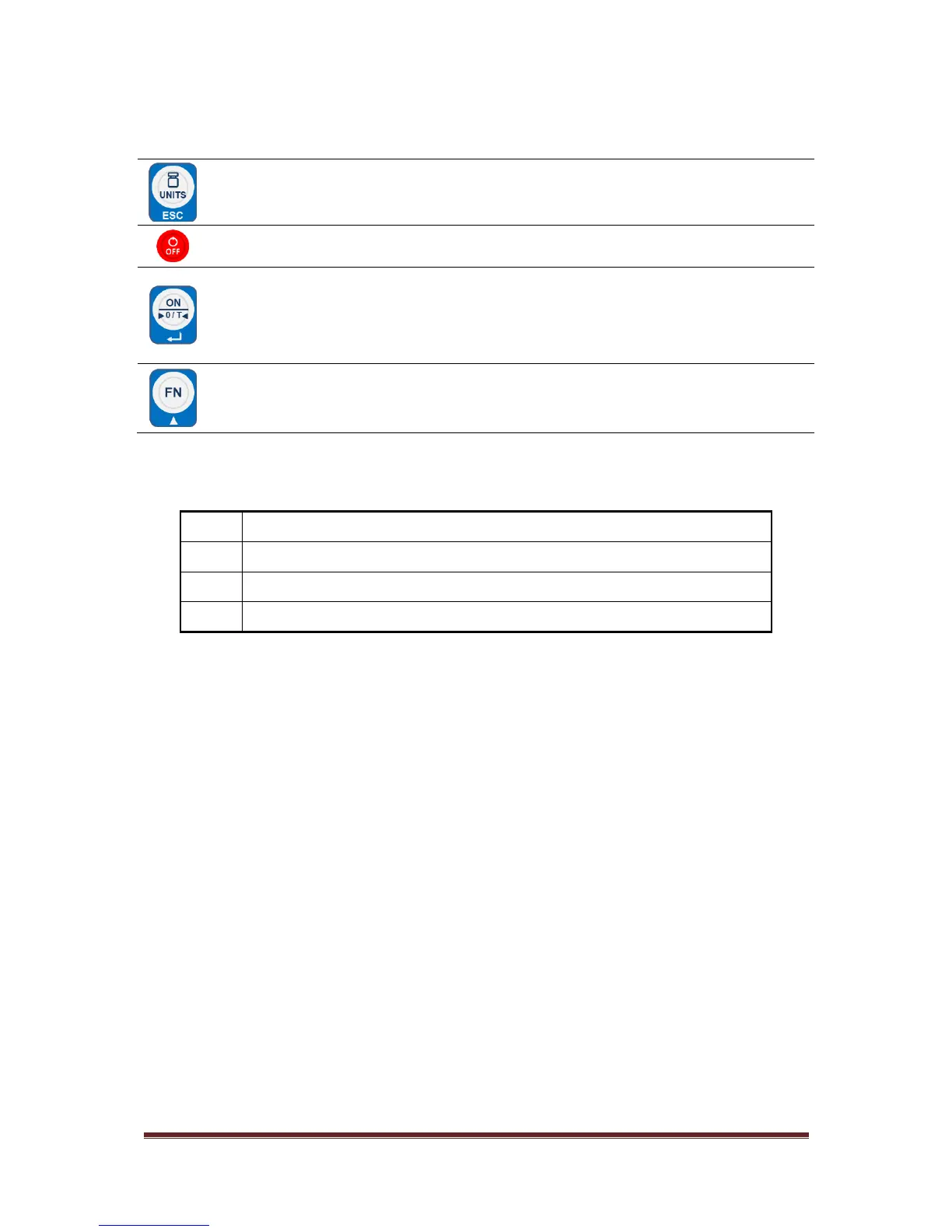
Keys are shown below along with their functions. Some keys have secondary functions.
- Press the UNITS key to scroll through the active units of measure.
- In Menu mode: It aborts a numeric entry and acts as an ESCAPE key for menu
navigation (ESC).
Press and hold the OFF key to turn off the scale. oFF will be displayed for 2 seconds.
- Press the ON key to turn on the scale. The scale will self-adjust to 0.
- Press this key to Zero the display.
- Press this key to Tare the weight on the scale up to 100% of capacity.
- In Menu mode: It accepts the displayed item/value in the menu structure or during
numeric entry (↵).
- Use the FN key to access and navigate the menus and options.
- In Menu mode: It increments a numeric value (▲).
Initial zero too high (over FULL SCALE + 10%), for approved models [LF 6]
Initial zero too low (under FULL SCALE – 10%), for approved models [LF 6]
Unstable internal count, this may indicate the load cell or electronics are faulty
Overload, full capacity +9d



 To Next Page