3. Speedy - a quick start
First of all it is important to read all of the instructions regarding installation and use before starting.
Once all hardware installations are completed, the Speedy will be activated from the moment that the
clock contains fancier and pigeon-data.
To enter pigeon and fancier data
please refer to the following sections
Input/edit fancier - (section 3.3)
Linking birds - (section 3.1)
3.1. Linking birds.
There are two ways to enter birds into the Speedy:
- Using the Bricon Club-Master with the club-software „BRICON CLUB EDITOR‟.
(NB : This is the method that should be used by members of the NEHU).
- Using the Speedy and a loft antenna pad explained in the box below.
3.2. Browse pigeons.
SPEEDY 12
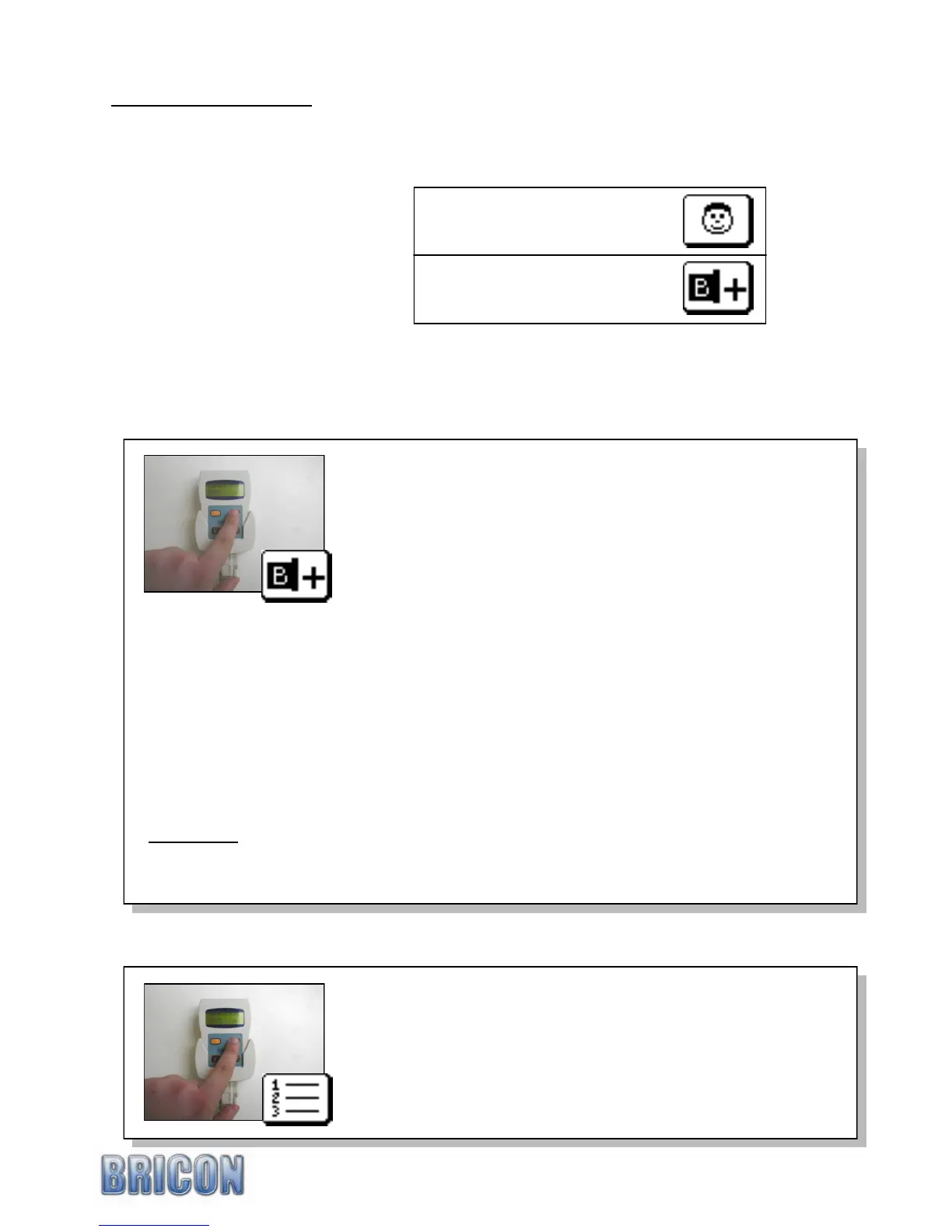
Navigate in the menu to the „Linking Birds‟ icon and press <OK>.
Hold the electronic-ring over the antenna. Upon reading the
chip-ring, the Speedy will beep and a blank life ring-number will
appear on the display. The first letter or number can be found
with the orange buttons <PREVIOUS> or <NEXT>. When the
required letter/number appears under the ^ pointer, confirm by
pressing <OK> and move on to the next letter or number.
After entering the final number, the sex of the pigeon can be
entered using the orange button <NEXT> selecting „H‟ for a
hen and a blank space for a cock. Confirm with <OK>.
A second display will then appear, where four characters are
available in which to enter the colour of the pigeon.
On completion of the details, Speedy will request that the linkage
is confirmed by pressing <OK> or cancelled with <C>.
By repeating the procedure the next pigeon can be entered.
This function is blocked when races are active on the Speedy.
With this function you can browse through the database of
pigeon linkages and also delete any ring-number not required.
The <PREVIOUS> button moves backwards through the
pigeon list whilst <NEXT> moves forward to find a pigeon.
To delete a selected pigeon, press <OK> and the Speedy will
ask for a confirmation before the pigeon can be deleted.
Press <OK> to confirm and <C> to cancel the procedure.
This function is blocked when races are active on the Speedy.
Four characters are available for the country or union followed by the year of birth of the bird.
Nine characters are available for the letter and ring number of the pigeon and it is recommended
that the ring number is entered into the final character spaces, with the spaces used at the start.
For example : For GB rings the following ring format should be used : GB(space)(space)-09-
(space)(space)A(space)56789H NB: The space character can be found directly after the letter Z.
NB : Do not use the dash character (-) anywhere in the number except either side of the year.



 To Next Page