SPEEDY 16
3.62. Read out on an alternative brand of club system.
When the race is over, you must disconnect the Speedy from
its wall holder.
Return to the club and connect the Speedy to the club-system
using the Bricon Unives cable.
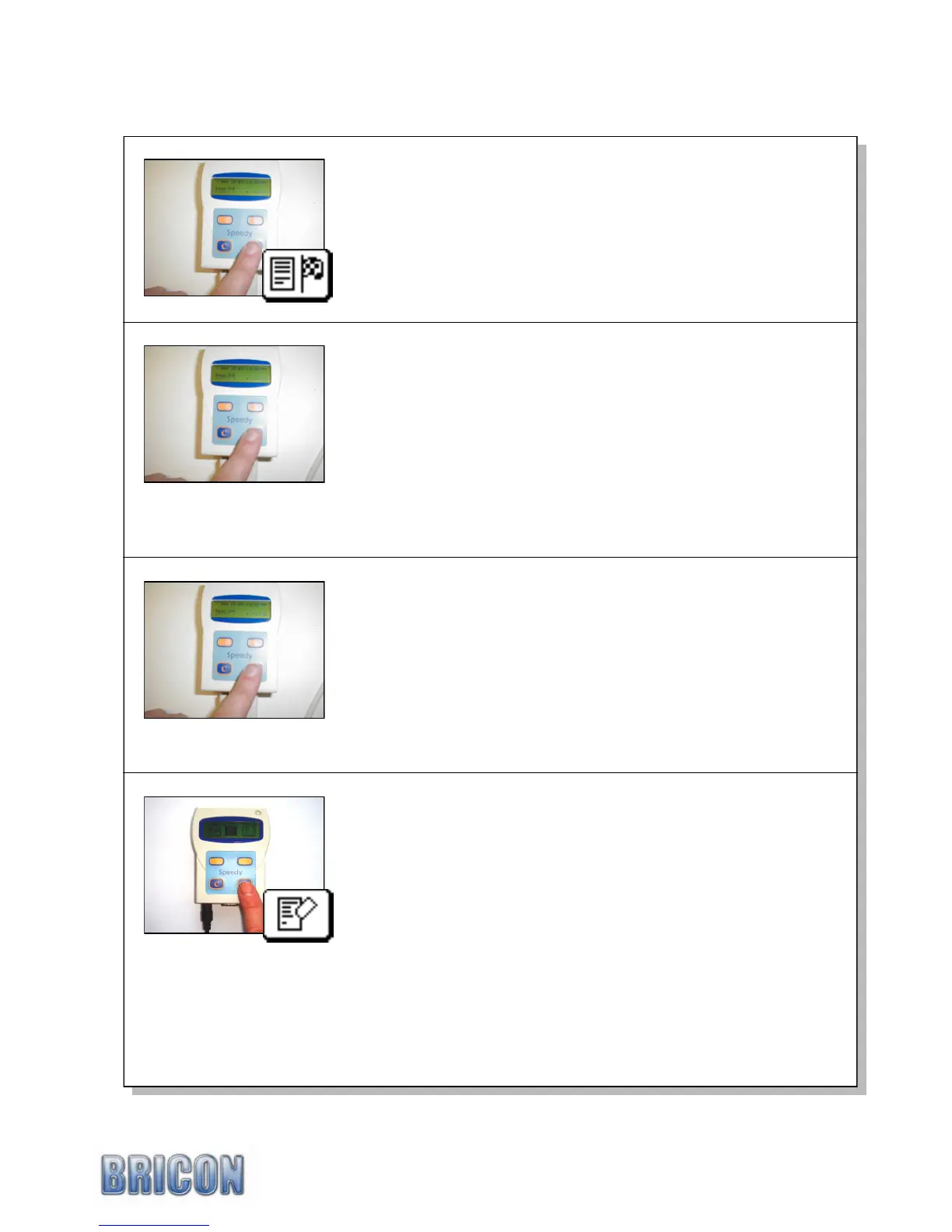
Select the „Read out‟ icon from the Speedy main menu and
press <OK>.
The Speedy displays „Read Out‟ and the first race name.
Select this race or choose another race by pressing the
<NEXT> or <PREVIOUS> and then confirm with <OK>.
Synchronisation is then carried out automatically with the time
signal on the club-antenna.
Two copies of the clocking-list are then printed.
Make sure that the necessary copies of the clocking list have
been printed with the required information.
After printing, the Speedy display shows : „Close race‟
If you wish to close the race then press <OK> and the race will
become a status 7 race, meaning that the race is now ready
and available for deletion.
By pressing the <C> button, the race will become a status 3
meaning that the race remains open and active and the race
data will stay secured, meaning that the pigeons within this
race can not be entered into future races or training flights.
After the race has been closed, the race must also be deleted
from Speedy and the following routine should be used -
Connect the power supply directly into the base of the Speedy
with no antenna pads connected.
Using the <NEXT> button proceed to the „Delete‟ icon.
Press <OK> and all status 7 races will then be deleted.
NB : If a race is not closed and deleted then the birds within
that race will not be allowed to be basketed for any future race.
If after deleting you wish to return to clocking mode for a
training flight, proceed to the ‟Clocking‟ icon using the
<PREVIOUS> button and press <OK> to confirm.



 To Next Page