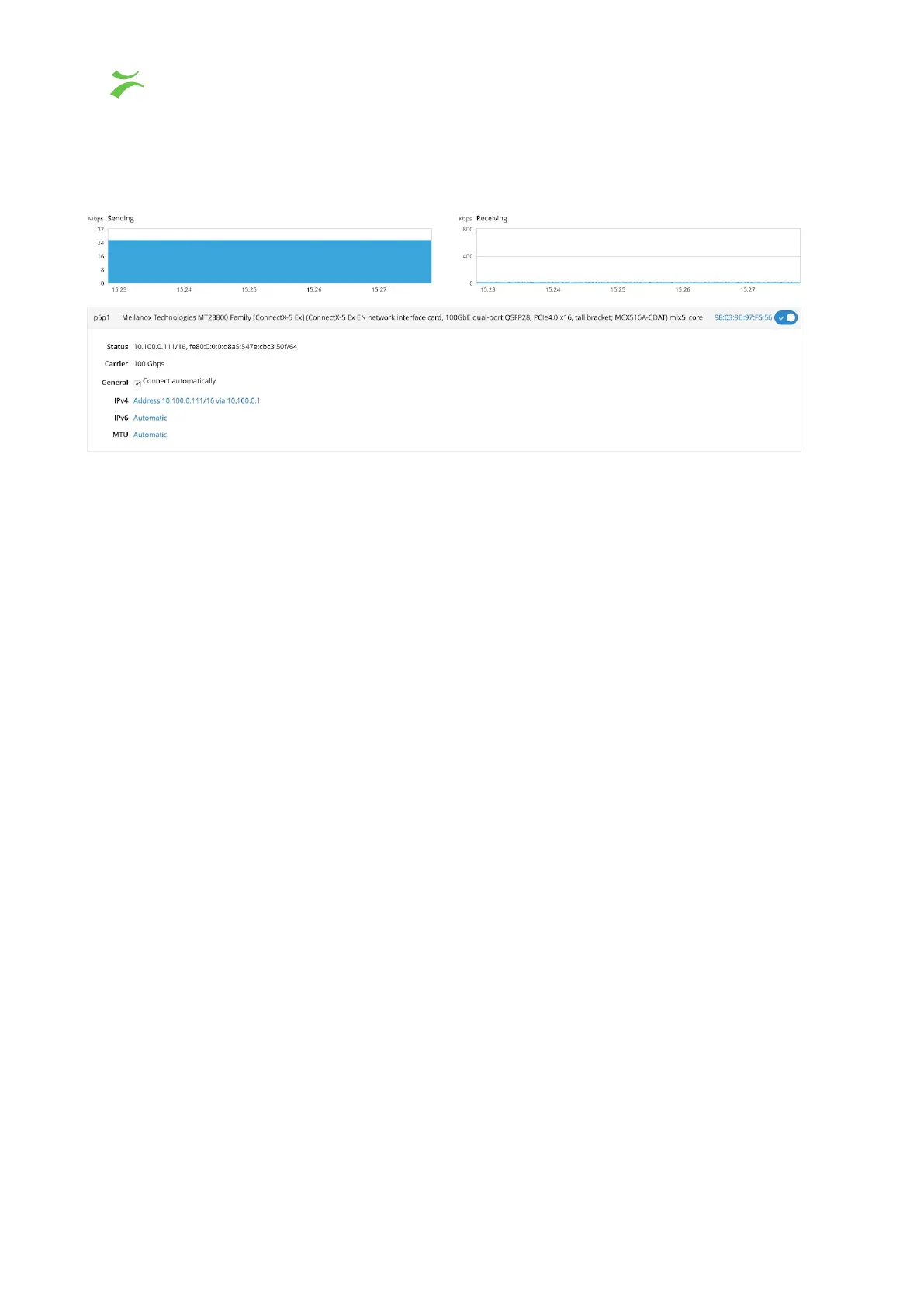
By clicking on one of the listed interfaces a new window will open with specific information
for that interface.
To enable or disable the interface click the switch button in the top right corner. By default
all settings are set to automatic, however there is also a possibility to manually configure the
IP related settings in this view.
Add VLAN
VLANs can be created by someone with admin access to Cockpit. Click on the Add VLAN
to access the configuration page. Select an interface from the parent list, assign a VLAN Id
and a name or use the predefined. By default a name will be filled in by concatenating the
parent name together with a dot followed by the VLAN Id. For example, interface em1 with
VLAN Id 2 will result in em1.2. To complete the configuration, press Apply.
The VLAN will be added to the interface section.
Bond, Team and Bridge
Are usually not needed in a probe environment – do not attempt to configure unless deep
knowledge.
42 VB440 Studio Probe User’s Manual v6.0 © Bridge Technologies Co AS



 To Next Page