Accounts
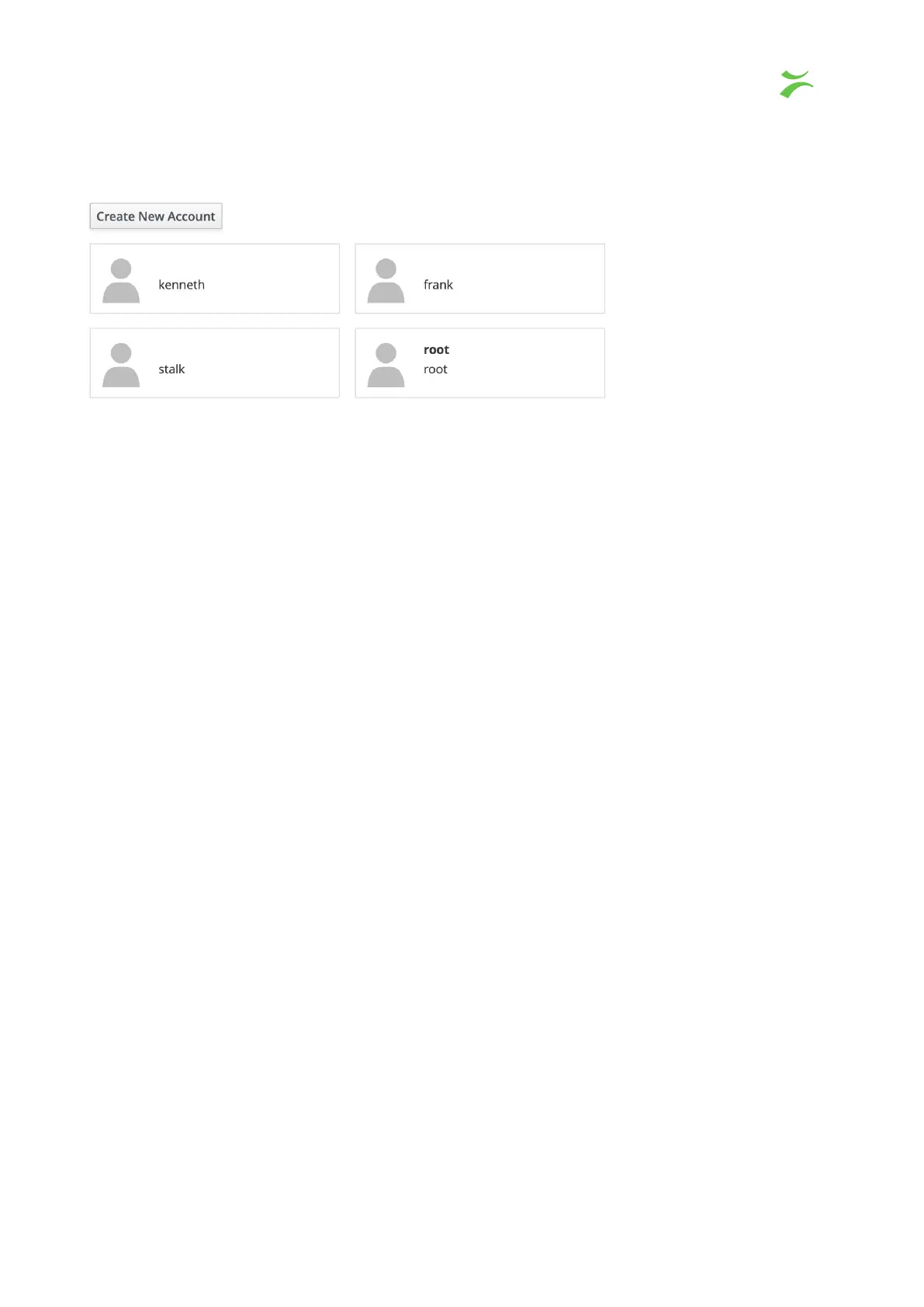
Lists all accounts connected to the system. To create a new account click “create new
account” or click directly on an existing account to change account settings, feks, setting a
new password.
Diagnostic report
This page is used to create diagnostic reports which can be used by your support team to
debug potential issues within the system.
VB440 Studio Probe User’s Manual v6.0 © Bridge Technologies Co AS 43



 To Next Page