9
3.2 Calibration Tools
The following is a list of the components that are required to calibrate the Backeye360° products.
3.2.1 Calibration Tool – BN360-CT-01
Used for transferring data (e.g. calibrations, capture images, backup data etc.)
between the ECU and PC from data saved on an SD card.
Note: Brigade recommends using the SD Card included in the Calibration
Tool Kit, for best results a Class 6 4GB card from a reputable manufacturer
should be used. The BN360-300 is not compatible with SDXC cards.
3.2.2 Calibration mats (4 off) – BN360-CAL-MAT
These mats are aligned around the vehicle to perform the camera calibration for the
360° surround view image.
3.2.3 USB – BN360-300-USB
The USB contains all documentation, software and support files required to install
and calibrate the BN360-300 system, including the Brigade Backeye® 360°
Calibration Software.
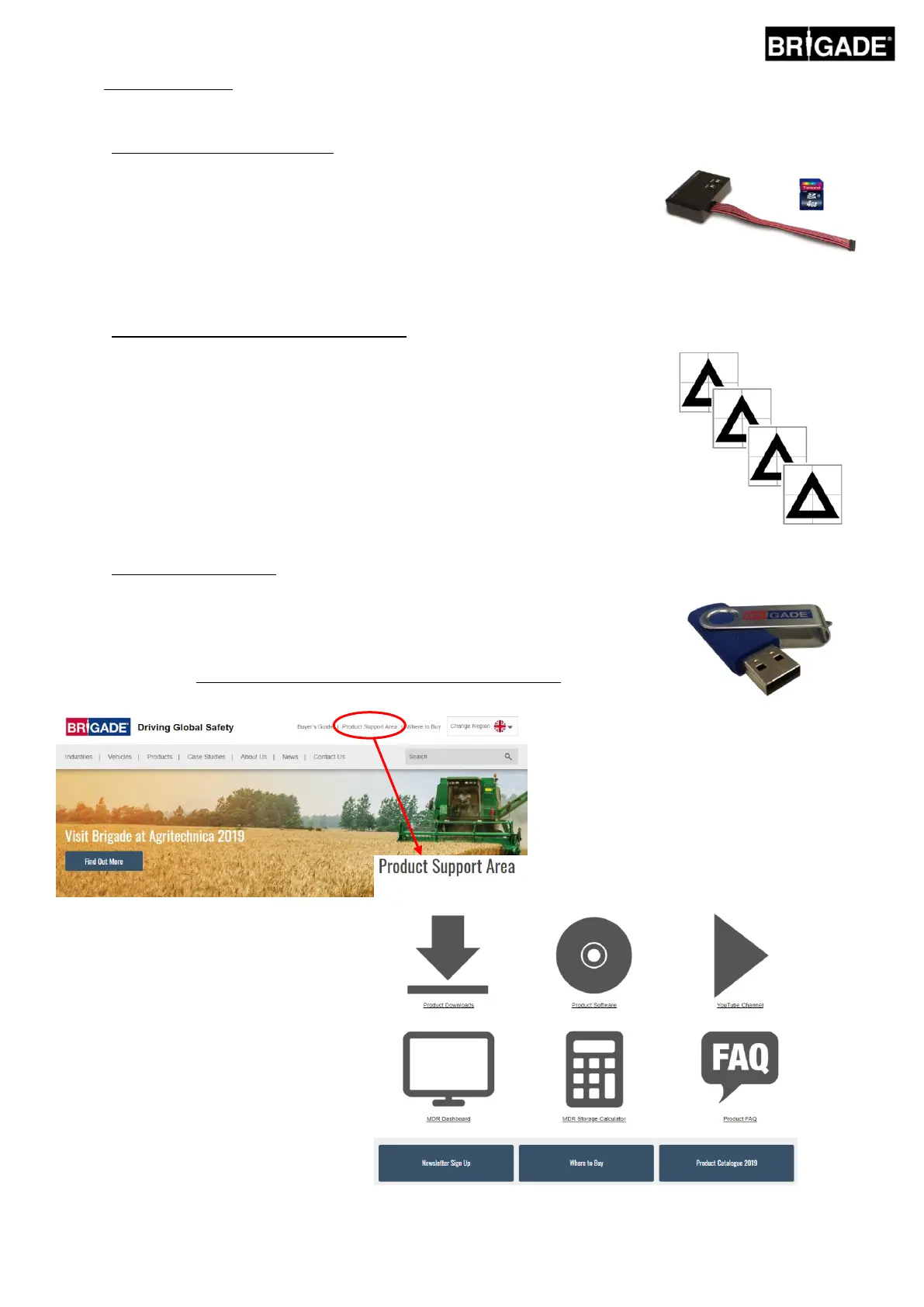
For the latest USB contents please visit the Product Support Area on the Brigade
Electronics website: https://brigade-electronics.com/product-support-area/.



 To Next Page