19
7 Brigade Backsense CAN Radar Test Tool
7.1 PC Interface for BS-9000
As detailed in section 5, the Brigade BS-9000 radar sensors use CAN for all communications
to the host system, including configuration and test activities.
In order for a user to configure and test the system using Brigade’s software applications they
must first obtain a CANpro USB Interface from the Softing company and install drivers for this
interface on their test PC. The interface is not available from Brigade but may be purchased
from Softing or their distributors by searching the website at www.softing.com
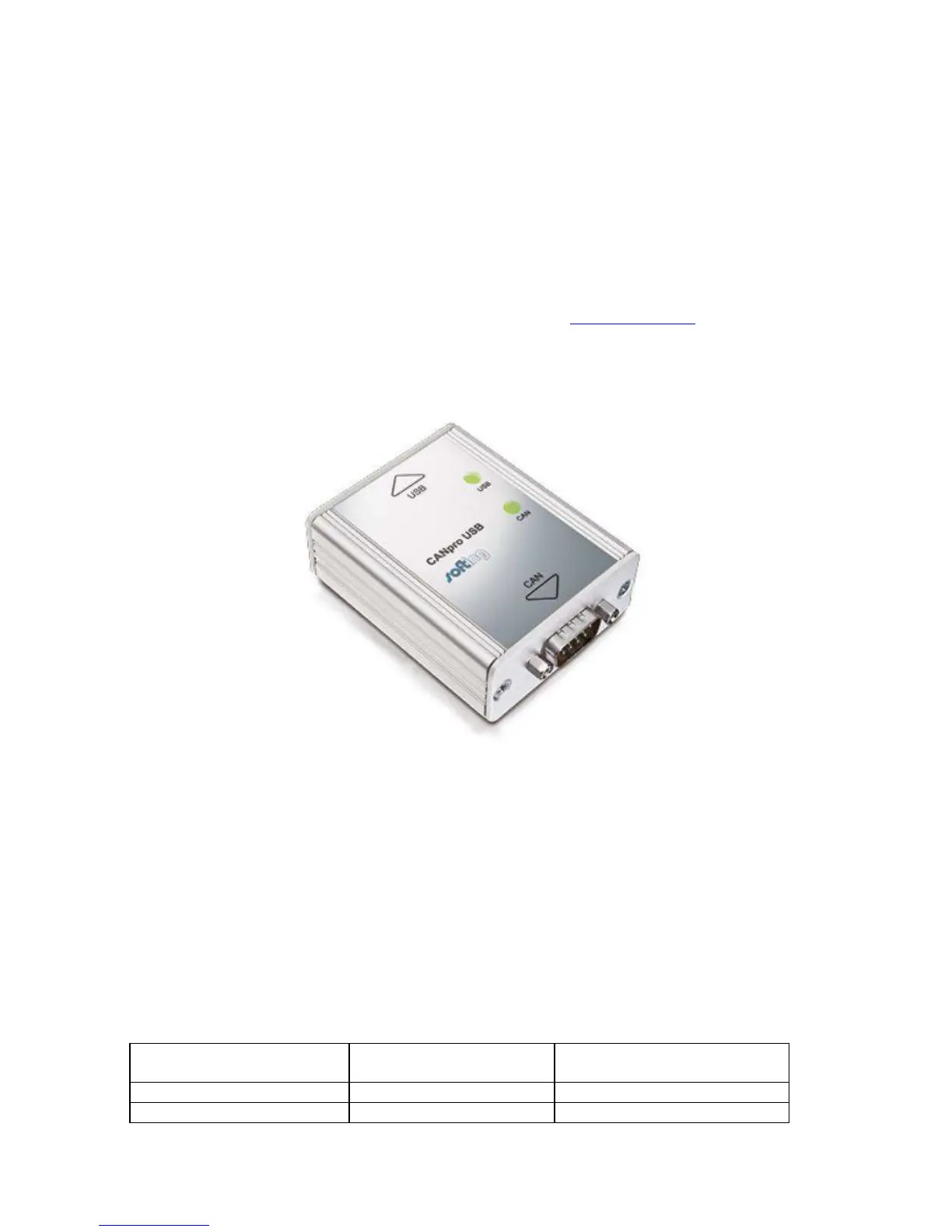
An image of the CANpro USB Interface is shown below. Note that although other CAN – PC
interfaces will connect to the BS-9000 network, only the CANpro USB will work correctly with
the Brigade Backsense CAN Radar Test Tool.
7.2 PC System Requirements
The Brigade Backsense CAN Radar Test Tool requires a PC with a USB 2.0 Type-A
connector for connection to the CANpro USB interface. A USB cable with USB standard type
A plug to B plug should be used, and is included with the CANpro USB Interface.
The Backsense CAN Radar Test Tool is compatible with Microsoft Windows 7 & 10 (32-bit or
64-bit version) operating systems.
7.3 CANpro – BS-9000 Network connection cable
Users will require a cable for connection between CANpro interface and BS-9000 sensor
network. This cable is not available from Brigade and must be provided by the user. Pinout
details are given in the table below. Note that the CANpro interface does not include
termination and therefore Brigade Network Terminators will be required in this instance.
CANpro 9-way D-Type



 To Next Page