24
7.6 Backsense Configuration Tool
The Backsense Configuration Tool is a command line type application that enables the user to
perform the following functions within the BS-9000 system:
• Alter CAN ID of each sensor within the permitted range.
• View live CAN data from the entire network.
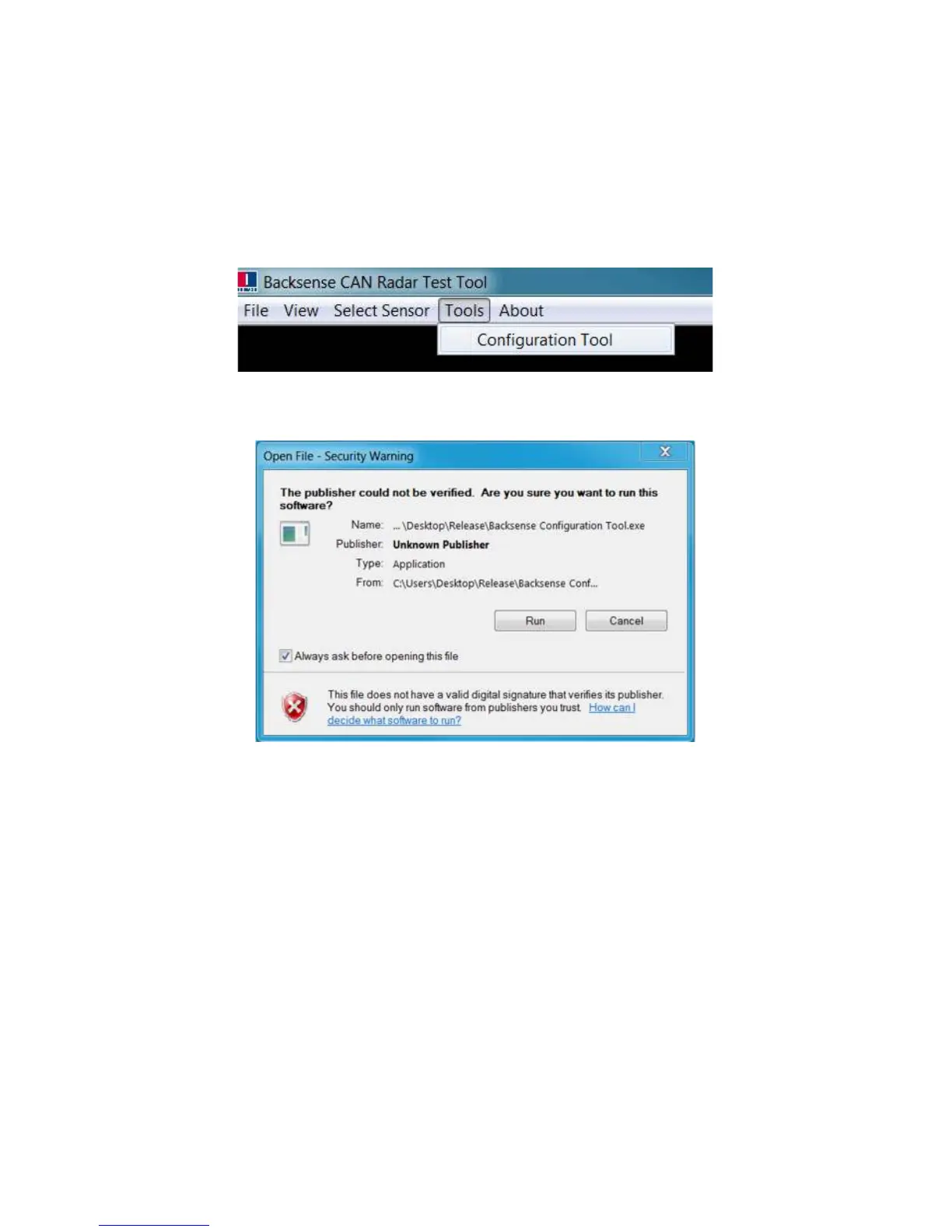
7.6.1 The Backsense Configuration Tool may be launched from the “Tools” menu within
the Backsense CAN Radar Test Tool, as shown below:
7.6.2 Depending on PC security settings, the following warning may be seen. The user
must select “Run” to proceed to the application:



 To Next Page