31
7.6.11 Now reset the radar (power cycle).
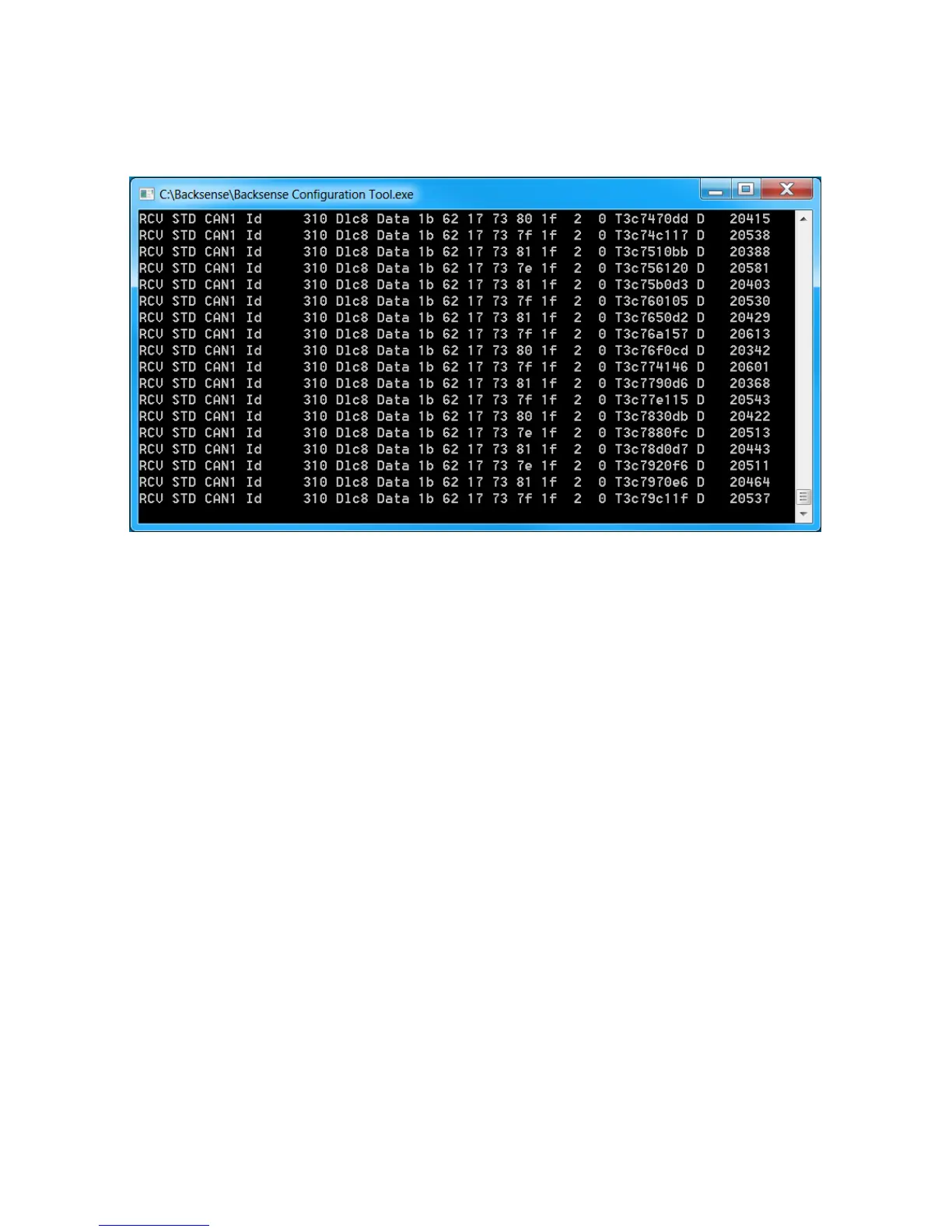
7.6.12 The user may check for correct ID change by monitor live CAN data from the sensor
Pressing the “r” key on the keyboard will start monitoring.
7.6.13 The Backsense Configuration Tool must be closed in order to return to the
Backsense CAN Radar Test Tool.
7.7 System Errors
In the event of system error, loss of CAN data from one or more sensors may occur. The user
should verify conditions below before suspecting a faulty sensor
• Sensor or extension cable not connected.
Action: Check all connectors are plugged together fully.
• No data connection between sensor and host.
Action: Check for damage on connectors and cables.
• No power connection to sensor.
Action: Check for damage on connectors and cable.
• CAN communication error with sensor.
Cable is routed or system is installed too close to an electric noise source in vehicle.
Action: Try to relocate affected part of the system.
The Brigade Backsense
®
System cannot self-diagnose potential sensor detection issues
caused by the build up of ice, dirt, mud, heavy rain or immersion in water, which may impede
system performance. Therefore, follow the section “8 Testing and Maintenance”.



 To Next Page