30
7.6.9 To re-configure the sensor ID, the user must press “C” on the keyboard as below:
1
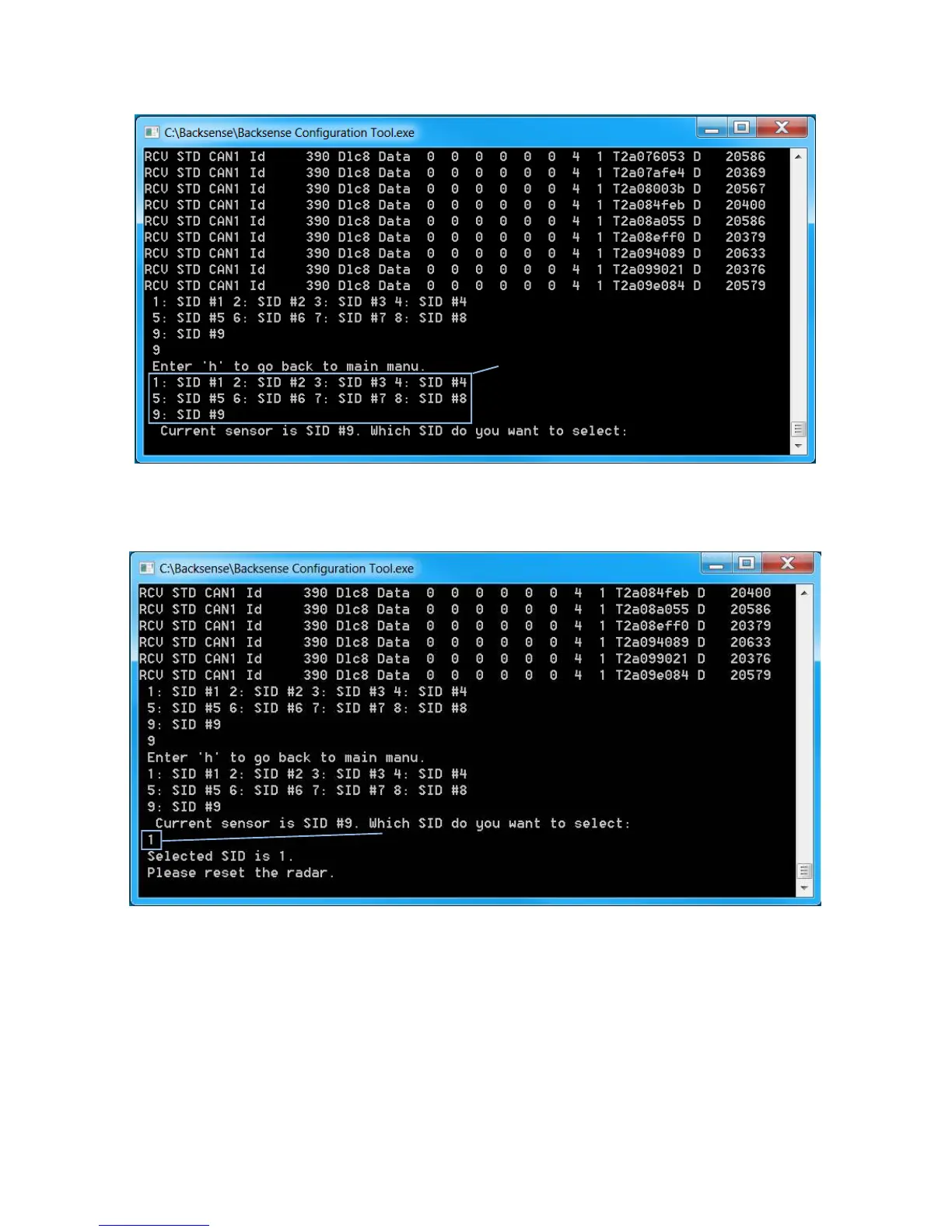
7.6.10 The user must select the number for the desired sensor ID. In the example below,
the desired ID is 1 therefore the user presses “1” on the keyboard
User presses C key to enter Change
menu of configuration function
User presses 1 key to select ID 1 for



 To Next Page