29
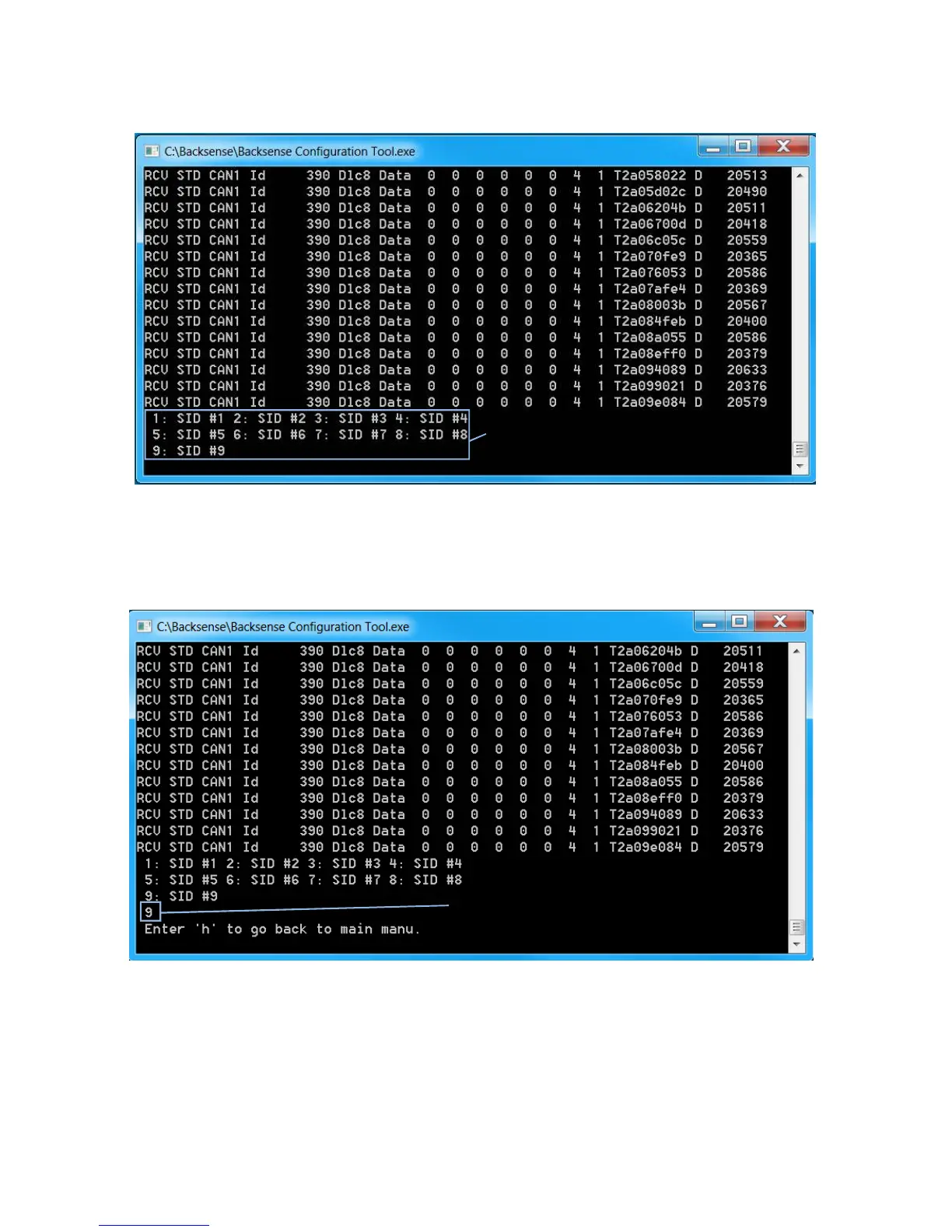
7.6.7 Pressing the “S” key on the keyboard will enter sensor ID configuration function as
shown below:
7.6.8 The user must select the sensor to be configured by pressing the number of that
sensor on the keyboard. In the example below, only one sensor with Sensor ID 0x09
is connected, (as identified by “390” CAN data). In this instance the user will press
“9” on the keyboard.
User presses S key to enter Selection



 To Next Page