BrightDrop Zevo 600 Owner Manual (GMNA-Localizing-U.S./Canada-
16569273) - 2023 - CRC - 11/3/22
Driving and Operating 149
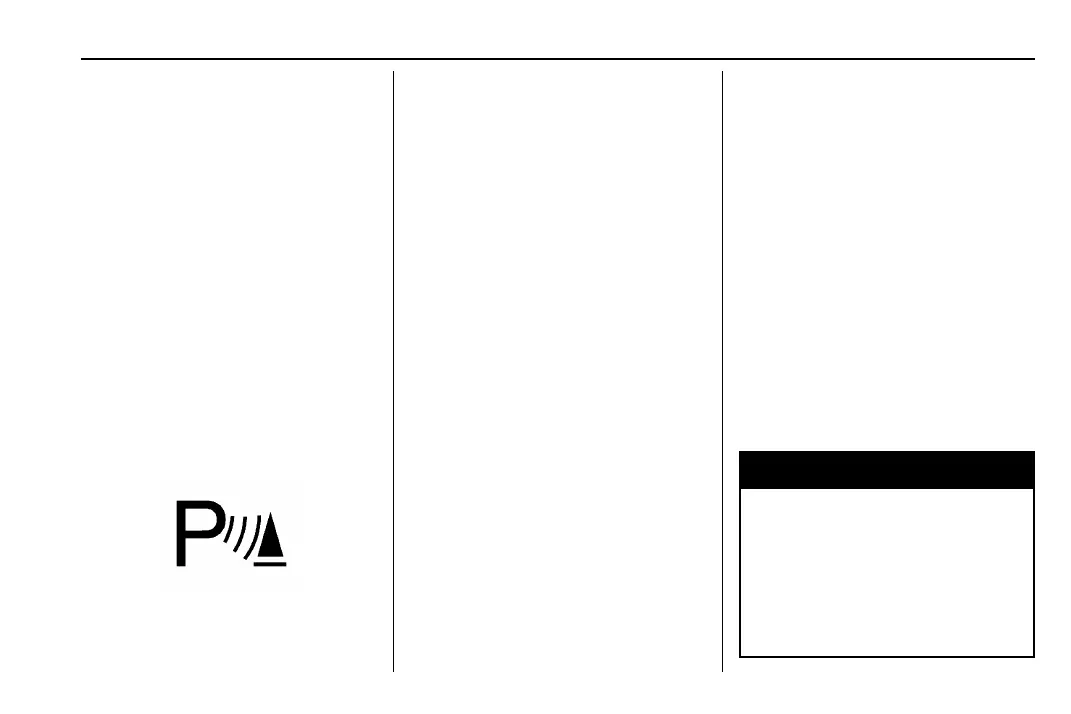
The instrument cluster may have a Park
Assist display with bars that show “distance
to object” and object location information
for the Front and Rear Park Assist system.
As the object gets closer, more bars light up
and the bars change color from yellow to
amber to red.
When an object is first detected in the rear,
one beep will be heard from the rear,
or both sides of the Safety Alert Seat will
pulse two times. When an object is very
close — <0.4 m (1.5 ft) in the vehicle rear or
<0.3 m (1 ft) in the vehicle front — a
continuous beep will sound from the rear or
front depending on object location, or both
sides of the Safety Alert Seat will pulse five
times. Beeps for FPA are higher pitched than
for RPA.
Turning the Features On or Off
Press X on the instrument panel, to the
left of the steering wheel, to turn on or off
the Front and Rear Park Assist. The indicator
light next to the button comes on when the
features are on and turns off when the
features have been disabled.
Front and Rear Park Assist can be turned
Off, On, or On with Towbar. To view
available settings from the infotainment
screen, touch Settings > Vehicle >
Collision/Detection Systems. If Park Assist is
turned off through vehicle personalization,
the Park Assist button will be disabled. To
turn Park Assist on again, select On in
vehicle personalization. The On with Towbar
setting allows Park Assist to work properly
with a trailer hitch. Some larger trailer
hitches may not be compatible.
Turn off Park Assist when towing a trailer.
RPA symbols can be turned on or off. To
view available settings from the
infotainment screen, touch Settings >
Vehicle > Collision/Detection Systems > Rear
Camera Park Assist Symbols.
Reverse Automatic Braking (RAB)
Backing Warning and Reverse Automatic
Braking (RAB)
When in R (Reverse), Backing Warning alerts
of rear objects at vehicle speeds greater
than 8 km/h (5 mph), and RAB may
automatically brake hard at speeds between
1–32 km/h (0.5–20 mph).
The Backing Warning System will beep once
from the rear when an object is first
detected, or pulse twice on both sides of the
Safety Alert Seat. When the system detects
a potential crash, beeps will be heard from
the rear, or five pulses will be felt on both
sides of the Safety Alert Seat. There may
also be a brief, sharp application of the
brakes.
{
Warning
The Backing Warning System only
operates at speeds greater than 8 km/h
(5 mph). It does not detect children,
pedestrians, bicyclists, animals, or objects
below the bumper or that are too close
or too far from the vehicle. In some
situations, such as at higher backing
(Continued)


 To Next Page