Brillcam Inc. Copyright 2020-2021 Page 65 , Total 83
3.5.5 Local Alarm
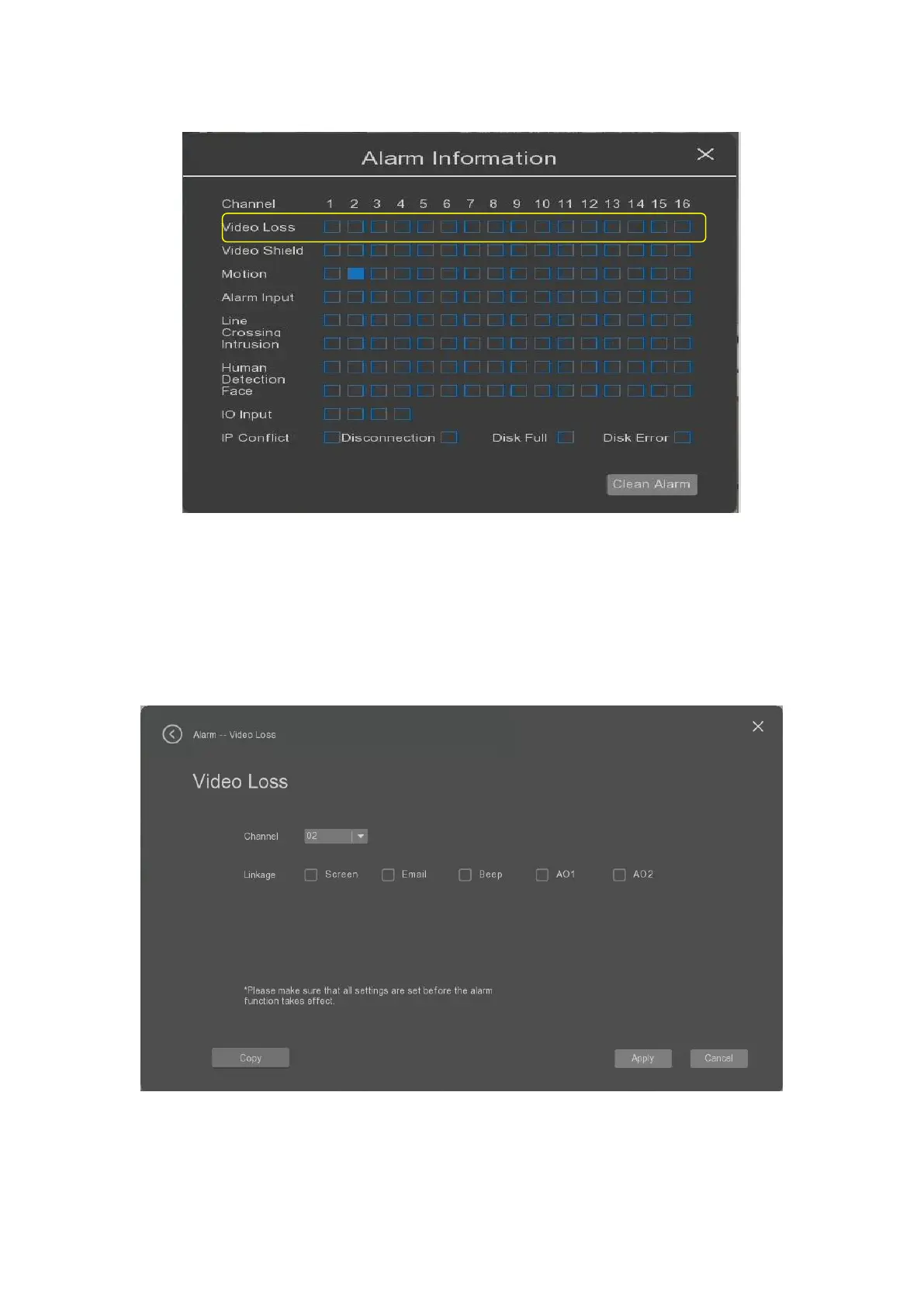
The user can select the “Local alarm” tab to set the parameters of the local alarm of the device. Local alarm
mainly analyzes and detects certain hardware and software error alarms of the equipment. When an
abnormal event is detected, the device will respond accordingly, such as screen prompts, sending emails
and buzzers.
• Type: it allows the user to select the type of the local alarm from Disk full, Disk error, IP address conflict,
Cable disconnected.
• Linage: it allows the user to set the linkage actions for screen, email or beep.


 To Next Page