EasyManua.ls Logo

BRIO Premiere CBP500 Series - User Manual

BRIO Premiere CBP500 Series
6 pages
Print Icon
To Next Page IconTo Next Page
Loading...
WATER COOLER
USER’S MANUAL
Thank you for purchasing a Brio water cooler. Please read this user’s
manual thoroughly for using the water coolers safely and appropriately.
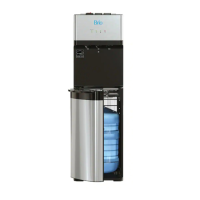
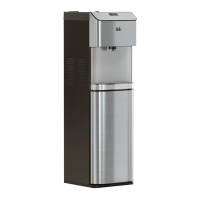
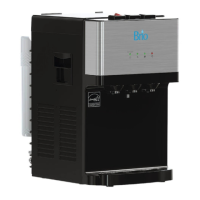
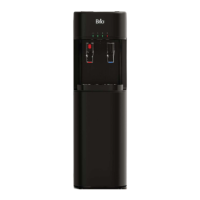
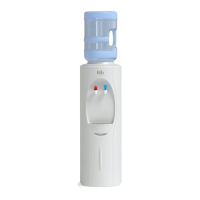
CBP500: Hot & Cold, White
CBP505: Cook & Cold, White
CBP520: Hot & Cold, Black
CBP525: Cook & Cold, Black
CBP500 Premiere Series
Top-Load Coolers

Questions and Answers

Summary

How to Use Child Lock Lever

Receiving Procedure

Inspect the dispenser box carefully for any evidence of shipping or handling damage before signing.

How to Install and Use

Prepare Water Bottle

Steps for preparing the water bottle, including removing seals and installing it correctly.

Remove the Air inside the Hot Water Tank

Case and Drip Tray Cleaning

Instructions for cleaning the dispenser's exterior casing and drip tray using soft cloths.

Radiator Condenser Maintenance

Guidance on cleaning the radiator condenser for optimal cooling efficiency.

Power Cord and Plug Inspection

Steps to inspect the power cord and plug for damage or overheating.

Leakage Checks and Tank Draining

How to check for leaks and procedure for draining the tank.

Troubleshooting Guide

Repair and After Sales Service

Information and steps for contacting support for repairs or service.

Cooler Parts and Accessories

BRIO Premiere CBP500 Series Specifications

General IconGeneral
Water SourceBottled Water
FiltrationNo
Available Water OptionsHot, Cold, Room Temperature
Voltage120V
ColorBlack
Capacity5 Gallon
Hot Water Temperature185°F (85°C)
Cold Water Temperature50°F (10°C)
MaterialPlastic
TypeBottom Loading Water Dispenser

Related product manuals