EasyManua.ls Logo

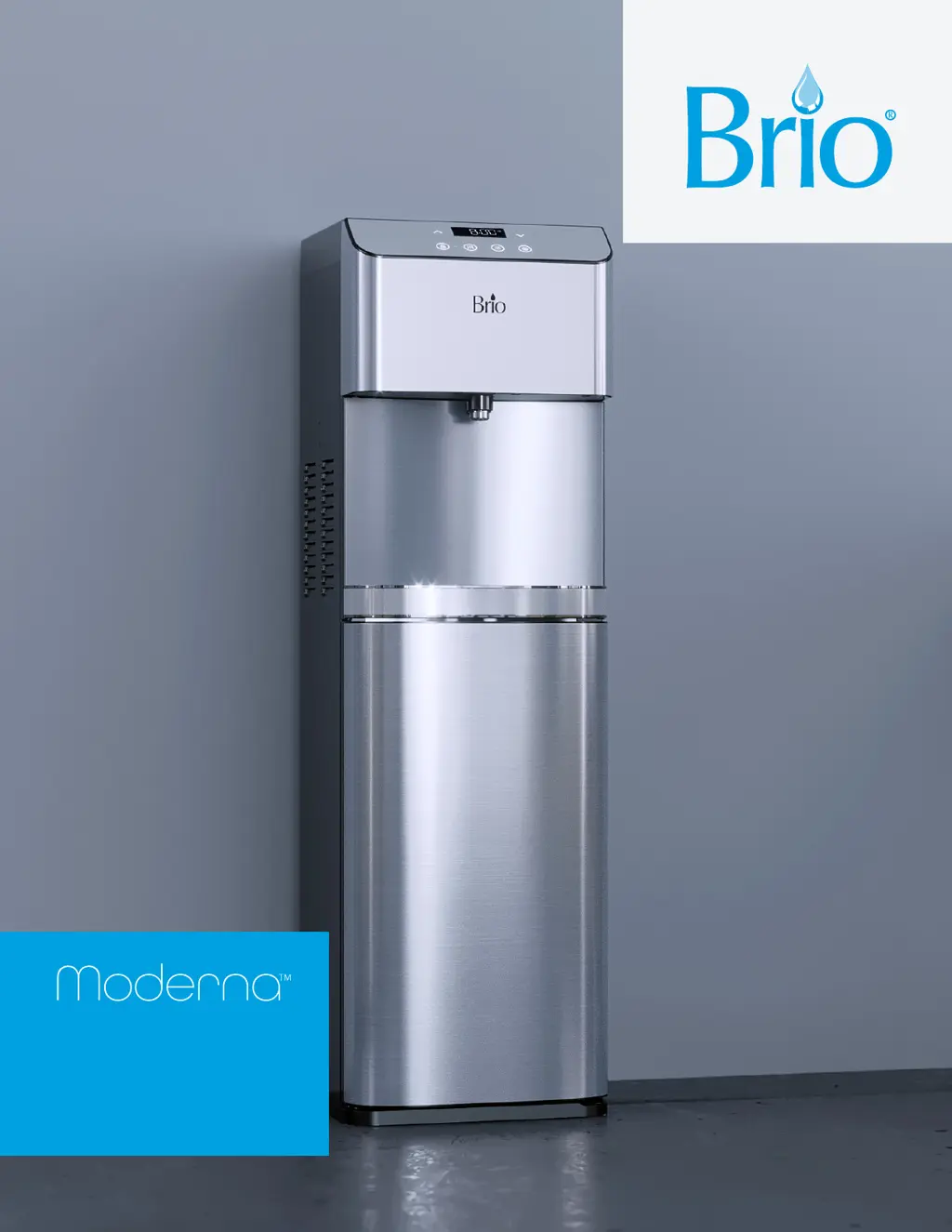
BRIO Moderna CLPOU720UVRO4 - User Manual

BRIO Moderna CLPOU720UVRO4
16 pages
Print Icon
To Next Page IconTo Next Page
Loading...
Point of Use
Water Dispenser
Setup Manual
Model No.: CLPOU720UVRO4

Questions and Answers

  • M
    Melissa RochaAug 7, 2025
    What to do if my BRIO Moderna CLPOU720UVRO4 Water Dispenser is leaking?
    • M
      Mackenzie StaffordAug 7, 2025
      If you notice water leakage from your BRIO Water Dispenser, it could be due to a few reasons. First, if the 3 lights are flashing, it indicates a leak has been detected. Another possible cause is that the pipe is not connected properly. In this case, check all water connections and tubes to ensure everything is securely connected. If the water and PE pipes have burst, you will need to replace them.
  • D
    Daniel MccoyAug 16, 2025
    Why is the cold water not cold in my BRIO Water Dispenser?
    • B
      Bruce GarciaAug 16, 2025
      If the cold water from your BRIO Water Dispenser isn't cold enough, there are several things you can check. First, remember that it can take up to one hour after setup for the water to get cold. Ensure that the power cord is properly connected to a working outlet. Also, make sure the back of the dispenser has at least 8 inches (20 cm) of space from the wall to allow for free airflow on all sides. Finally, verify that the green cooling switch on the back of the dispenser is turned On. If the water still isn’t cold, call customer service at +1 844-257-4103 for assistance.
  • C
    Crystal RichardsonAug 27, 2025
    Why is the hot water not hot in my BRIO Moderna CLPOU720UVRO4?
    • A
      anitaschmidtAug 27, 2025
      If the hot water from your BRIO Water Dispenser isn't hot, keep in mind that it takes 15-20 minutes after setup to dispense hot water. Ensure that the power cord is properly connected to a working outlet. Also, make sure the red heating switch on the back of the dispenser is turned On.

Summary

Safety Information

General Safety Precautions

Key safety precautions for assembly, installation, and operation of the water dispenser.

Operational Safety Guidelines

Environmental conditions, handling, and UV safety notes for proper operation.

Intended Use

Applicable Use Cases and Limitations

Describes suitable environments and user restrictions for the appliance.

Product Features

Component Identification and Overview

Identifies and describes all parts of the water dispenser with numbered labels.

Product Dimensions

Physical Specifications

Provides the physical measurements of the unit in inches and centimeters.

Operational Specifications

Temperature, Volume, and Flow Rates

Details the operational parameters for cold and hot water dispensing.

Touch Panel and TDS Information

Control Panel Interface

Explains the function of each button and display element on the touch panel.

TDS Reduction Performance

Shows estimated TDS reduction based on inlet water quality.

Package and Materials

Included Package Contents

Lists all parts included in the product package with quantities.

Materials and Tools Needed

Lists necessary tools and materials for installation.

Installation Guide

Determine Installation Location

Guides on selecting the proper placement for the dispenser.

Connect to Cold Water Supply

Instructions for connecting the unit to the cold water line.

Make Reverse Osmosis Waste Connections

Details how to connect the RO drain line to the household drain.

Flush the Filters

Procedure for flushing filters before final installation.

Install Filters and Complete Installation

Final steps for installing filters and connecting water inlet.

Operation Instructions

Turning the Dispenser On;Off

Guide on powering the dispenser on and off.

Setting the Time

Instructions for setting the current time on the display.

Adjusting Cold Water Temperature

How to adjust the cold water dispensing temperature.

Adjusting Hot Water Temperature

How to adjust the hot water dispensing temperature.

Dispensing Water and Safety Lock

Instructions for dispensing water and managing the child safety lock.

Troubleshooting and Maintenance

Common Issues and Solutions

Addresses common problems and their resolutions.

Care and Maintenance Guidelines

Provides advice on general care and cleaning of the unit.

Filter Management

Filter Replacement Schedule and Procedure

Details filter types, replacement intervals, and step-by-step replacement process.

Filter Specifications

Details capacity, flow rate, pressure, and temperature for each filter type.

Warranty Information

Limited Warranty Terms and Conditions

Outlines the warranty coverage, exclusions, and claim process.

BRIO Moderna CLPOU720UVRO4 Specifications

General IconGeneral
BrandBRIO
ModelModerna CLPOU720UVRO4
CategoryWater Dispenser
LanguageEnglish

Related product manuals