Model 671 User’s Manual USING THE LASER WAVELENGTH METER
Bristol Instruments, Inc. 22
• Stop Data Logging – Stops the current logging operation. Note that if you started
logging using the “Stop after measurements” or “Stop after hours, minutes, seconds”
options, logging will stop automatically and you do not need to click on Stop Data
Logging unless you wish to abort early. In any case, the logging data will be written to
the specified file when data logging is stopped.
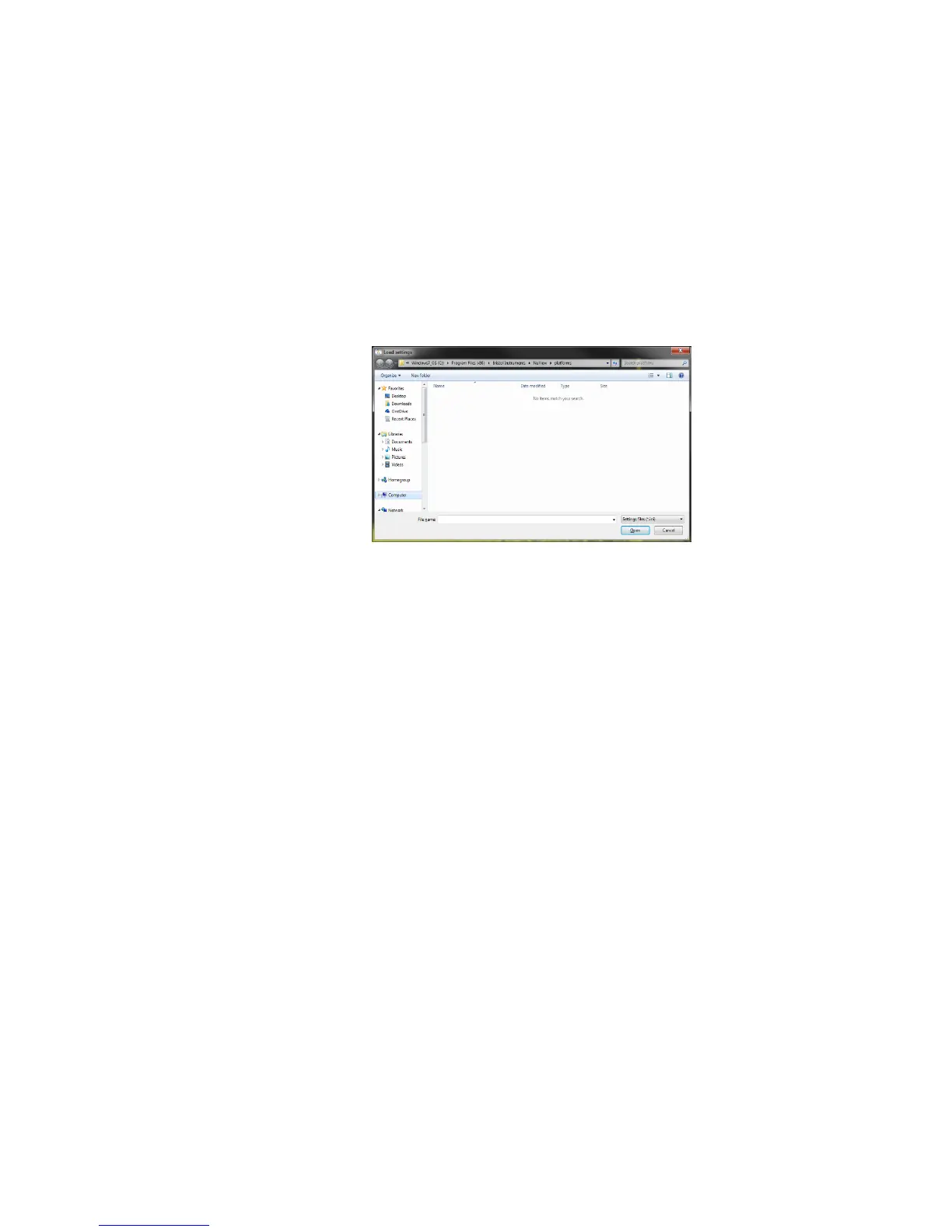
• Load Settings – Opens a previously saved Settings file from a text-based
initialization (*.ini) format file. These files can be used to quickly configure the NuView
software for different users or experimental setups. Click on Load Settings, browse to
find the desired settings file, select it, and click on Open to load the Settings file.
• Save Settings – Saves the current NuView software settings to a text-based
initialization (*ini) format file. The Settings file saves the following parameters.
– Spectral Units – The units for the Wavelength Display in nanometers,
microns, gigahertz, terahertz or wavenumbers.
– Intensity Units – The units for Power Display in linear or logarithmic format.
– Logging Type – The type of measurement logging, specified as number of
measurements, measurement time, or continuous measurement.
– Logged Measurement Settings – The checklist of measurement
parameters (Instrument Status, Max Peak Wavelength, etc).
– Save Location – The log file location.
– Averaging Status – Whether averaging is enabled or disabled.
– Number of Averages – The number of measurements averaged.
Click on Save Settings, enter the file name and folder location and click Save.



 To Next Page