Model 671 User’s Manual USING THE LASER WAVELENGTH METER
Bristol Instruments, Inc. 25
• Disconnect – Used to disconnect the 671 system from the PC.
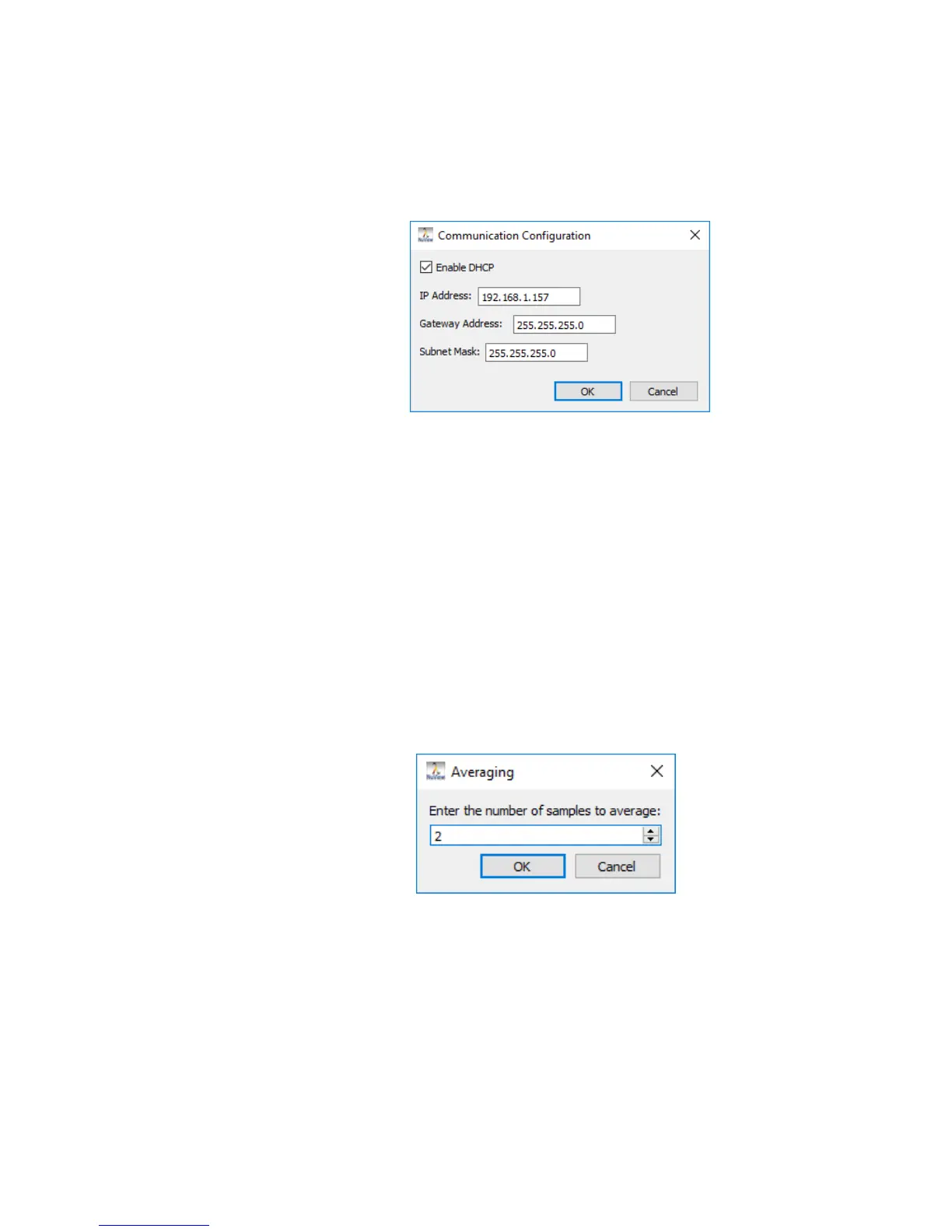
• Set IP Address – Manually change the IP address for the 671 system using the
keyboard. Once the IP address is changed, click OK, and power cycle the 671
system to complete the change.
• Averaging – This function automatically calculates a running average of as many as
100 measurements.
When averaging is selected, the Wavelength Display or Trend Screen will display a
single measurement after the chosen number of measurements is collected and
averaged. The Wavelength Display or Trend Screen will then be updated with each
successive measurement.
– Enable – Averaging can be turned on by clicking Enable. This places a check
mark next to Enable Averaging. Averaging is turned off by clicking Enable a
second time.
– Set Number – Allows the user to enter the number of averages between 2 and
100. The number of averages can be adjusted incrementally by using the
up/down arrows or by highlighting the current numeric value and entering a new
numeric value with the keyboard.



 To Next Page