Model 671 User’s Manual USING THE LASER WAVELENGTH METER
Bristol Instruments, Inc. 24
• Intensity Unit – Allows the user to select the intensity unit for the Power Display.
• mW – Sets the power unit to milliwatts.
• dBm – Sets the power unit to decibel-milliwatts.
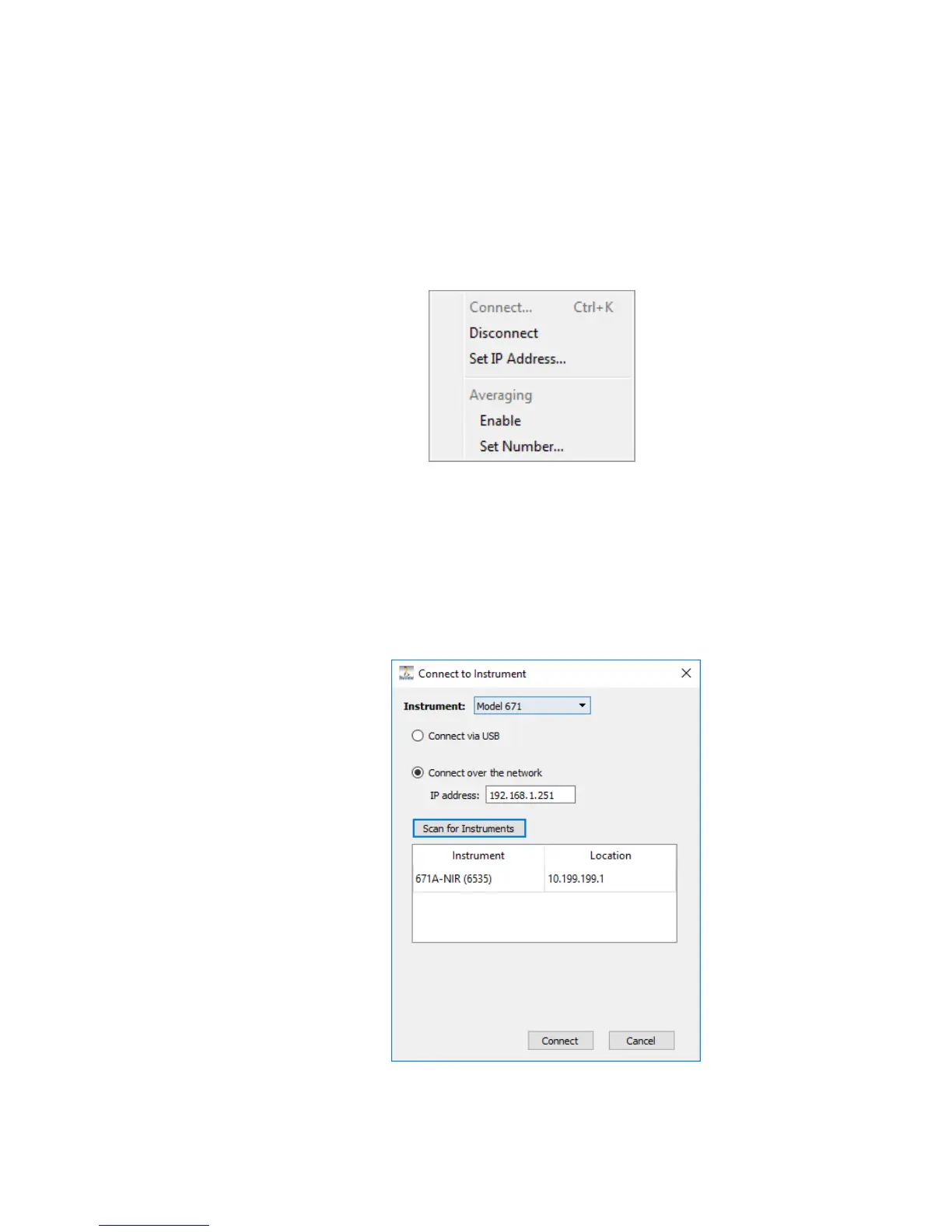
Instrument Menu
• Connect – The 671 system can be connected to a PC by either USB 2.0
interface or over an Ethernet network. Select Model 671 from the drop-down
menu. Click on Connect and choose between “Connect via USB” or “Connect
over the network.” If “Connect over the network” is chosen, click on Scan for
Instruments to search for all 671 systems connected to the network. Double
click on the desired instrument to populate the IP address field, or manually
enter the IP address using the keyboard. Click on Connect to link to the
instrument.



 To Next Page