Model 671 User’s Manual REMOTE COMMUNICATIONS
Bristol Instruments, Inc. 29
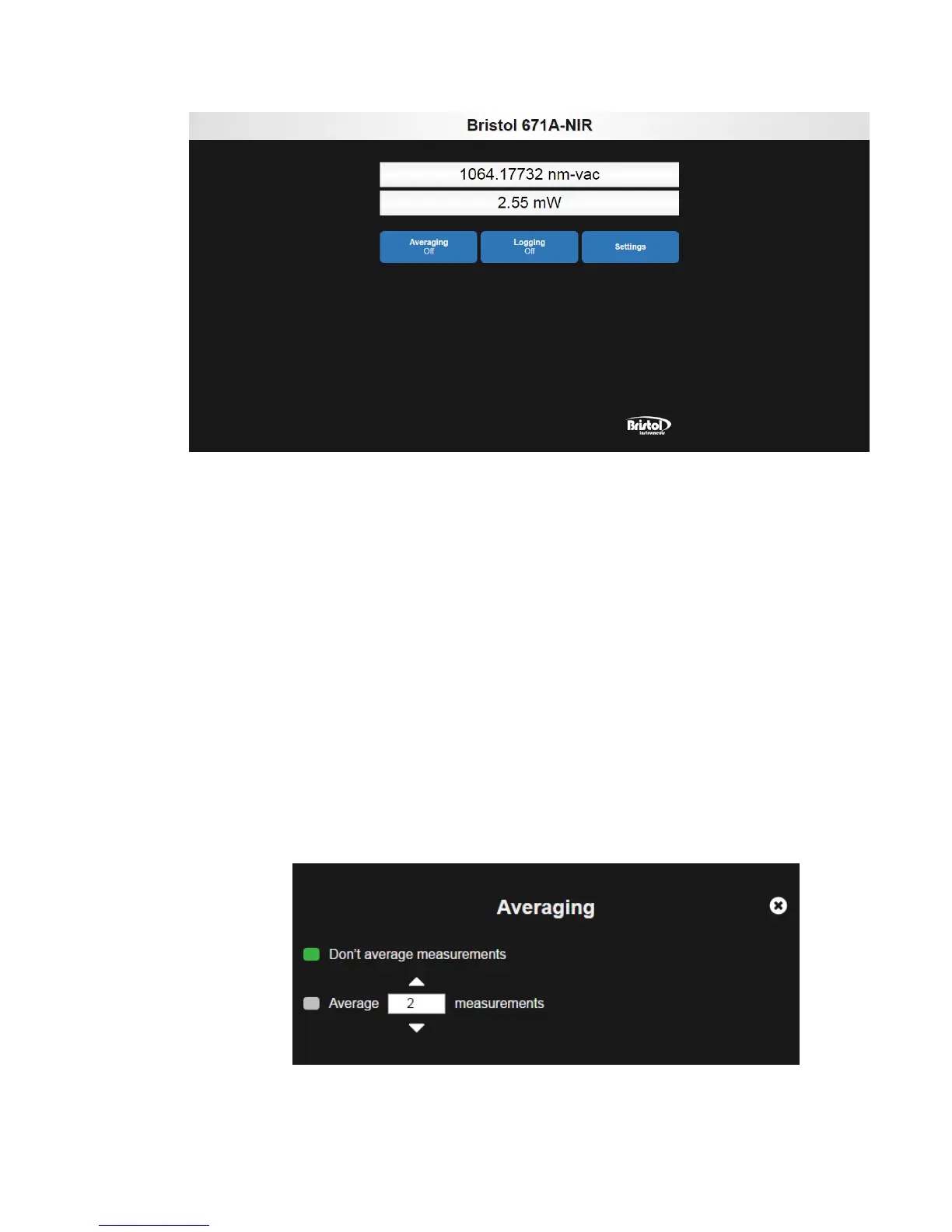
Figure 6.1: Web-Based Display Application
The display application shows the real-time wavelength and power measurements from
the connected 671 system. The display application also offers customizable settings for
displaying the measurement.
• Averaging – This function automatically calculates a running average of as many as
128 measurements. When averaging is selected, the wavelength display will display
a single measurement after the chosen number of measurements is collected and
averaged. The wavelength display will then be updated with each successive
measurement. The Averaging function does not affect the wavelength and power
measurements being logged.
– Don’t average measurements – Clicking this button disables averaging.
– Average…measurements – Clicking this button enables averaging and allows
the user to enter a number of averages between 2 and 128. The number of
averages can be adjusted incrementally by using the up/down arrows, or by
highlighting the current numeric value and entering a new numeric value with the
keyboard or number-pad.



 To Next Page