Model 671 User’s Manual REMOTE COMMUNICATIONS
Bristol Instruments, Inc. 30
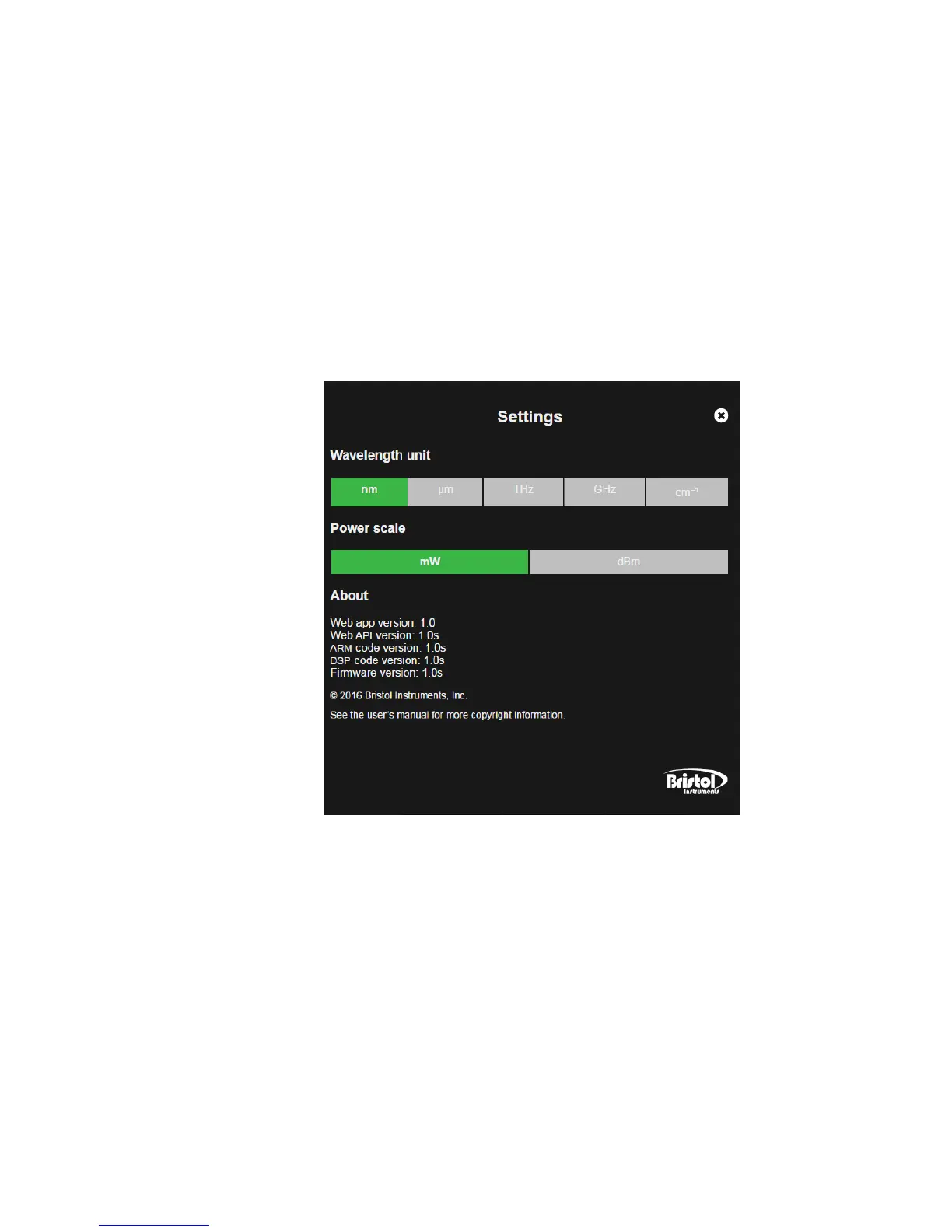
• Settings – Allows the user to select the measurement units for the wavelength
display and power display. The Settings screen also displays relevant information
about the web-based display application and embedded software versions.
– Wavelength Unit – Displays the wavelength in units of nm, µm, GHz, THz or
cm
-1
. The green colored unit is currently displayed, while gray colored units are
inactive. Click to select.
– Power Scale – Selects the unit for the power display (VIS and NIR models only).
The green colored unit is currently displayed, while the gray colored unit is
inactive. Click to select.
– About – Displays the display application version and the embedded software
versions.



 To Next Page