Rev:Y2,August,2020 ATP_ASP Price Computing Scales Operation Manual
4 Display will be shown, which unit price is stored.
5 Place the load on the platform, total price will be calculate automatically.
6.2 Direct PLU Setting
ZTP/ZSP can store 2 direct unit price values.
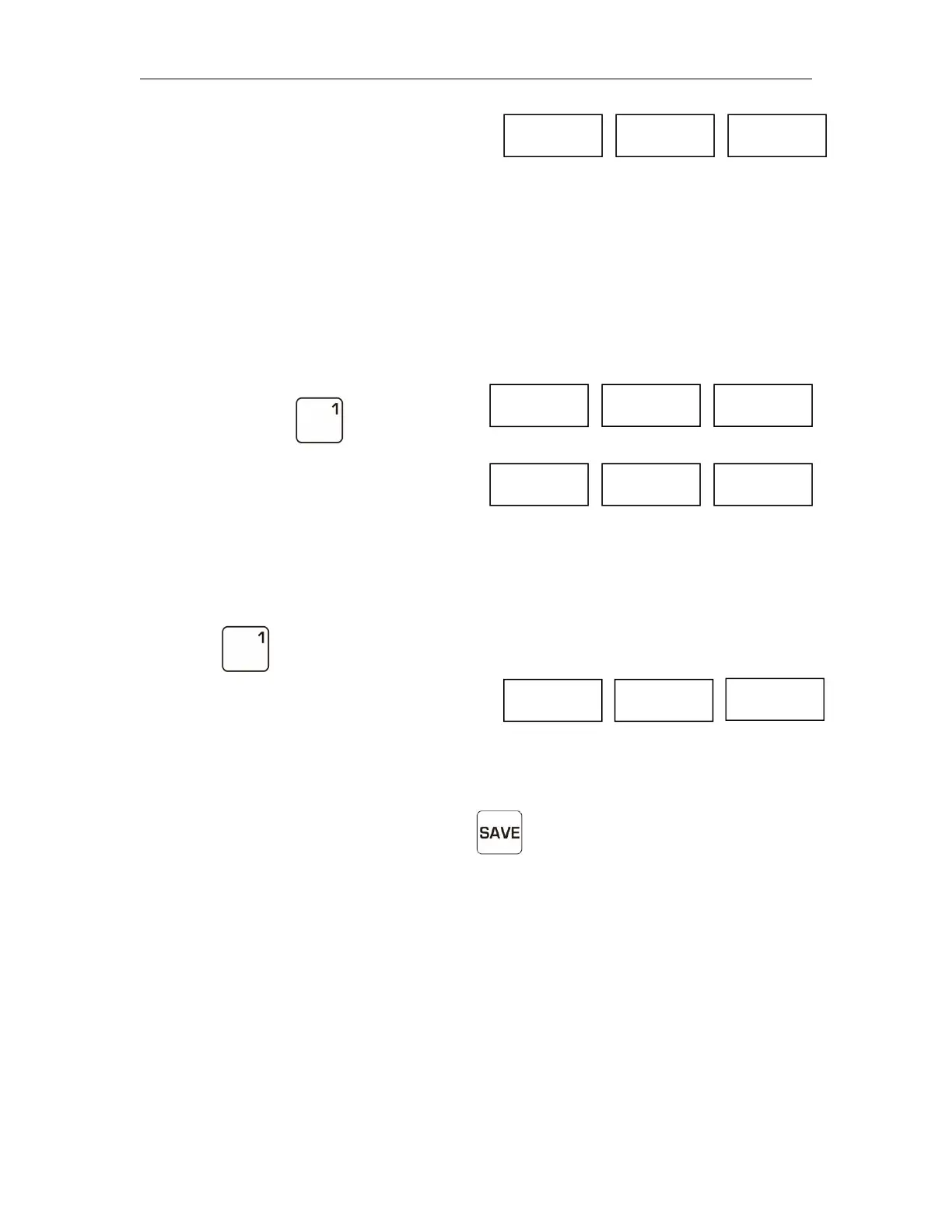
Save to memory
1 By pressing numeric keys enter the unit price 10.
2 Press and hold , display will be shown
3 Unit price 10 saved into direct PLU 1.
Re-Cal Unit Price
When you want to weigh stored unit price,
1 Press key, the stored unit price appears on the display.
2 Place the load on the platform, total price will be calculate automatically.
7. Automatic Unit Price Clear
It can set automatic unit price clear.Press key to save indicator turn on or off.
1 When save indicator on, unit price appear after return to zero.
2 When save indicator off, unit price will be clear automatically.
8. Printing Operation
It allows to connect with TPuP receipt printer and RP80VI label printer ,To enable
the function, please enter parameters to select F11RS232 >Mode>Printer > TPuP or
RP80VI ; F11RS232>BAUD > 9600; F11RS232>PR> 8N1
1 Connect with the printer.


 To Next Page