ATP_ASP Price Computing Scales Operation Manual Rev:Y2,August,2020
2 Recall the direct or indirect PLU,the unit price will appear.
3 Load the items on the platter.
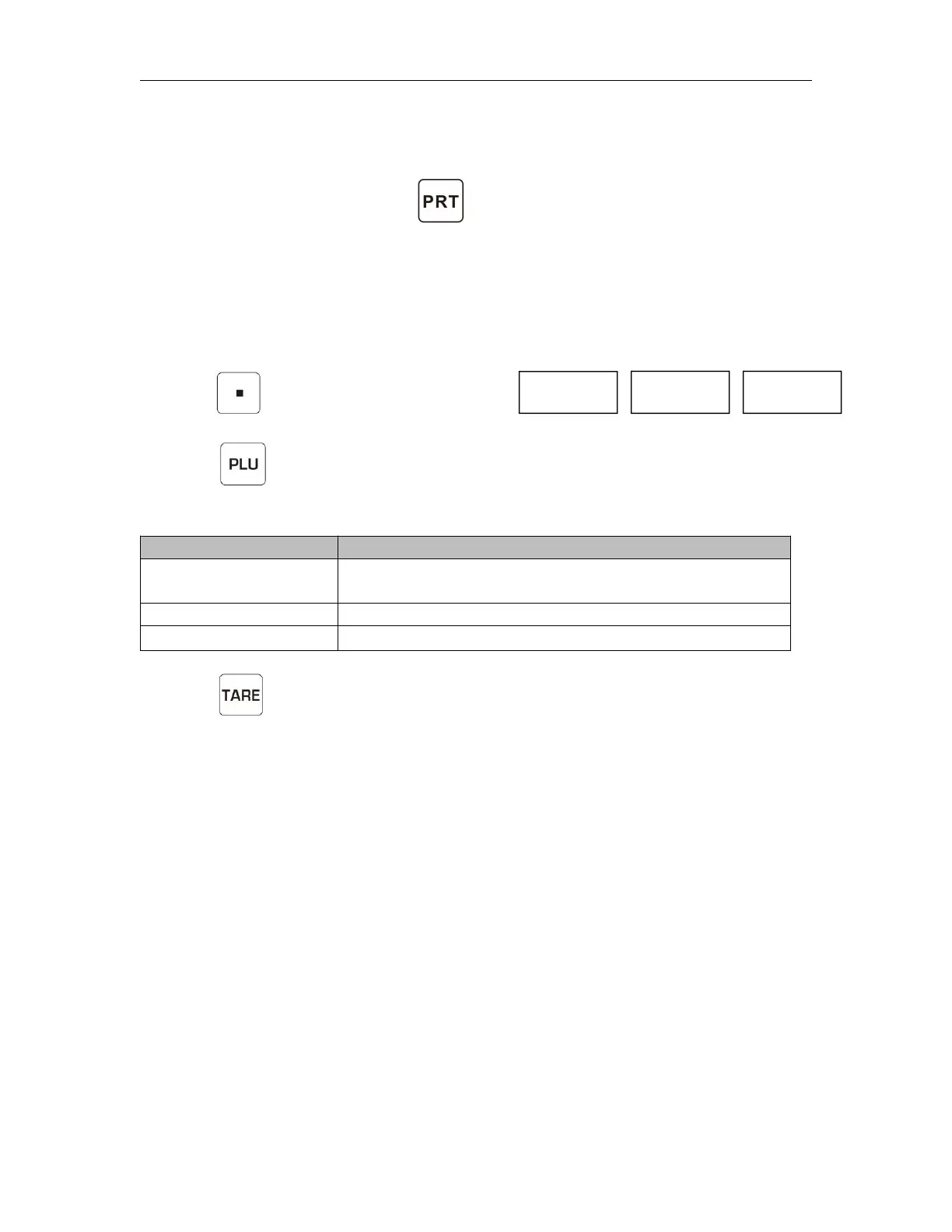
4 After stable indicator on,Press key to print out the format.
9.Back light Setting
ATP/ASP have an option to choose the back light operation.
1 In normal weighing mode,Press and
hold key until to show the display
2 Press key to change the settings back light display mode to Auto / On
/Off.
3 Press key to confirm and back to normal weighing mode.
Note: When the battery is getting low,the backlight function is not available.
Backlight will be turned on, when start to use or when
weight is not in zero.
Backlight will be turned always on
Backlight function will be turned off


 To Next Page