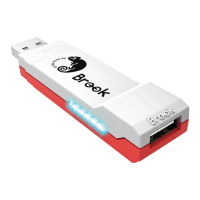
3 4
Connection:
Successfully connected to console
Enter Bluetooth pairing mode
Successfully connected to console and
controller
Digital output (Click the PS button once
for switching to analog signal)
Successfully connected to console and
controller
Analog output (Click the PS button once
for switching to digital signal)
PS classic turn into X-Input mode
X-Input mode turn into PS classic
Function: Turbo & Remap
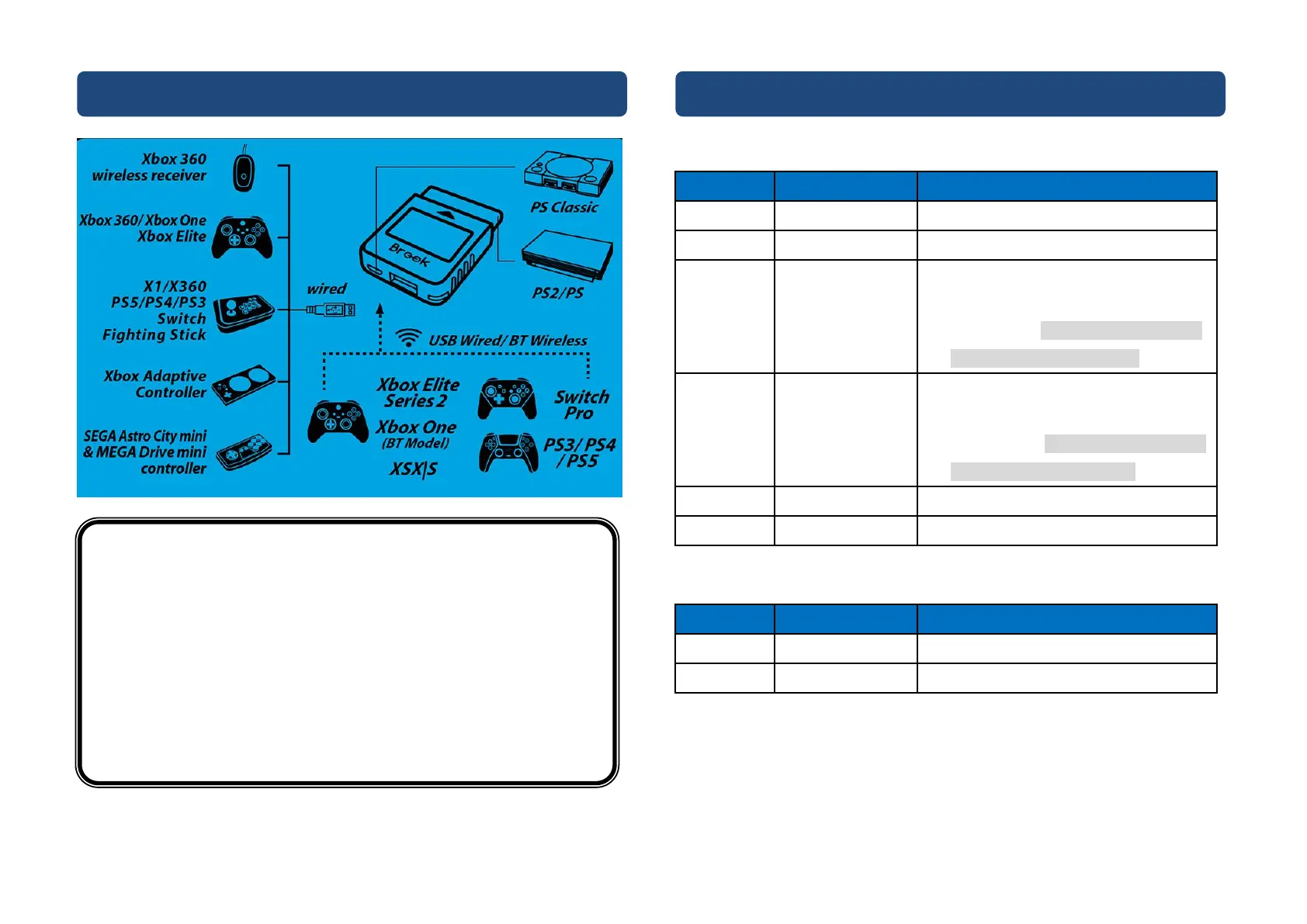
Connection Diagram and Notice
NOTICE
This converter supports most of brand controllers and fighting boards in
the market.
We are increasing the number of supported accessories, firmware will be
updated irregularly.
Each converter is for one controller at a time.
Turbo and Remap function can only be set in gamepad mode, cannot be
set in fighting board mode.
If the controller does not work due to insufficient power, please connect
the micro USB port to the 5V/1A Charger.


 To Next Page