EasyManua.ls Logo

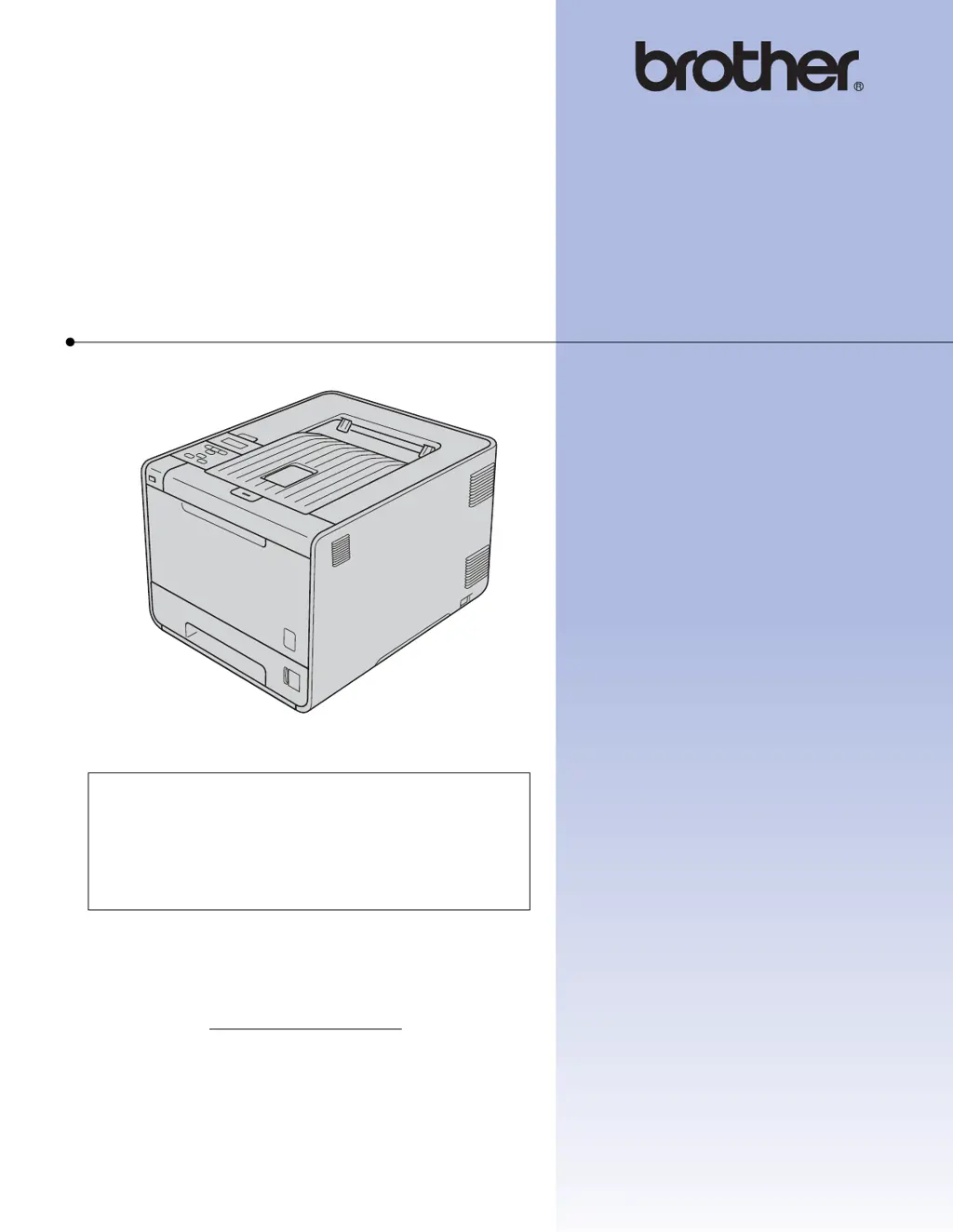
Brother HL-4570CDW - User Manual

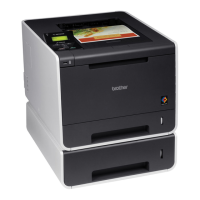
Brother HL-4570CDW
191 pages
Print Icon
To Next Page IconTo Next Page
Loading...
USER’S GUIDE
Brother Laser Printer
HL-4150CDN
HL-4570CDW
For visually-impaired users
You can read this manual with Screen
Reader ‘text-to-speech’ software.
You must set up the hardware and install the driver before you can use the machine.
Please use the Quick Setup Guide to set up the machine. You can find a printed copy in the box.
Please read this User’s Guide thoroughly before you use the machine.
Please visit us at http://solutions.brother.com/
where you can get product support, the latest driver updates and
utilities, and answers to frequently asked questions (FAQs) and technical questions.
Note: Not all models are available in all countries.
Version 0
CHN-ENG

Table of Contents

Other manuals for Brother HL-4570CDW

Questions and Answers

  • J
    jessicahaleyAug 19, 2025
    What to do if my Brother HL-4570CDW Printer says 'No Toner'?
    • A
      asmithAug 20, 2025
      If your Brother Printer displays 'No Toner', it means the toner cartridge for the color indicated on the LCD screen isn't installed correctly. To fix this, pull out the drum unit, remove the indicated toner cartridge, and then reinsert it back into the drum unit.
  • T
    Trevor MckeeAug 22, 2025
    How to fix 'Drum Error' on my Brother HL-4570CDW?
    • J
      Jesse LucasAug 22, 2025
      If your Brother Printer shows a 'Drum Error', it indicates that the corona wire on the drum unit needs cleaning. Clean the corona wire on the drum unit to resolve this issue.
  • A
    antoniogutierrezAug 25, 2025
    How to fix 'Replace Parts Drum' message on Brother HL-4570CDW Printer?
    • M
      Monique HamiltonAug 25, 2025
      If your Brother Printer is displaying 'Replace Parts Drum', it indicates that it is time to replace the drum unit. Replace the drum unit to resolve this issue.
  • D
    Douglas SmithAug 26, 2025
    What to do if my Brother HL-4570CDW says 'Cover is Open'?
    • W
      Willie PerezAug 26, 2025
      If you see 'Cover is Open' on your Brother Printer, it means the front cover, ADF cover, or fuser cover isn't completely closed, or paper was jammed when you turned it on. Make sure to close the front cover, ADF cover, and fuser cover properly. If there was a paper jam, remove the jammed paper, close the fuser cover, and then press Mono Start or Colour Start.
  • J
    John RayAug 28, 2025
    What to do if my Brother Printer shows 'Toner Error'?
    • R
      Ryan TaylorAug 28, 2025
      If your Brother Printer displays 'Toner Error', it signifies that one or more toner cartridges are not installed correctly. To resolve this, pull out the drum unit, remove all the toner cartridges, and then reinsert them back into the drum unit.
  • E
    Erica PetersonAug 30, 2025
    How to fix 'Replace Parts Belt Unit' message on Brother HL-4570CDW Printer?
    • W
      wmoraAug 30, 2025
      If your Brother Printer displays 'Replace Parts Belt Unit', it means it is time to replace the belt unit. Replace the belt unit to resolve this issue.
  • L
    lopezvincentSep 1, 2025
    How to fix 'Drum Stop' message on Brother Printer?
    • L
      Lisa WalshSep 1, 2025
      If your Brother Printer shows 'Drum Stop', it means it is time to replace the drum unit. Replace the drum unit.
  • D
    David RamosSep 2, 2025
    What to do if my Brother HL-4570CDW says 'No Belt Unit'?
    • C
      Christopher YangSep 2, 2025
      If your Brother Printer is displaying 'No Belt Unit', it means that the belt unit is not installed correctly. Re-install the belt unit to resolve this.
  • H
    hespinozaSep 4, 2025
    How to fix 'Fuser Error' on my Brother HL-4570CDW?
    • A
      Alison McconnellSep 4, 2025
      If your Brother Printer displays 'Fuser Error', it means the fuser unit's temperature isn't rising to the specified level within the needed time. Turn the power off, wait a few seconds, and then turn it back on. Leave the machine on for 15 minutes.
  • T
    Tracy NicholsSep 7, 2025
    Why does my Brother HL-4570CDW say 'Cooling Down Wait for a while'?
    • S
      stephen36Sep 7, 2025
      If your Brother Printer shows 'Cooling Down Wait for a while', the drum unit or toner cartridge is too hot. Ensure the fan is spinning and the exhaust outlet isn't blocked. If the fan works, clear any obstructions around the exhaust and let the machine sit for several minutes. If the fan doesn’t spin, disconnect the power for several minutes, then reconnect it.

Brother HL-4570CDW Specifications

General IconGeneral
Typeprinter
Colorblack/white, multi
Tray Capacity800
Paper Sizea4, a5, a6, b5, b5 (jis), b6, folio, executive, legal, letter
Paper Handling1-sheet output tray, 150-sheet output bin, 250-sheet input tray, 50-sheet multipurpose tray
Color Print Speed30 pages per minute
Mono Print Speed30 pages per minute
Print Resolution Colorup to 2400 x 600
Two-Sided Printingno
Maximum Number of Pages Per Monthup to 60, 000
Photo Printingno
Cartridgesn/a
Number Of Cartridges4
Internal Memoryyes
Memory Cardyes
Networkwired, wireless
Connectivityethernet, usb, usb 2.0, wi-fi, brother iprint&scan, google cloud print
OS Compatibilityn/a
Mobile Devices Connectionyes
Weight and Dimensions IconWeight and Dimensions
Height12.3 inches
Width16.1 inches
Net Weight46.3 pounds

Related product manuals