1
Version 0
UK
Please read this guide before attempting to operate the product, or before attempting any
maintenance. Failure to follow these instructions may result in an increased risk of fire, electrical
shock, burns or suffocation. Brother shall not be liable for damage caused where the product
owner has failed to follow the instructions set out in this guide.
How to use this guide: A
1 Read the whole guide before using your product and keep it for later reference.
2 Carefully follow the instructions set out in this guide and always ensure that you follow all
warnings and instructions marked on the product.
3 If you have concerns about how to use your product having read this guide, please refer to
Brother customer service or your local Brother dealer.
4 To ensure you understand all of the instructions, study the symbols and conventions used in
the documentation.
Product Safety Guide A
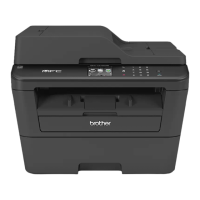
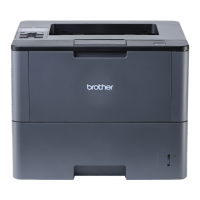
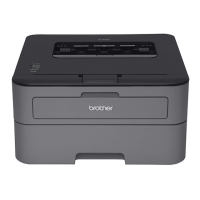
(HL-L2300D / HL-L2340DW / HL-L2360DN / HL-L2365DW / DCP-L2500D /
DCP-L2520DW / DCP-L2540DN / DCP-L2560DW / MFC-L2700DW /
MFC-L2720DW / MFC-L2740DW)
Brother Industries, Ltd.
15-1, Naeshiro-cho, Mizuho-ku, Nagoya 467-8561, Japan


 To Next Page

 General