8
Windows
®
USB
For USB Interface Cable Users
10
Before you install
a Make sure that your computer is ON and you
are logged on with Administrator rights.
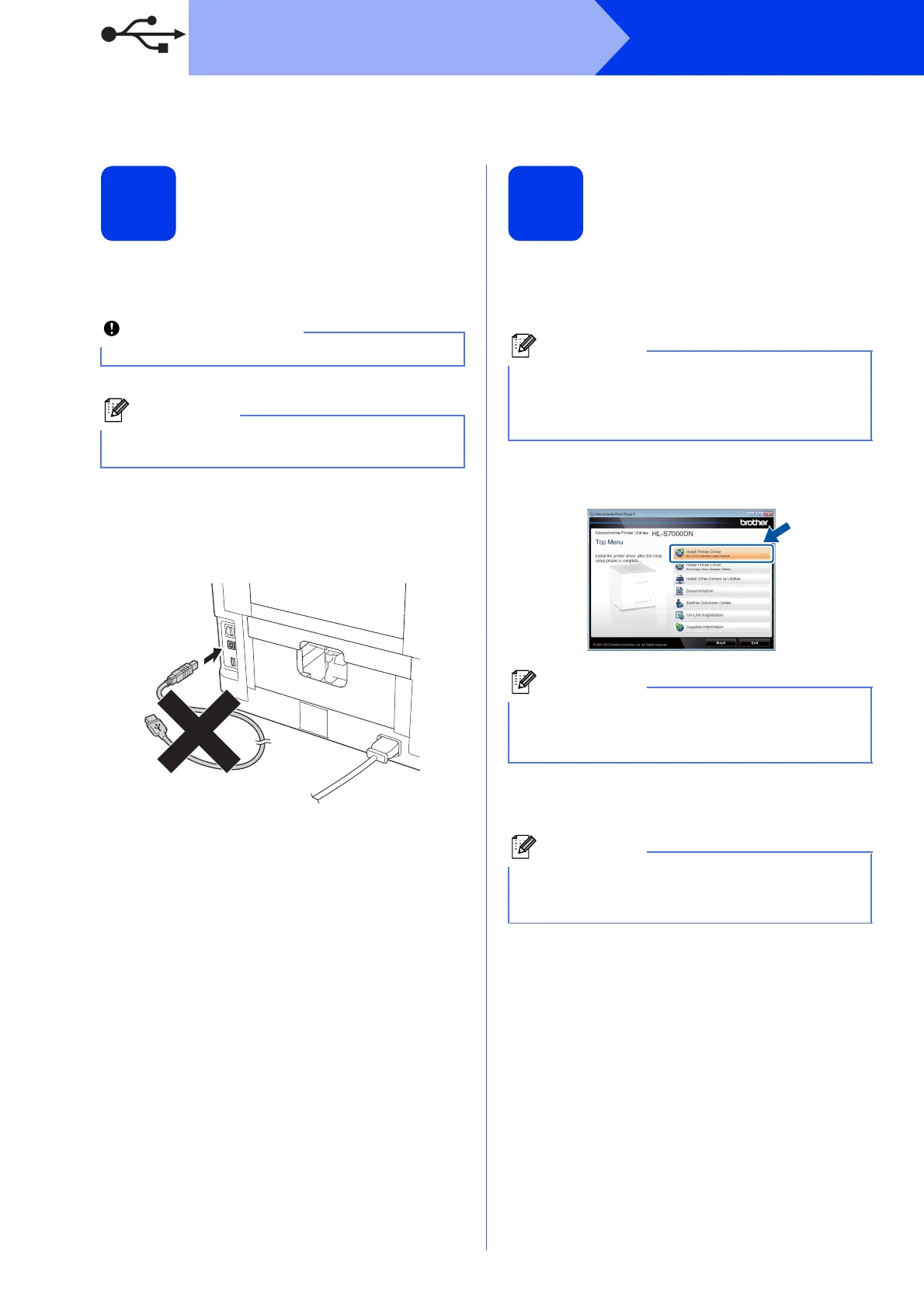
b Turn off the machine and make sure the USB
interface cable is NOT connected to the
machine. If you have already connected the
cable, disconnect it.
11
Install the printer driver
a Put the installation CD-ROM into your
CD-ROM drive. If prompted, select your
language.
b Click Install Printer Driver, and click Yes if
you accept the license agreement.
c Choose Local Connection (USB) and then
click Next.
If there are any programs running, close them.
The screens may differ depending on your
operating system.
If the Brother screen does not appear
automatically, go to Computer (My Computer),
double-click the CD-ROM icon, and then
double-click start.exe.
For Windows Vista
®
and Windows
®
7 users,
when the User Account Control screen
appears, click Allow or Yes.
If you want to install the PS driver (BR-Script3
printer driver), choose Custom Install and then
follow the on-screen instructions.



 To Next Page
 Loading...












