2
1
1
Network features 1
Your Brother machine can be shared on a 10/100 MB (Mbit/s) or 1GB (Gbit/s) wired, or IEEE 802.11b/g/n
wireless network using the internal network print server. The print server supports various functions and
methods of connection depending on the operating system you are running on a network supporting TCP/IP.
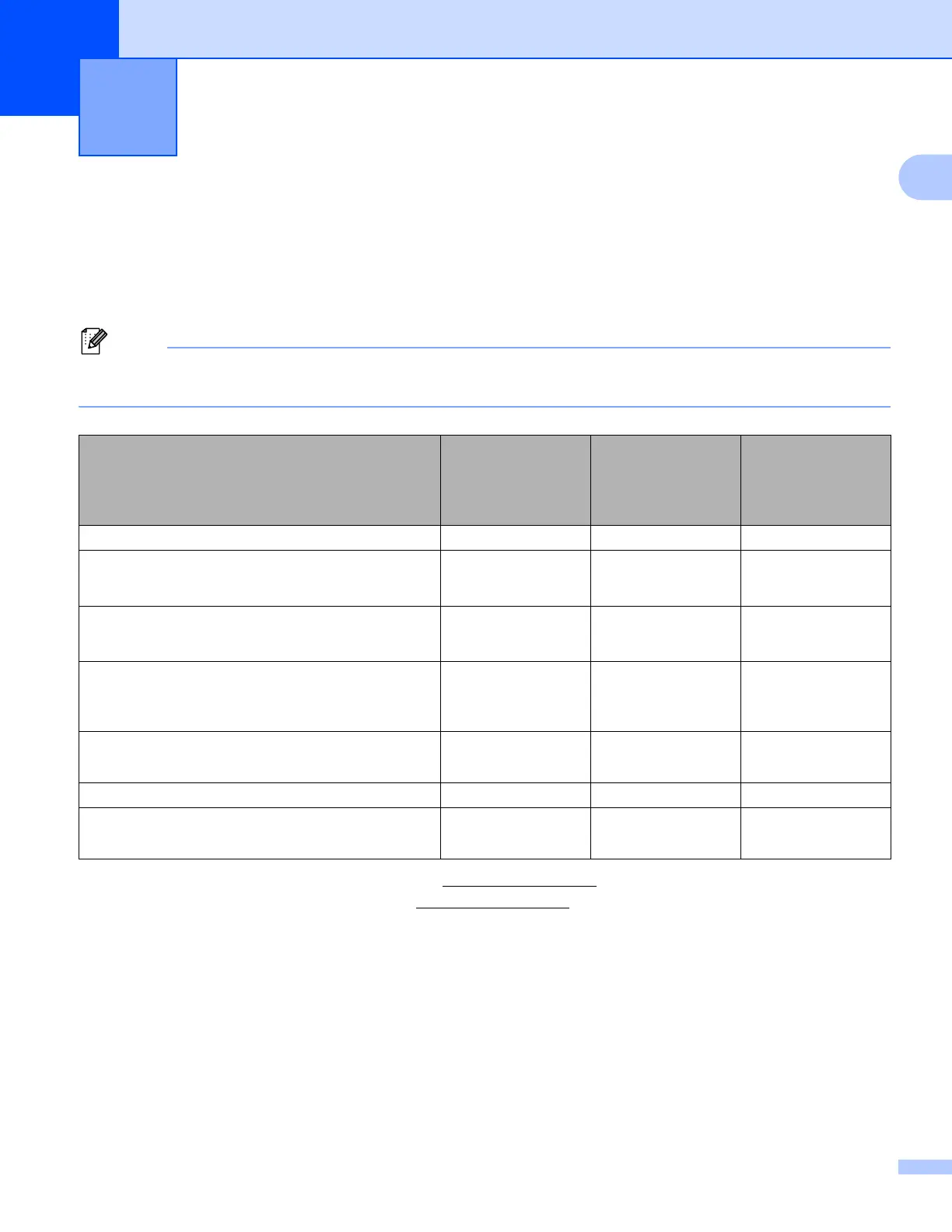
The following chart shows what network features and connections are supported by each operating system.
Although the Brother machine can be used in both a wired and wireless network, only one connection
method can be used at a time.
1
BRAdmin Light for Macintosh is available as a download from http://solutions.brother.com/.
2
BRAdmin Professional 3 is available as a download from http://solutions.brother.com/.
3
Windows
®
7 only.
Introduction 1
Operating Systems
Windows
®
XP
Windows Vista
®
Windows
®
7
Windows Server
®
2003/2008
Mac OS X 10.5.8 -
10.7.x
Printing rrr
BRAdmin Light
1
See page 4.
rrr
BRAdmin Professional 3
2
See page 6.
rr
Web Based Management
(web browser)
See page 42.
rrr
Status Monitor
uu User’s Guide
rrr
Driver Deployment Wizard rr
Vertical Pairing
See page 99.
r
3



 To Next Page
 Loading...












