SETUP SEND 3 - 7
Fax Resolution
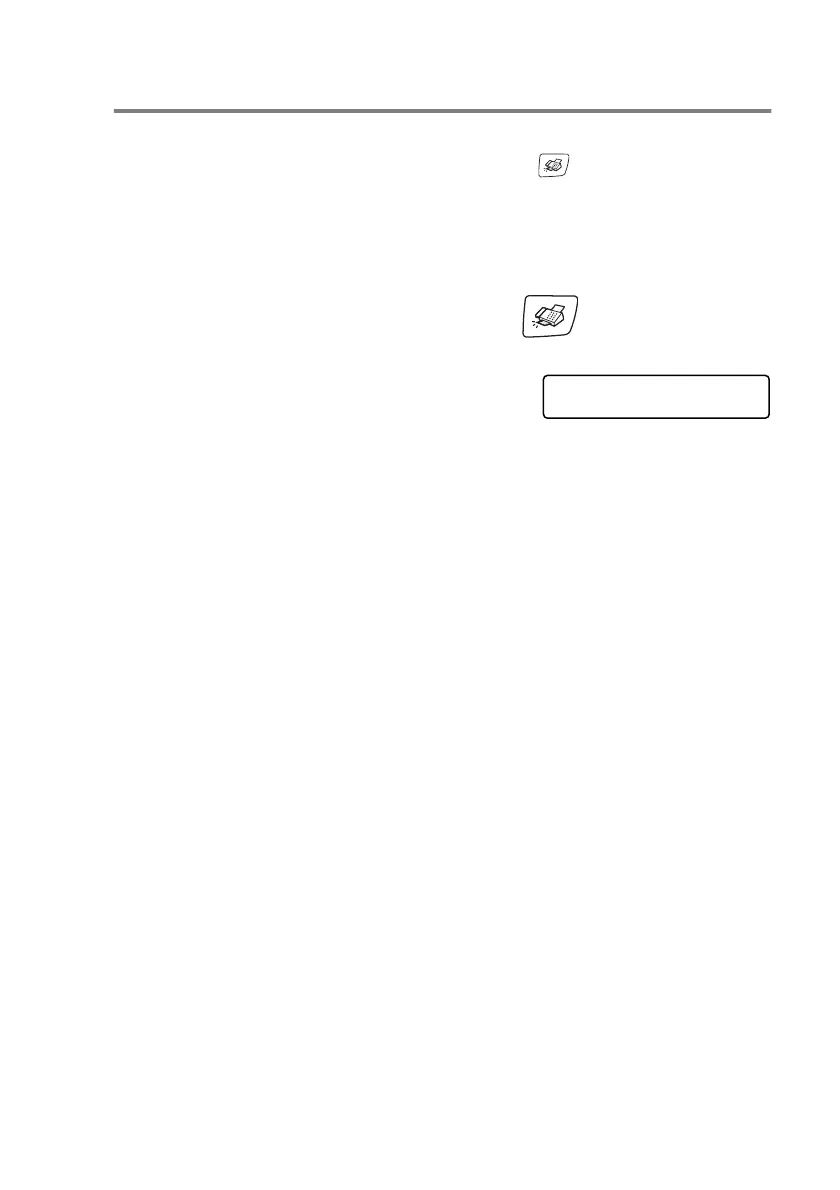
You can use the
Fax Resolution
key to change the setting
temporarily (for this fax only). In Fax mode , press
Fax
Resolution
and
▲
or
▼
to select the setting you want, and then
press
Menu/Set
.
—OR—
You can change the default setting:
1
If it is not illuminated in green, press (
Fax
).
2
Load your document.
3
Press
Menu/Set
,
2
,
2
,
2
.
4
Press
▲
or
▼
to select the resolution
you want.
Press
Menu/Set
.
Standard
Suitable for most typed documents.
Fine
Good for small print and transmits a little
slower than Standard resolution.
S.Fine
Good for small print or artwork and transmits
slower than Fine resolution.
Photo
Use when the document has varying shades
of gray or is a photograph. This has the
slowest transmission time.
Setup Send
2.Fax Resolution



 To Next Page
 Loading...