EasyManua.ls Logo

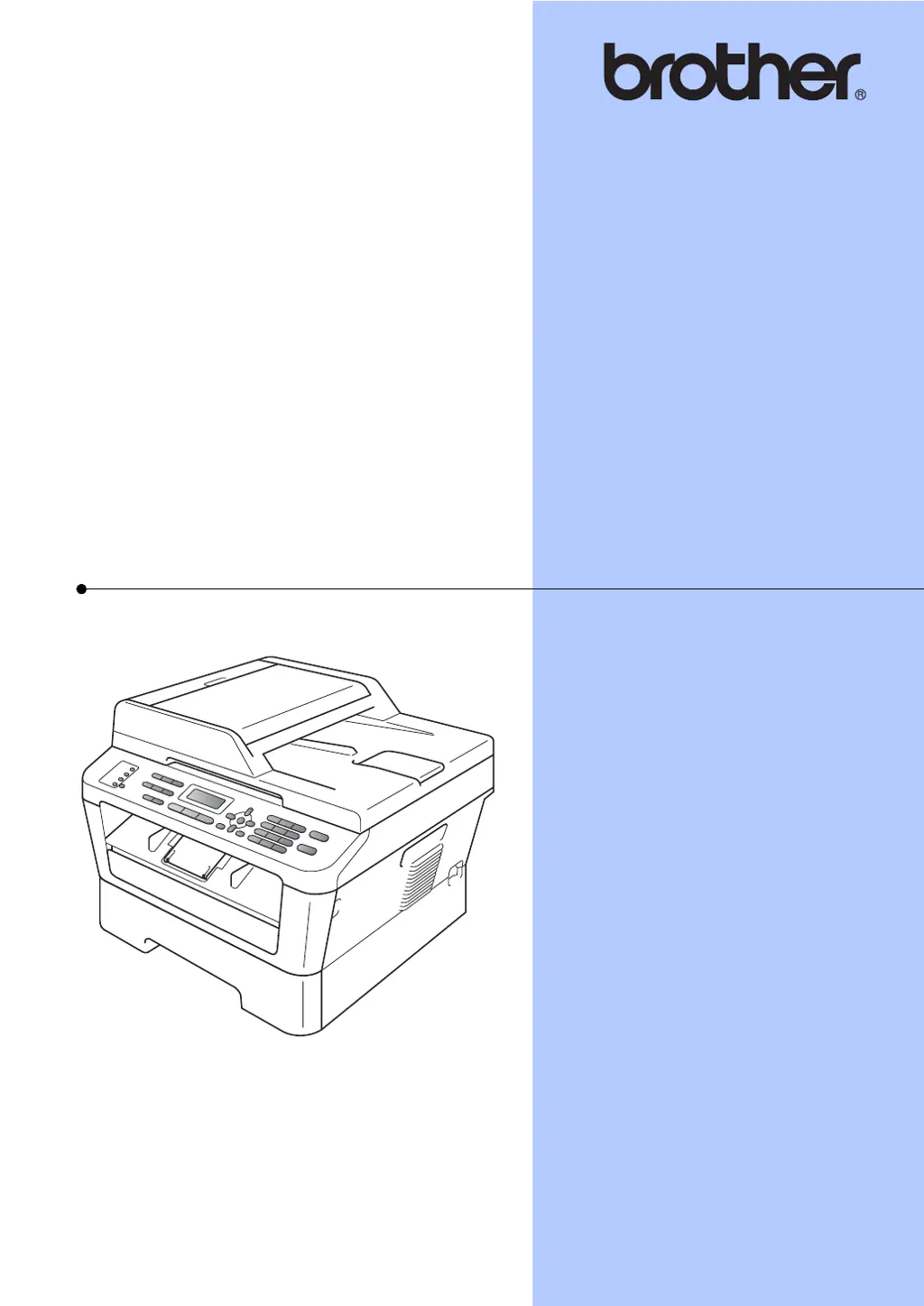
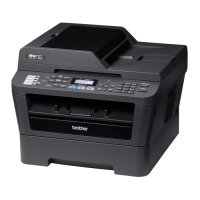
Brother MFC-7360 - User Manual

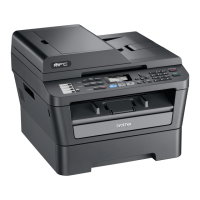
Brother MFC-7360
170 pages
Print Icon
To Next Page IconTo Next Page
Loading...
BASIC USER’S GUIDE
MFC-7360
MFC-7360N
MFC-7362N
MFC-7460DN
MFC-7470D
MFC-7860DW
Not all models are available in all countries.
Version C
ARL/ASA/NZ

Table of Contents

Other manuals for Brother MFC-7360

Questions and Answers

  • Q
    qbarrettSep 22, 2025
    What does 'Access Denied' mean on my Brother MFC-7360 and how to solve it?
    • K
      Katherine WhiteSep 22, 2025
      If your Brother All in One Printer displays 'Access Denied', it means the function you want to use is restricted by Secure Function Lock. Contact your administrator to check your Secure Function Lock Settings.
  • L
    lee49Aug 23, 2025
    How to fix 'Replace Drum' error on Brother All in One Printer?
    • K
      Kevin NelsonAug 23, 2025
      If your Brother All in One Printer displays 'Replace Drum', it means it is time to replace the drum unit. Replace the drum unit.
  • K
    keith49Aug 25, 2025
    How to fix 'No Paper' error on Brother MFC-7360?
    • D
      donnahowardAug 25, 2025
      If your Brother All in One Printer displays a 'No Paper' error, it means the printer is out of paper or the paper is not loaded correctly in the paper tray. You can either refill the paper in the paper tray and press Start, or remove the paper and load it again, then press Start. If the problem persists, the paper pick-up roller may need cleaning.
  • R
    Robin LewisAug 26, 2025
    How to resolve 'Cartridge Error' on Brother MFC-7360?
    • M
      Mathew GutierrezAug 27, 2025
      If your Brother All in One Printer displays a 'Cartridge Error', it means the toner cartridge is not installed correctly. To resolve this, pull out the drum unit and remove the toner cartridge, then re-install the toner cartridge in the drum unit.
  • L
    Lisa CooperAug 27, 2025
    What does 'Toner Low' mean on my Brother All in One Printer and how to solve it?
    • K
      Karen CaseyAug 27, 2025
      If your Brother All in One Printer displays 'Toner Low', it means the toner is running low. It is recommended to buy a new toner cartridge before you get a Replace Toner message.
  • B
    Brady BurnsSep 18, 2025
    What does 'Limit Exceeded' mean on my Brother All in One Printer and how to solve it?
    • S
      Susan FisherSep 18, 2025
      If your Brother All in One Printer displays 'Limit Exceeded', it means the Page Limit set in Secure Function Lock 2.0 for your ID was reached. Contact your administrator to check your Secure Function Lock Settings.
  • J
    James CummingsSep 15, 2025
    What does 'Connection Fail' mean on my Brother MFC-7360 All in One Printer and how to solve it?
    • Z
      zharveySep 15, 2025
      If your Brother All in One Printer displays 'Connection Fail', it means you tried to poll a fax machine that is not in Polled Waiting mode. Check the other fax machine’s polling setup.
  • C
    Christine ThompsonSep 16, 2025
    What does 'Manual Feed' mean on my Brother MFC-7360 and how to solve it?
    • E
      Edward ScottSep 16, 2025
      If your Brother All in One Printer displays 'Manual Feed', it means Manual Feed was selected as the paper source when there was no paper in the manual feed slot. Place a sheet of paper in the manual feed slot.
  • M
    Michael WagnerSep 6, 2025
    What does 'Size mismatch' mean on my Brother All in One Printer and how to solve it?
    • J
      jonathanthomasSep 7, 2025
      If your Brother All in One Printer displays 'Size mismatch', it means the paper in the tray is not a correct size. Load an appropriate size of paper in the tray, and re-set the “Paper Size”.
  • D
    David Wiley PhDSep 3, 2025
    What does 'Drum Stop' mean on my Brother MFC-7360 All in One Printer and how to solve it?
    • J
      Jessica RiveraSep 4, 2025
      If your Brother All in One Printer displays 'Drum Stop', it means it is time to replace the drum unit. Replace the drum unit.

Summary

2 Loading paper

Loading paper and print media

Information on how to load various paper types and media.

Loading paper in the standard paper tray

Step-by-step guide to loading paper into the main tray.

3 Loading documents

Using the automatic document feeder (ADF)

Instructions for loading documents into the ADF for scanning or copying.

4 Sending a fax

How to send a fax

Step-by-step instructions for sending a fax.

5 Receiving a fax

Receive modes overview

Explains different modes for automatically or manually receiving faxes.

Dialling and storing numbers

Making copies

How to print from a computer

How to scan to a computer

A Routine maintenance

B Troubleshooting

Error and maintenance messages

List of common error messages and their solutions.

If you are having difficulty with your machine

D Specifications

Brother MFC-7360 Specifications

General IconGeneral
Print TechnologyLaser
FunctionsPrint, Copy, Scan, Fax
Fax Modem Speed33.6 Kbps
Duplex PrintingManual
Memory32 MB
Print Speed (Black)24 ppm
Print Resolution2400 x 600 dpi
Copy Speed (Black)24 cpm
Copy Resolution600 x 600 dpi
Scan TypeFlatbed, ADF
Scan Resolution (Interpolated)19200 x 19200 dpi
Paper Capacity250 sheets
ADF Capacity35 sheets
ConnectivityUSB 2.0
DisplayLCD
Dimensions (W x D x H)16.1 x 16.3 x 12.4 inches

Videos

How to replace the Brother MFC-7360 toner cartridge

Related product manuals