Chapter 6
54
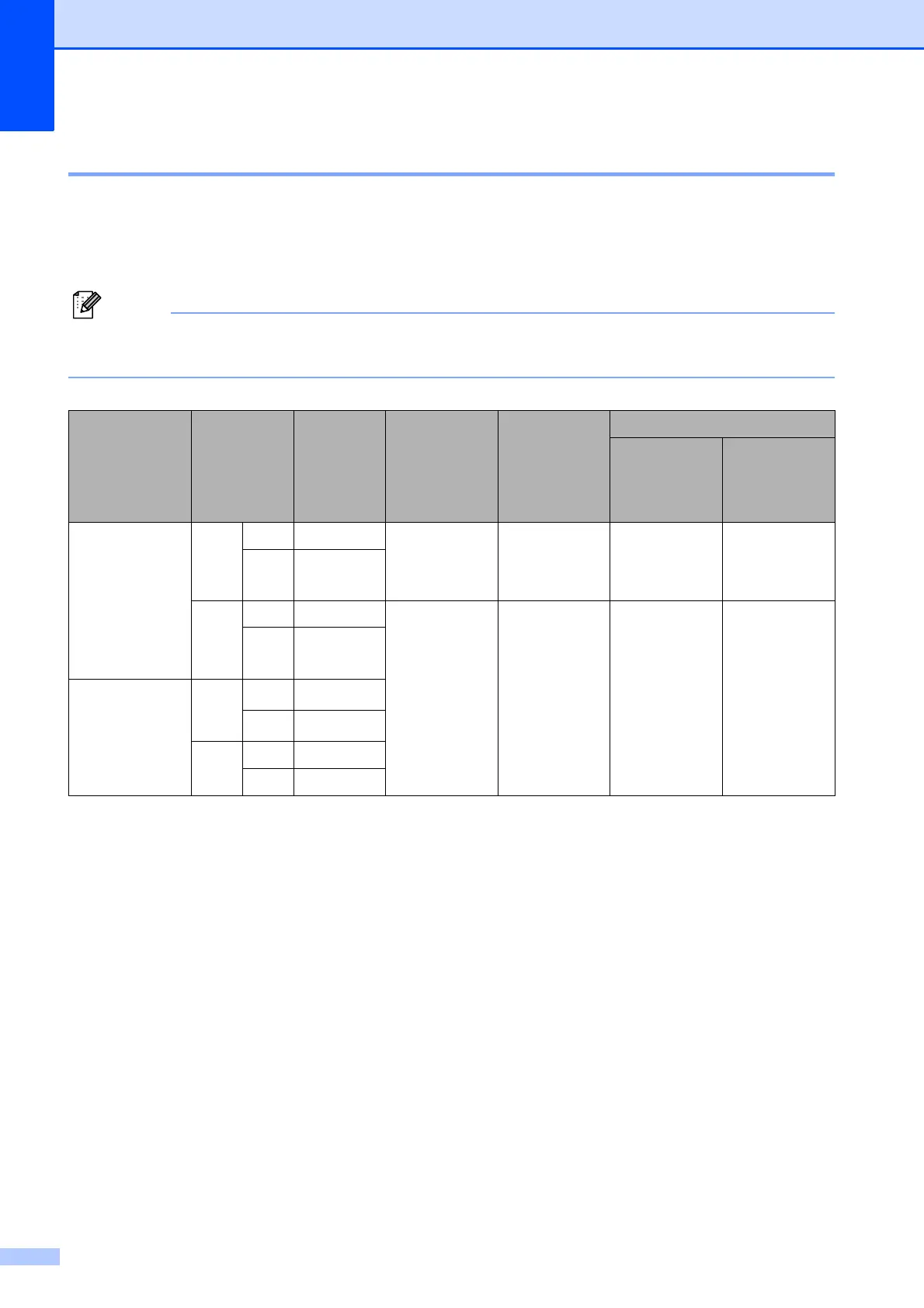
Setting the Receiving Priority 6
When a Ledger Color fax is sent to your machine, your machine will receive either a Ledger
black & white fax or a Letter Color fax depending on the Receiving Priority setting. If your receiving
priority is B&W(Max.LGR), you will receive a Ledger black & white fax. If your receiving priority is
Color(Max.LTR), you will receive a Letter Color fax.
The default setting is B&W(Max.LGR), so the machine cannot receive a color fax unless the
receiving priority setting is Color(Max.LTR).
1
These results may vary depending on the sending machine's ability.
a Press Menu.
b Press a or b to choose Fax.
Press OK.
c Press a or b to choose Setup Receive.
Press OK.
d Press a or b to choose B&W/Color.
e Press d or c to choose B&W(Max.LGR) or Color(Max.LTR).
Press OK.
f Press Stop/Exit.
Receiving
Priority
Document
Sent
Document
Received
Fax Preview Storage OFF
Memory Receive (On)
Fax Storage
Paging
Fax Forward
PC-FAX
CLR (Max. LTR)
Color
LTR Color LTR
N/A
(Color Printout)
(Color Printout)
N/A
(Color Printout)
N/A
(Color Printout)
LGR
Color LTR
1
(Reduced)
B/W
LTR B/W LTR
Available
(B/W Printout)
Available
Available
(Up to
LTR/A4 size)
LGR
B/W LTR
1
(Reduced)
B/W (Max. LGR)
Color
LTR
B/W LTR
1
LGR
B/W LGR
1
B/W
LTR B/W LTR
LGR B/W LGR



 To Next Page
 Loading...








