Chapter 1
6
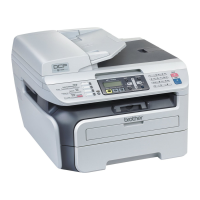
Control panel overview 1
DCP-7055 / DCP-7057 have the same keys and DCP-7060D / DCP-7065DN / DCP-7070DW
have the same keys.
1 COPY keys:
Options
You can quickly and easily choose temporary
settings for copying. These settings include:
Quality
Stack (choose number of copies)
Sort (For DCP-7065DN when using the ADF)
Brightness
Contrast
Enlarge/Reduce
Page Layout
Number of Copies
(For DCP-7055 / DCP-7057)
Use this key to make multiple copies.
Duplex
(For DCP-7060D / DCP-7065DN /
DCP-7070DW)
You can choose Duplex to copy on both sides
of the paper.
2 PRINT key:
Job Cancel
Cancels a print job and clears it from the
machine’s memory. To cancel multiple print
jobs, hold down this key until the LCD shows
Job Cancel (All).
3 SCAN key
Puts the machine in Scan mode.



 To Next Page
 Loading...