Troubleshooting
113
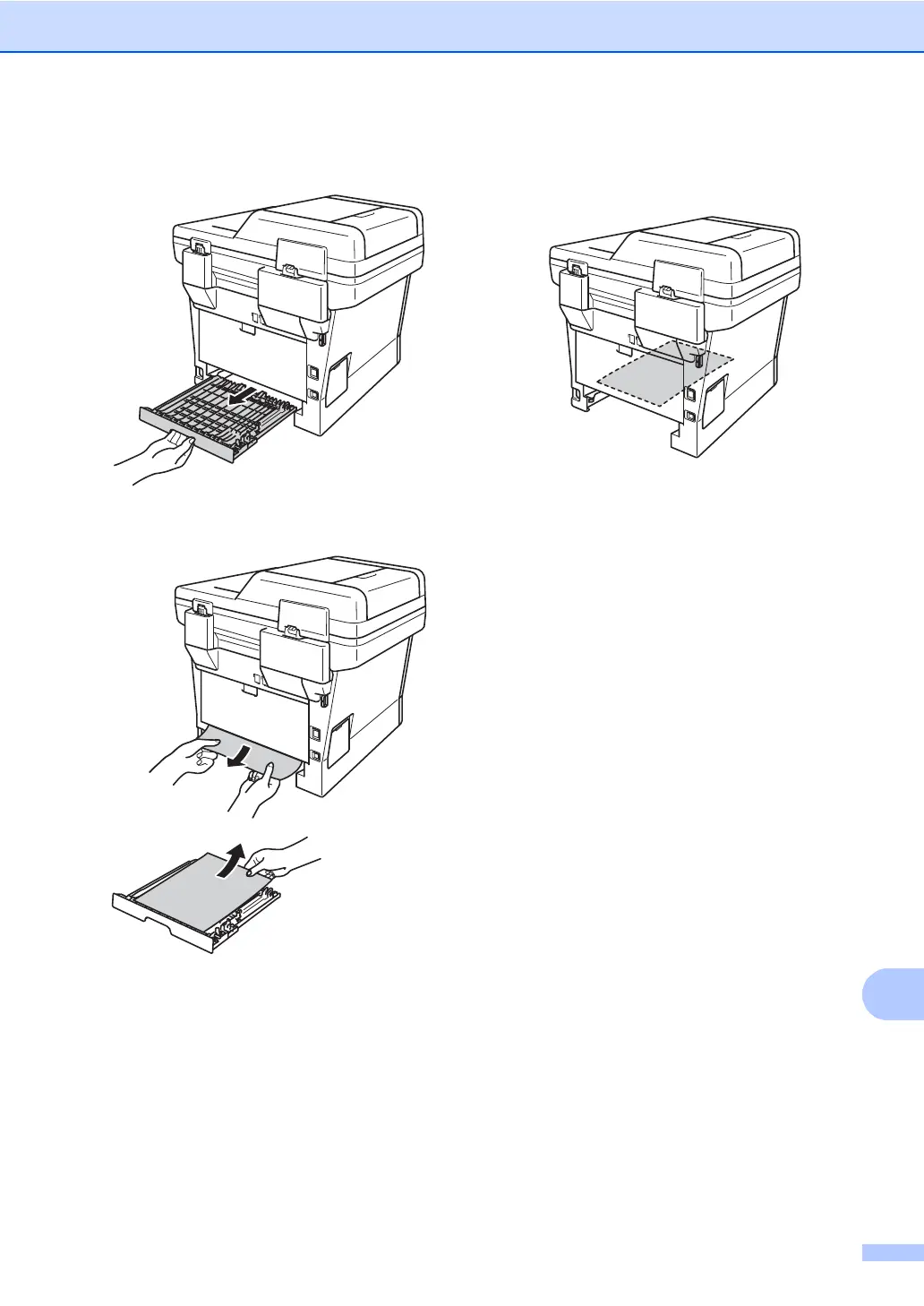
f Pull the duplex tray completely out of the
machine.
g Pull the jammed paper out of the
machine or out of the duplex tray.
h Make sure that the jammed paper does
not remain under the machine from
static electricity.
i Put the duplex tray back into the
machine.
j Put the paper tray firmly back in the
machine.



 To Next Page
 Loading...












