150
Level 1 Level 2 Level 3 Options Descriptions Page
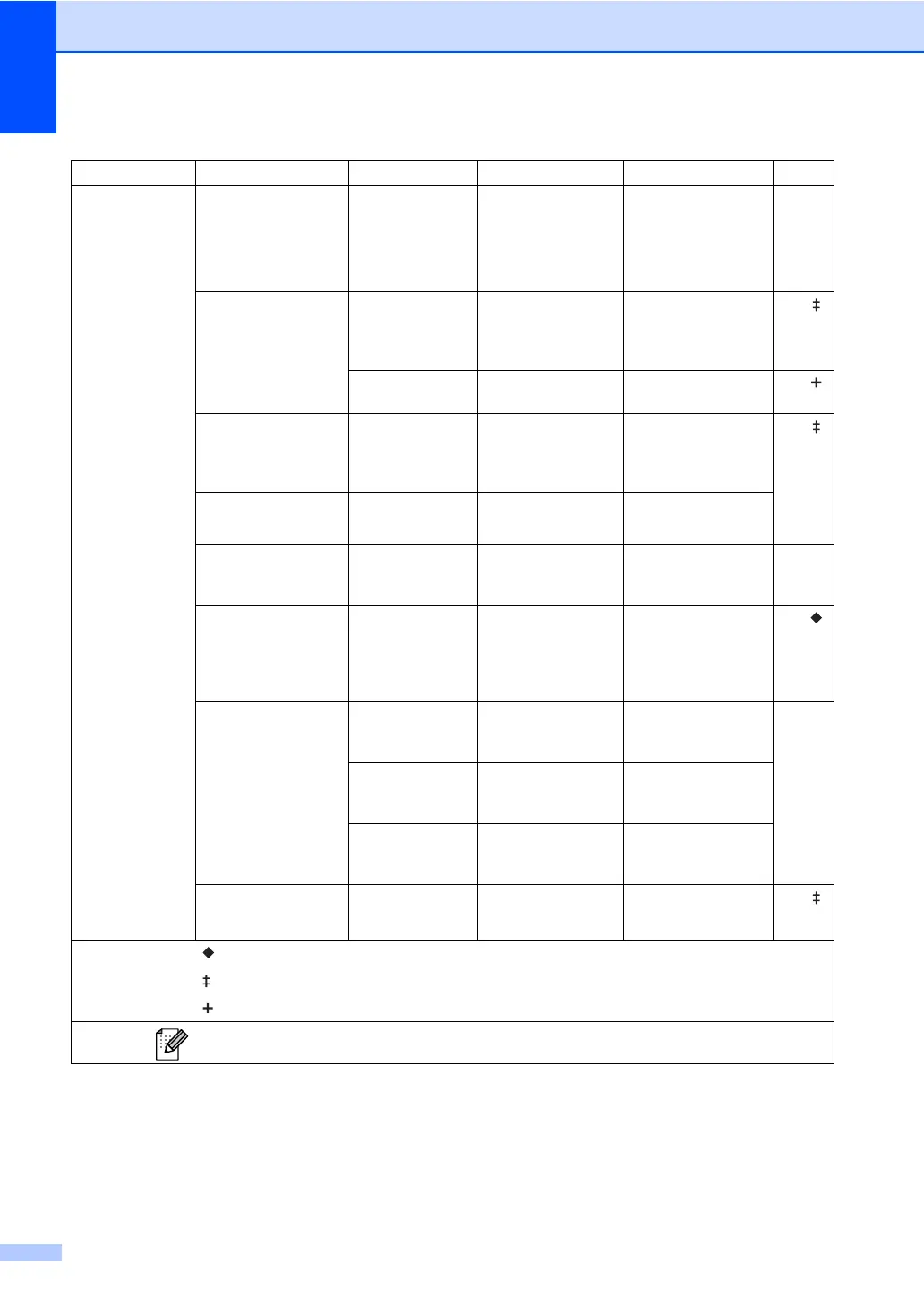
0.Initial Setup
1.Receive Mode — Fax Only*
Fax/Tel
External TAD
Manual
Chooses the receive
mode that best suits
your needs.
29
2.Date&Time 1.Date&Time — Puts the date and
time on the LCD and
in headings of faxes
you send.
See .
3.Time Zone UTCXXX:XX Sets the time zone
for your country.
See .
3.Station ID — Fax:
Tel:
Name:
Sets your name and
fax number to appear
on each page you
fax.
See .
4.Tone/Pulse — Tone*
Pulse
Chooses the dialling
mode.
5.Dial Tone — Detection
No Detection*
You can shorten the
dial tone detect
pause.
118
6.Dial Prefix — — Sets a prefix number
that will always be
added before the fax
number every time
you dial.
See .
7.Reset 1.Network 1.Reset
2.Exit
Restores all network
settings to the factory
defaults.
126
2.Address & Fax
1.Reset
2.Exit
Restores all stored
phone numbers and
fax settings.
3.All Settings
1.Reset
2.Exit
Restores all the
machine settings to
factory default.
0.Local Language —
*
English
Allows you to change
the LCD language.
See .
Advanced User's Guide
Quick Setup Guide
Network User's Guide
The factory settings are shown in Bold with an asterisk.
፩ၭ


 To Next Page
 Loading...












