170
Options C
(for to Media)
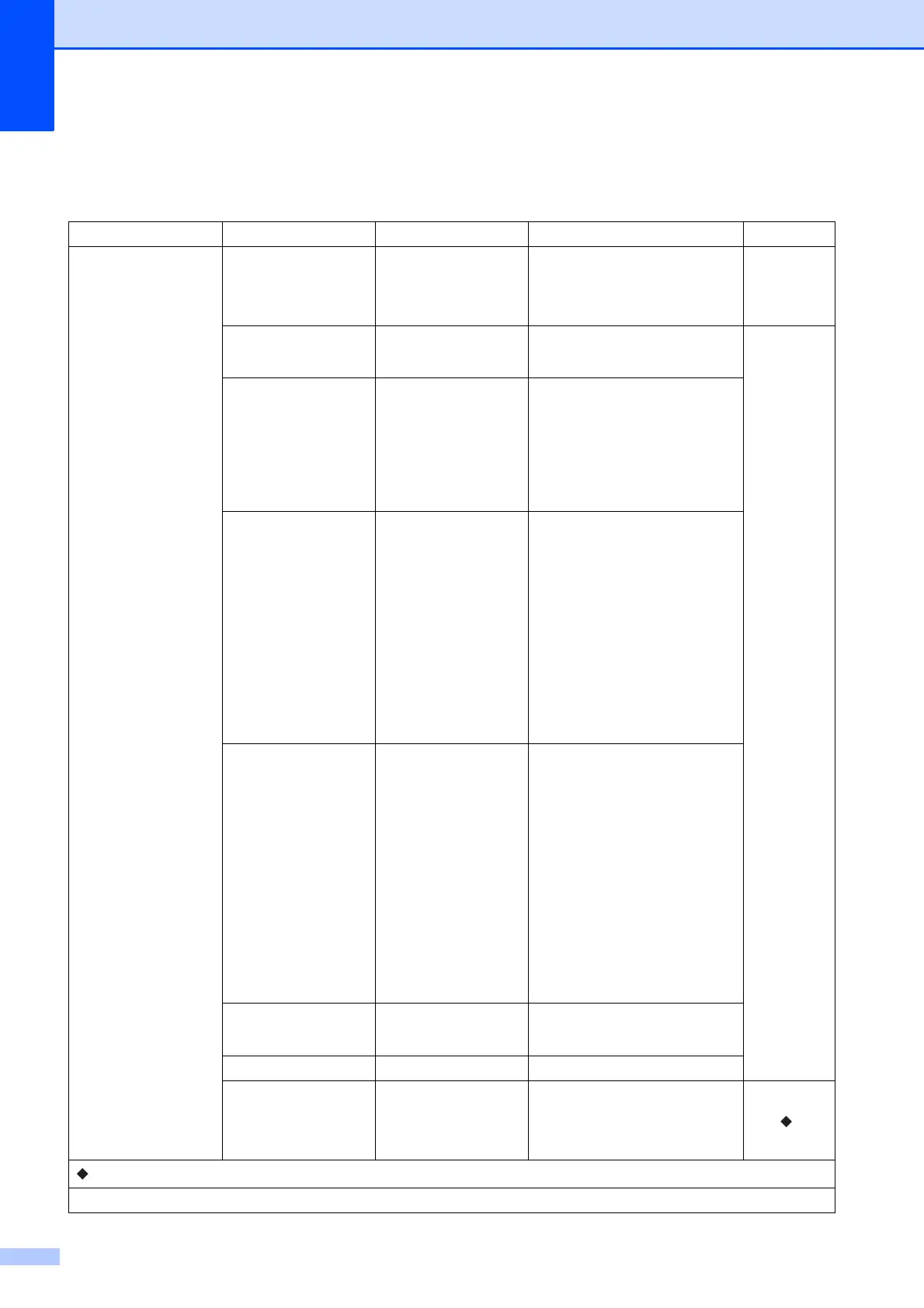
Level1 Level2 Options Descriptions Page
Options
ADF High Speed Mode
On
Off*
You can scan Letter, A4 or
Executive documents faster by
placing them long side edge
first in the ADF.
92
Scan Type Color*
Black and White
You can choose the scan type
for your document.
82
Resolution 100 dpi
200 dpi*
300 dpi
600 dpi
Auto
You can choose the scan
resolution for your document.
File Type (If you choose the
Color option in the
Scan Type setting)
PDF*
JPEG
(If you choose the
B&W option in the
Scan Type setting)
PDF*
TIFF
You can choose the file format
for your document.
Scan Size Letter*
Legal
Ledger
A4
A5
A3
EXE
4"x6"
Business Card
(3.5x2.4inch)
You can choose the scan size
for your document.
Scan Long Paper On
Off*
You can scan a long document
using the ADF.
File Name — You can rename the file.
Auto Crop On
Off*
Scan multiple documents
placed on the scanner glass to
a memory card or USB Flash
drive one at a time.
82
See .
See Advanced User’s Guide.
The factory settings are shown in Bold with an asterisk.



 To Next Page
 Loading...











