Home > Fax > Send a Fax > Change the Fax Auto Redial Setting
Change the Fax Auto Redial Setting
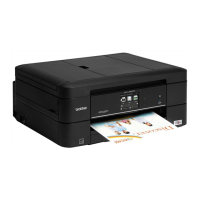
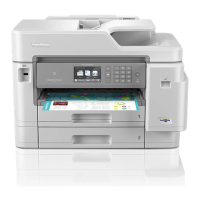
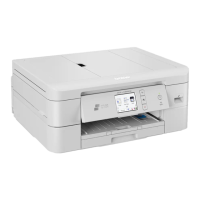
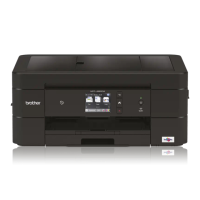
Related Models: MFC-J491DW/MFC-J497DW/MFC-J890DW/MFC-J895DW
If you are sending a fax automatically and the line is busy when the Fax Auto Redial setting is set to [On], the
machine redials up to three times at five minute intervals.
The default setting is [On].
>> MFC-J491DW/MFC-J497DW
>> MFC-J890DW/MFC-J895DW
MFC-J491DW/MFC-J497DW
1. Press Settings.
2. Press a or b to select the following:
a. Select [Initial Setup]. Press OK.
b. Select [Fax Auto Redial]. Press OK.
c. Select [On] (or [Off]). Press OK.
3. Press Stop/Exit.
MFC-J890DW/MFC-J895DW
1. Press [Settings] > [All Settings] > [Initial Setup] > [Fax Auto Redial].
2. Press [On] or [Off].
3. Press .
Related Information
• Send a Fax
205


 To Next Page
 Loading...