16
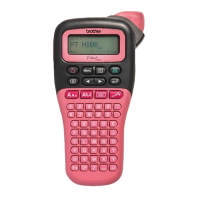
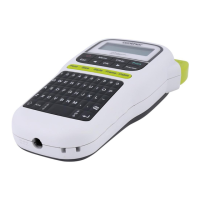
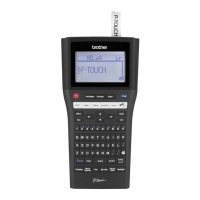
LCD Display & Keyboard
GETTING STARTED
Key Names and Functions
1. Power
Turns the P-touch on and off.
2. Print Options
Enables Numbering or Mirror to be
selected and printed.
3. File
Enables frequently used labels in the file
memory to be printed, opened, saved, or
deleted.
4. Preview
Displays a preview of the label.
5. Print
Prints the current label design onto the
tape.
6. Font
• Enables character attributes for the
label to be set.
• Character attributes can be set for
each line of the label when the Text
menu is opened in combination with
the
Shift
key.
7. Label
Enables label attributes for the label to
be set.
8. Symbol
Use this to select and enter a symbol
from a list of available symbols.
9. Auto-Format
Enables labels to be created using pre-
defined templates or block formats.
10. Label Collection
Enables label collections to be selected
and printed.
The default language is “English”.



 To Next Page
 Loading...