EasyManua.ls Logo

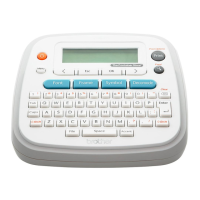
Brother The Container Store PT-D201CS - Helpful Tips

Brother The Container Store PT-D201CS
16 pages
Print Icon
To Next Page IconTo Next Page
To Previous Page IconTo Previous Page
Loading...
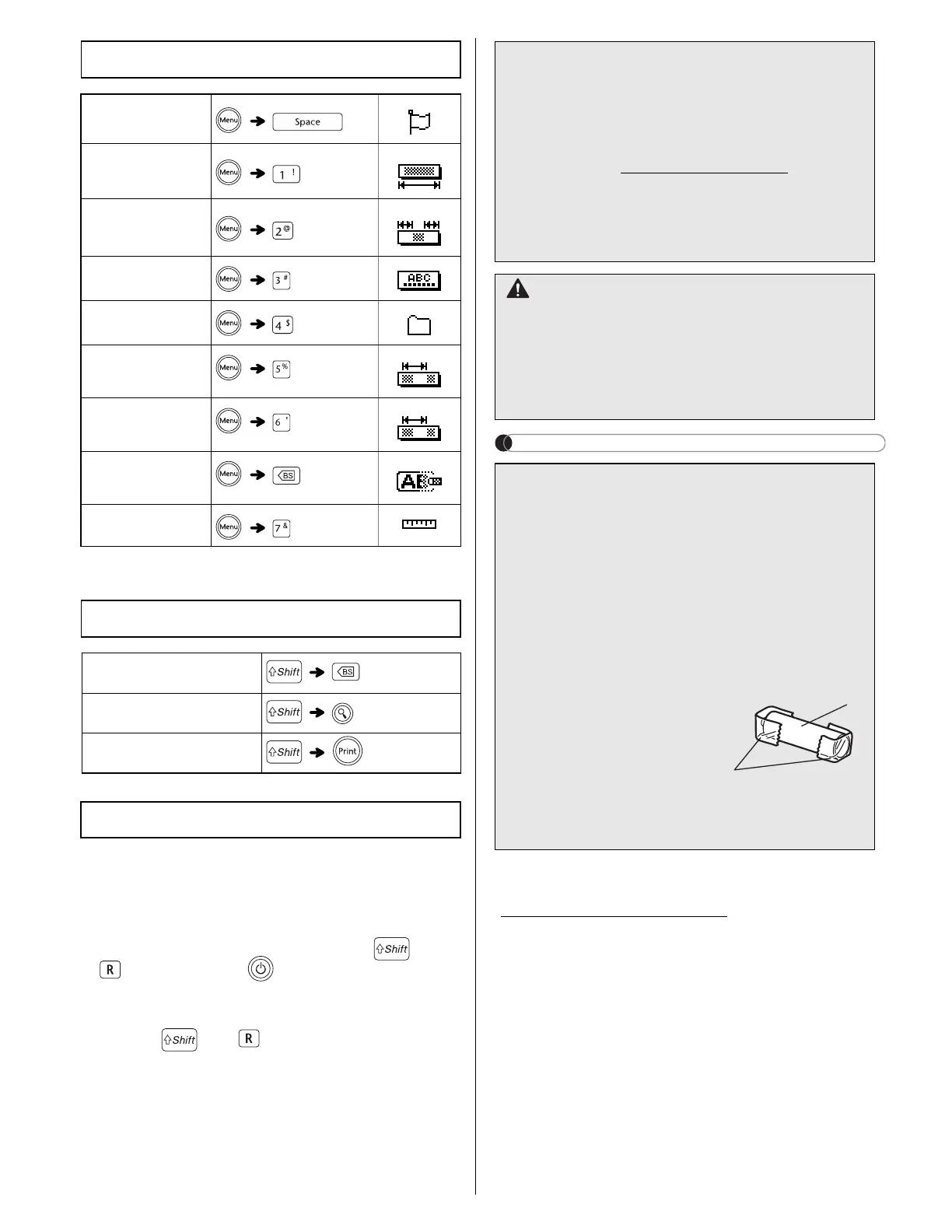
Reset your label maker when you want to initialize


stored files.
1.
Turn off the label maker, hold down and
, and then press to turn the label maker
back on.
2.
First release the power button, and then
release and .
The label maker turns on with its internal
memory reset.

To print a copy of this

Shortcuts
Language
Label Length
Margin
Name Label
File
Tab
Tab Length
Clear

Helpful Tips
Clear
Feed

Resetting the PT-D201CS



For FAQs, Troubleshooting, and to download




CAUTION







of time.

collection point, not in the general waste

federal, state, and local regulations.



1. Cellophane tape
 
battery
Do not mix old and new batteries. Replace all
six batteries at the same time.

2
1

Related product manuals