5
Chapter 2
Rear Panel Features
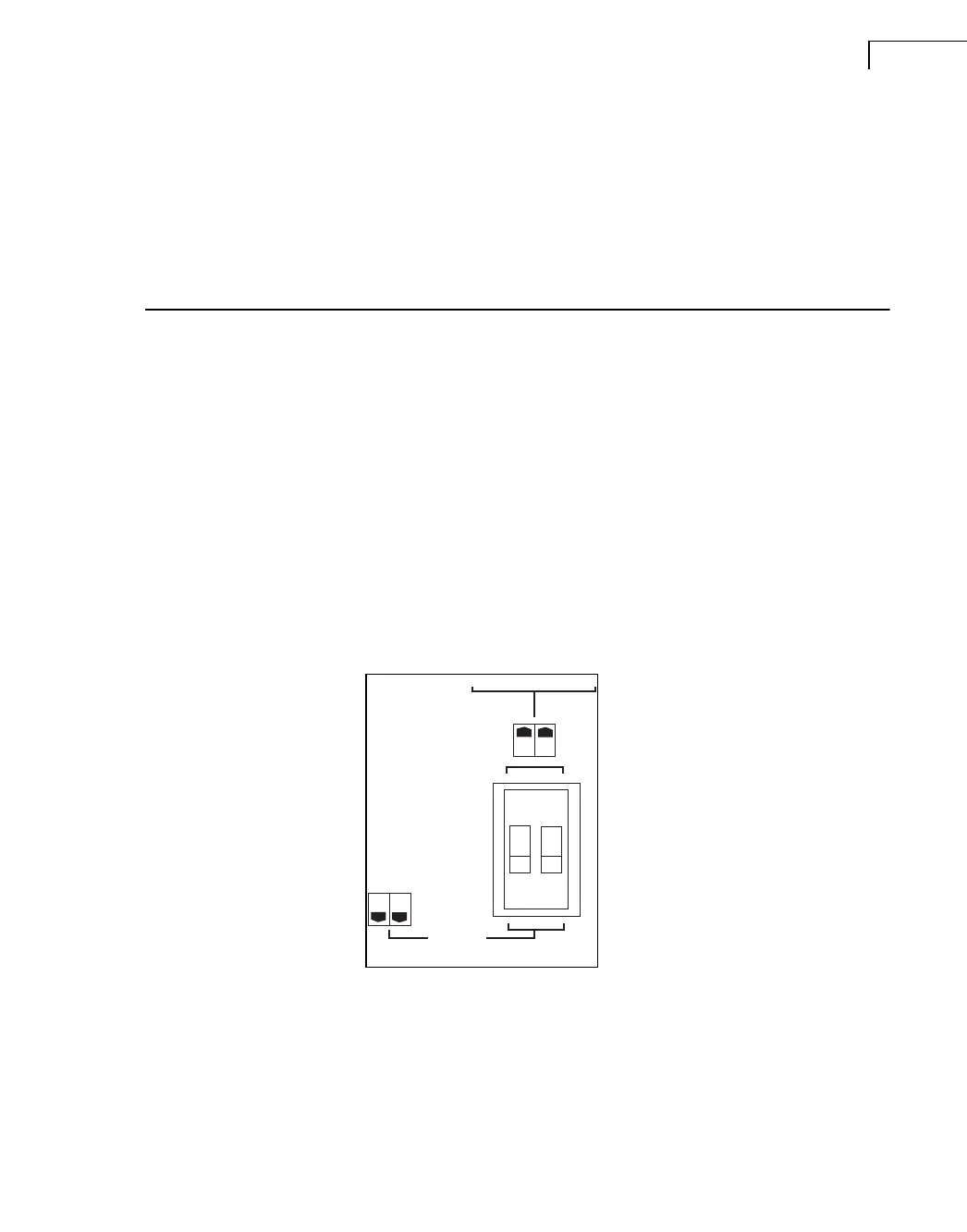
2.1 Link Switch
The Link switch located on the rear panel (the central DIP-switch) is for changing the
operation mode of the amplifier (see below).
2.2 Operation Modes
2.2.1 Stereo Mode
Fig.2.1
Types 2716 and 2716-C
rear link
In this mode, both channels operate independently of each other. This is used for all 2-
channel modes, such as stereo and bi-amping. Set the two switches to the ‘off’ position for
stereo mode. The level attenuators on the front panel will control the respective channels’
levels.
Never connect either output terminal to ground or in parallel. The recommended minimum
nominal impedance, for stereo or tandem operation, is 2ohms per channel.
LINK / BRIDGE A+B
STEREO
030035
BE169212.book Page 5 Tuesday, January 23, 2007 9:00 AM


 To Next Page
 Loading...