8.
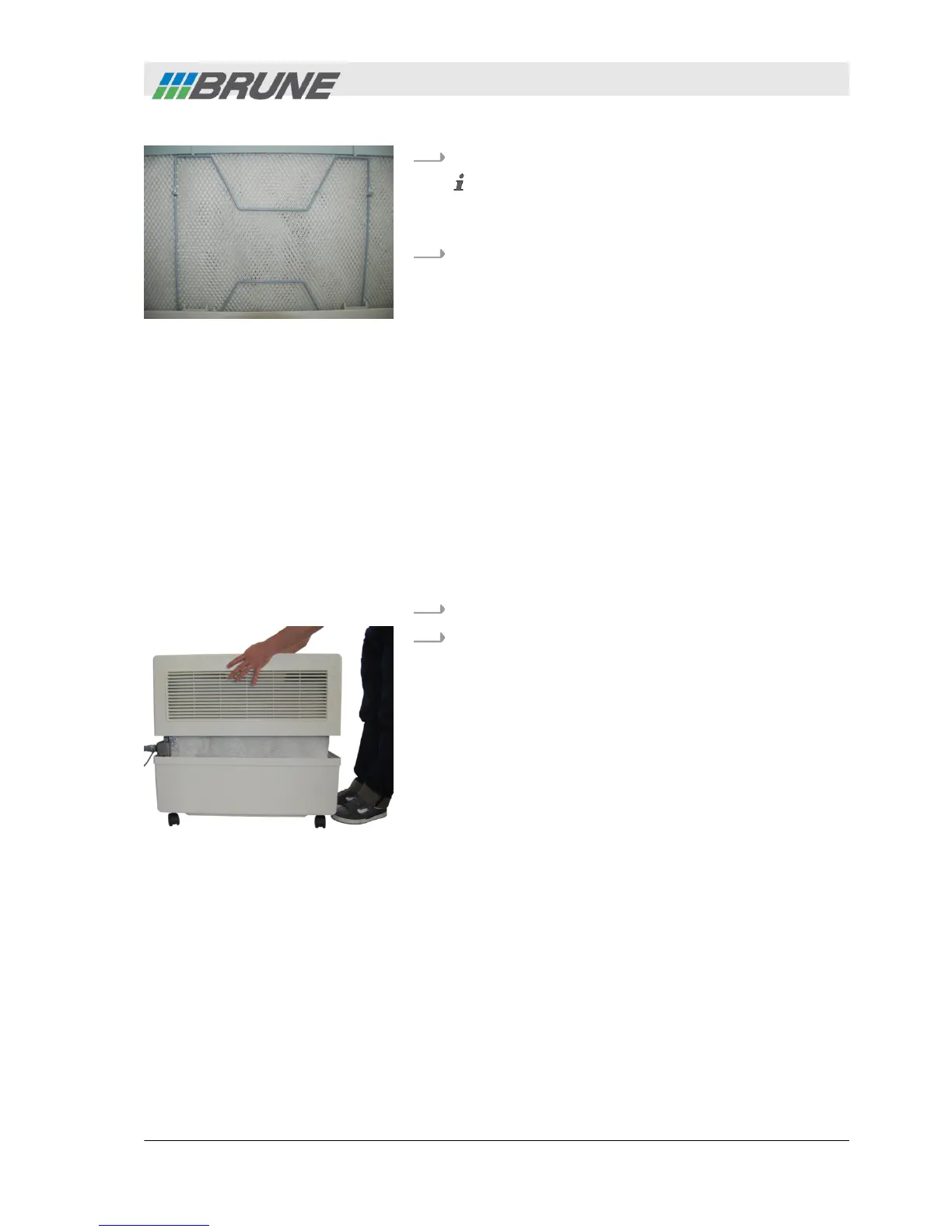
Insert clamping brackets again.
Ensure correct fit of the clamping brackets. The
filter should not touch the housing, since this can
cause water leakage.
9.
Replace cover of humidifier.
6.3.3
Cleaning the water tank
Personnel:
n
Operator
Protective equip-
ment:
n
Chemical-resistant protective
gloves
n
Protective goggles
Materials:
n
Lime remover
L WARNING! Risk of electrical shock if the power
plug is not disconnected!
1.
Switch off humidifier and disconnect power plug.
2.
Lift the cover of the humidifier upwards and place
to the side (Fig. 33).
Fig. 32: Insert clamping
brackets
Fig. 33: Remove cover
Cleaning and servicing the humidifier
2013-11-04 Evaporation Humidifier B500 Professional 49



 To Next Page