Appendix F Printing with Software
Revision A 9K-L USERS MANUAL Section F - 19
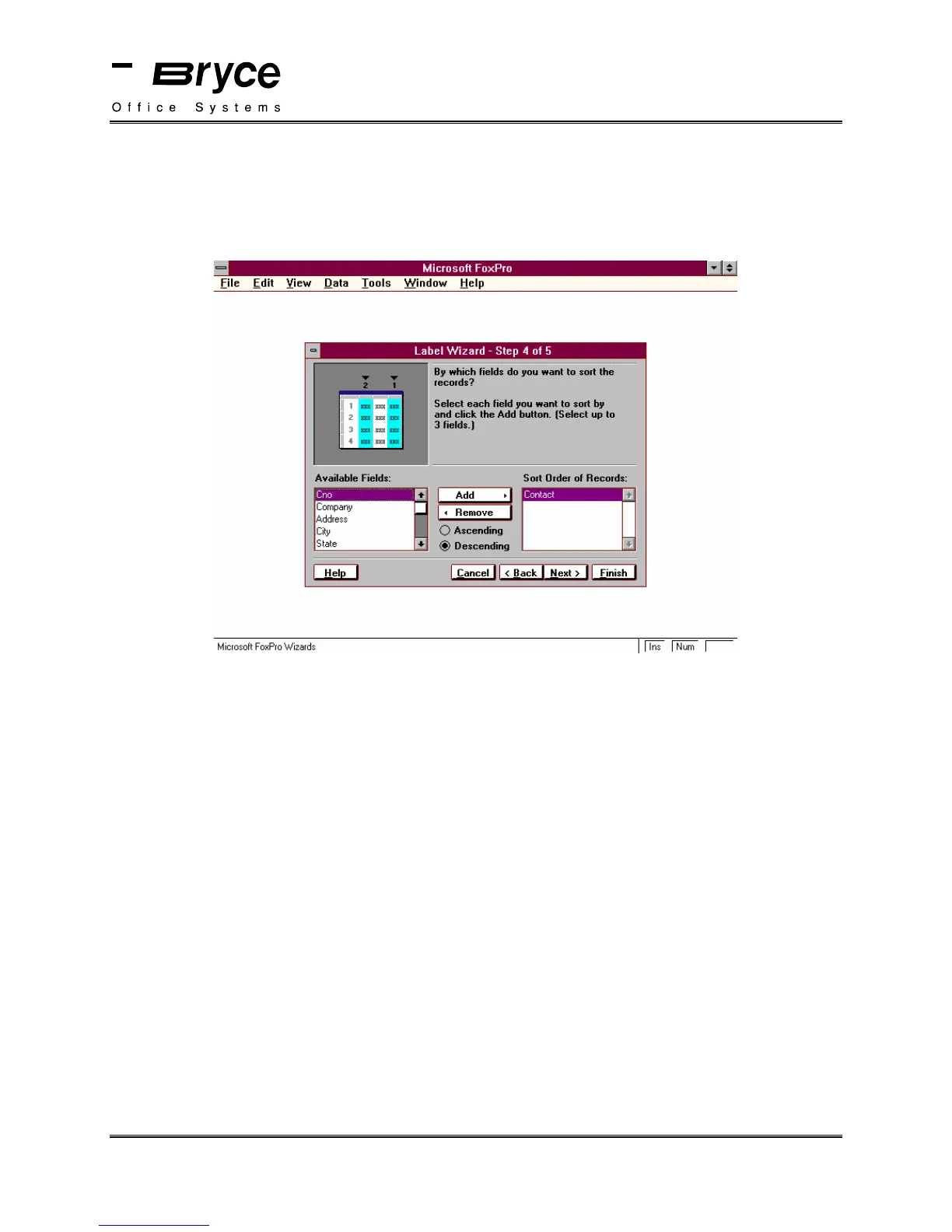
The Label Wizard - Step 4 of 5 window will be displayed. Select the field or fields you wish to
sort by.
Note: If Descending is selected, the mail pieces will be stacked in ascending order when they
exit the Bryce printer.
Click on Next.
The Label Wizard - Step 5 of 5 window will be displayed.
Select Save Label for Later Use.
Select Finish
The Save As window will be displayed.
Enter a filename for the label file. In our example, we have selected the filename
BOS_TEST.lbx.
Select OK.
This will bring you back to the Catalog Manager. Select the file Bos_test.
Click on Modify. (see next page)
continued on next page
P/N 90-00860-001



 To Next Page