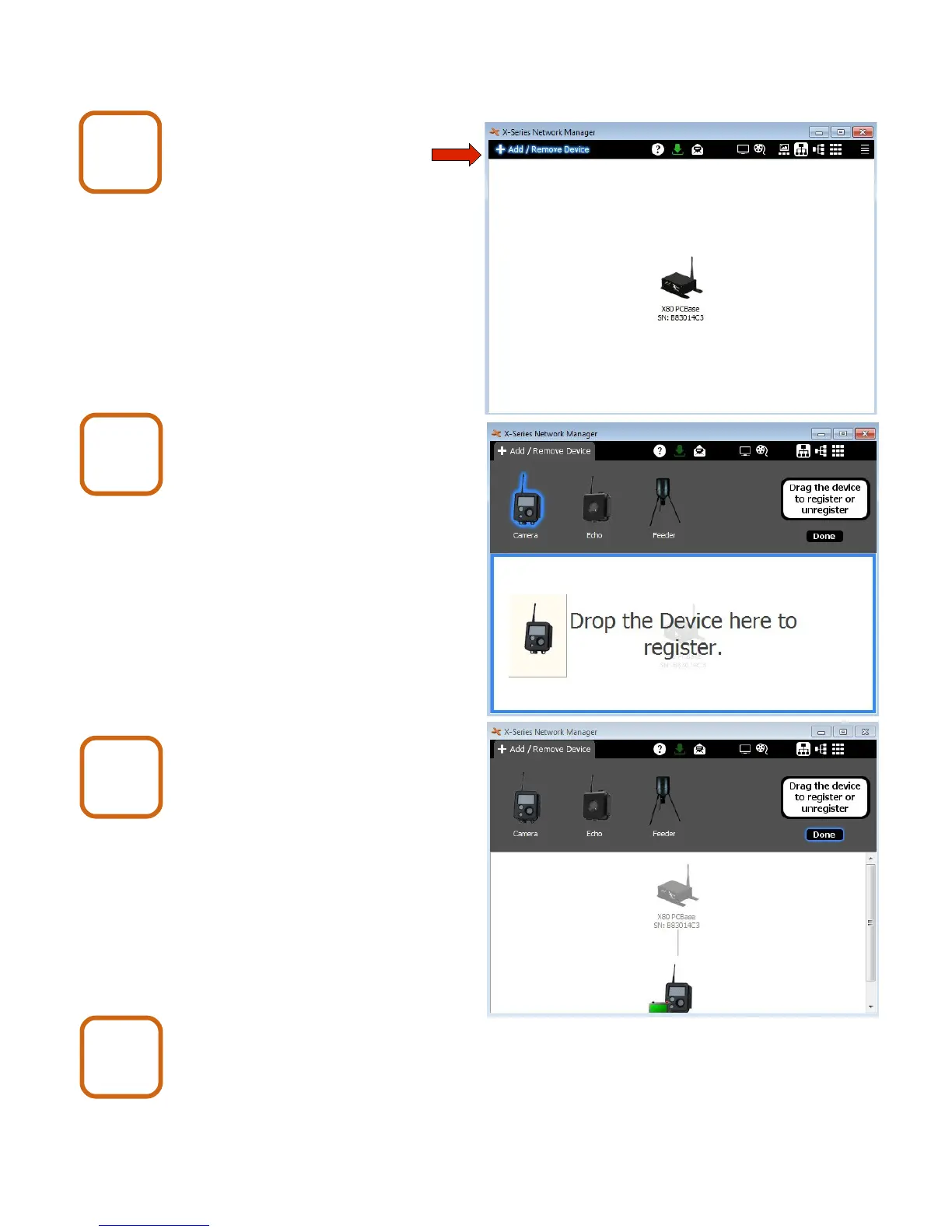
7. Register Cameras
In X-Series Network Manager
click Add/Remove Device.
Drag the camera icon and drop
it into the network view.
Repeat for all cameras.
Click Done when finished.
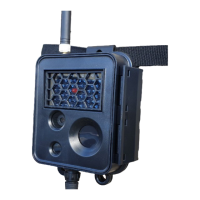
Close the camera enclosure(s).
After a camera is successfully registered, the LCD
display will show the camera number.
X80 Wireless Camera User's Manual v2.0 16 of 35
Register
5
Register
6
Register
7
Register
8


 To Next Page