5. Connecting to a Cell Base
5. Connecting to a Cell Base
Make sure your Cell Base has an active cellular data account.
If you need assistance setting up an account contact Buckeye Cam Service
at 866-325-8172 ex 1195, or www.buckeyecam.com.
Connect the power source.
If you are using the AC/DC wall adapter (provided), proceed to step A1.
If you are using an external battery (not provided), proceed to step B1.
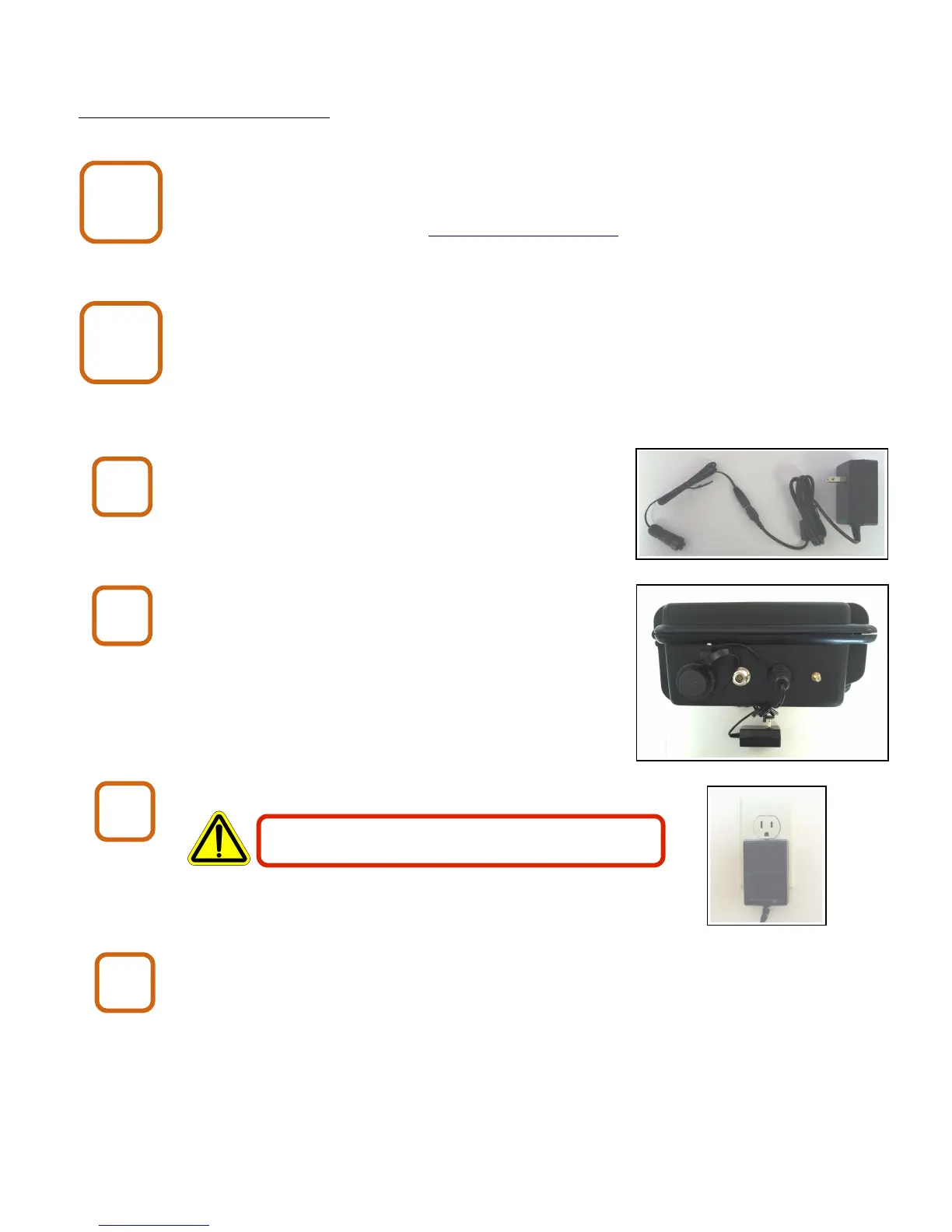
Connect the pigtail to the AC/DC wall adapter.
Connect the AC/DC wall adapter to the Cell Base.
Plug the AC/DC wall adapter into an AC power outlet.
Proceed to Cell Base step 2
X80 Wireless Camera User's Manual v2.0 7 of 35
A1
A2
The AC/DC wall adapter is for indoor use only.
A3
A4
Cell Base
2
Cell Base
1


 To Next Page