5. Connecting to a Cell Base
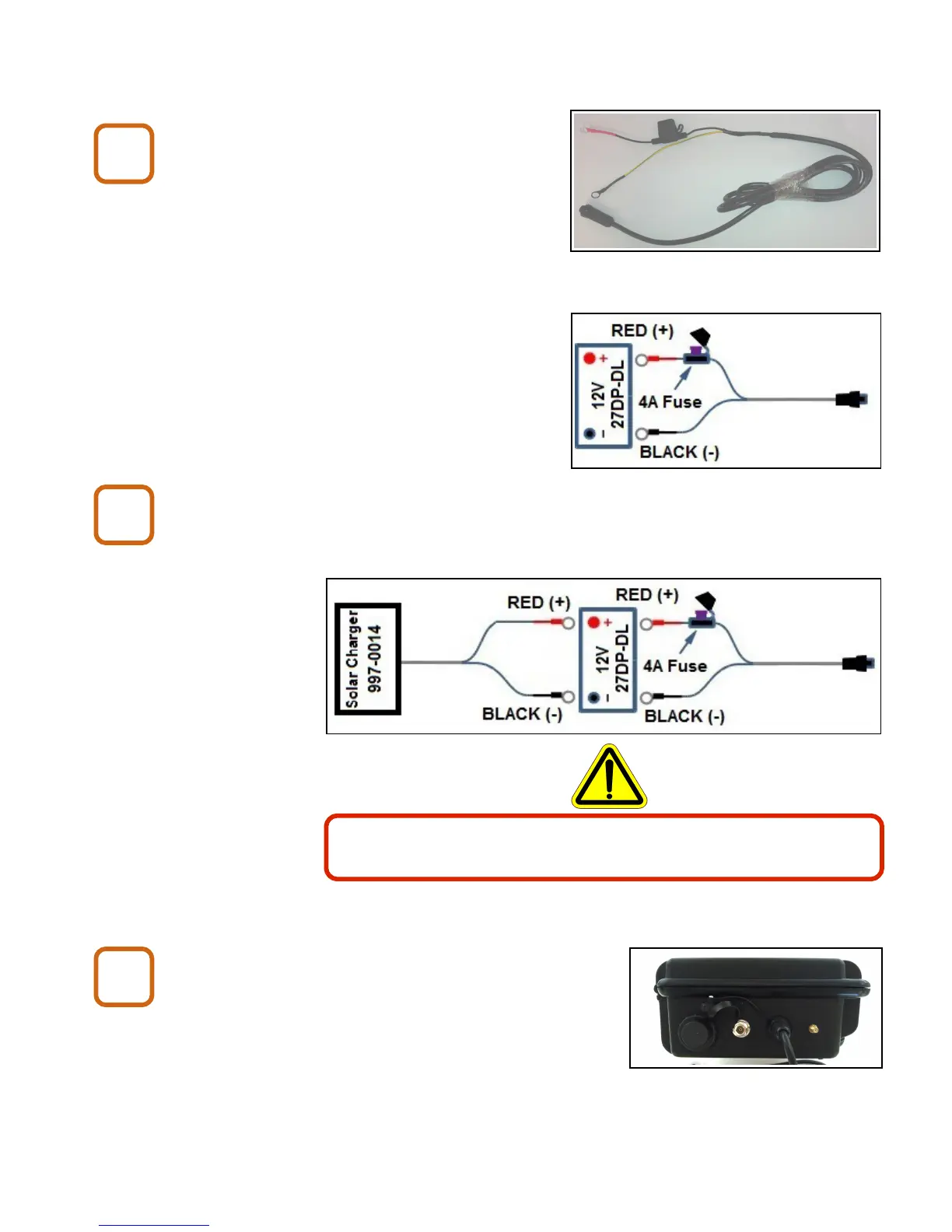
Connect the battery cable to the
battery.
Use the provided battery cable to connect
to a 12 Volt 27DP-DL marine battery
(or equivalent).
(Battery is not provided).
Connect optional solar charger (if used).
Use Buckeye Cam part number 997-0014 only.
Connect the battery cable to the Cell Base.
X80 Wireless Camera User's Manual v2.0 8 of 35
Battery charging may produce potentially explosive gas. Do
not charge battery in a sealed enclosure.
B1
B2
B3


 To Next Page