13. Camera Base
13. Camera Base
If a computer is not available to connect to a Base, a camera may be configured to act as a base.
In this mode, the Camera Base will receive images from other cameras and save them to an SD
card. To setup a Camera Base network, follow the steps shown below.
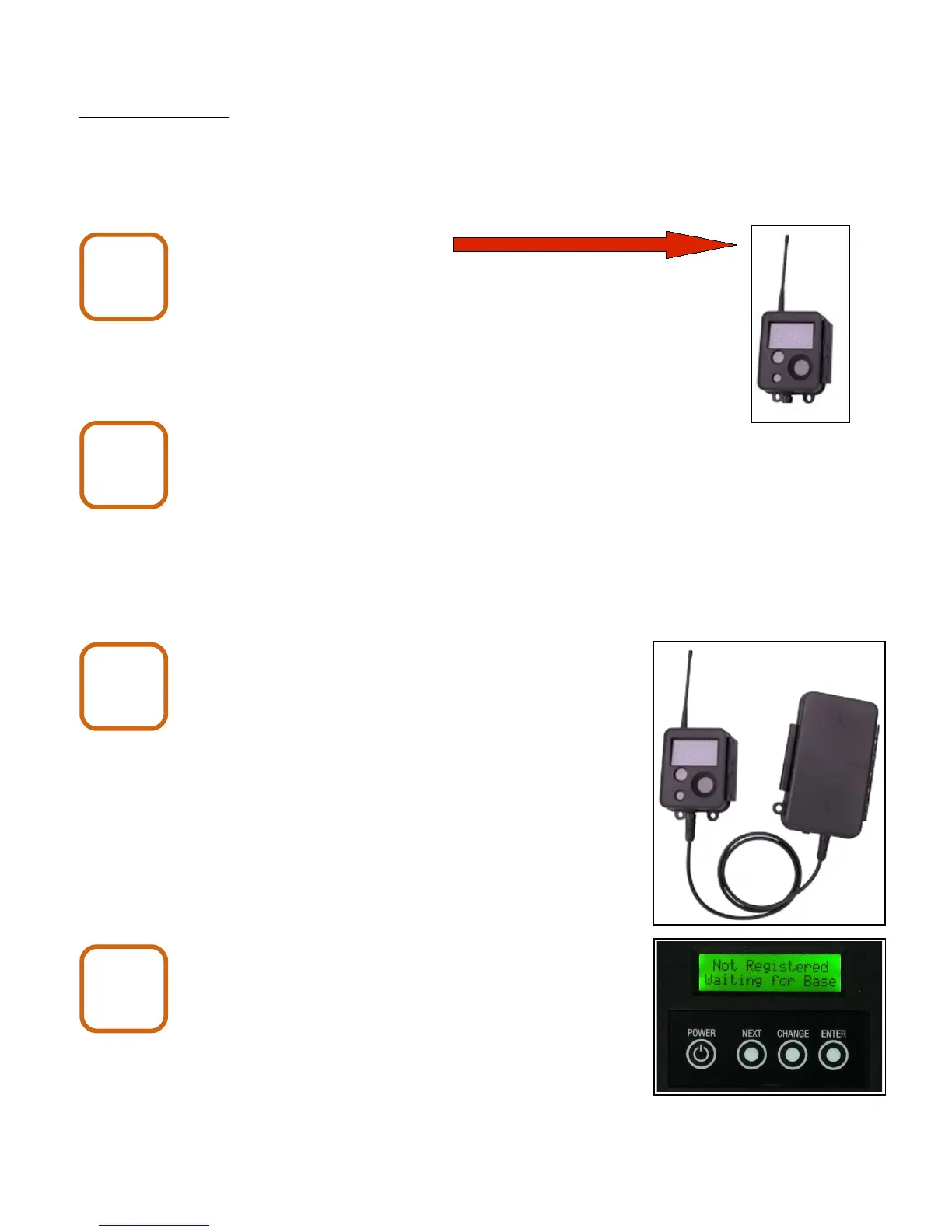
Connect the camera antenna.
Install a UB1270 battery into the battery pack.
The red wire connects to battery (+). The black
wire connects to battery (-).
Close and latch the battery pack and connect
it to the camera.
Open the camera enclosure and wait for the LCD
display to show “Not Registered Waiting for Base”.
X80 Wireless Camera User's Manual v2.0 29 of 35
Camera
Base
1
Camera
Base
2
Camera
Base
3
Camera
Base
4


 To Next Page