13. Camera Base
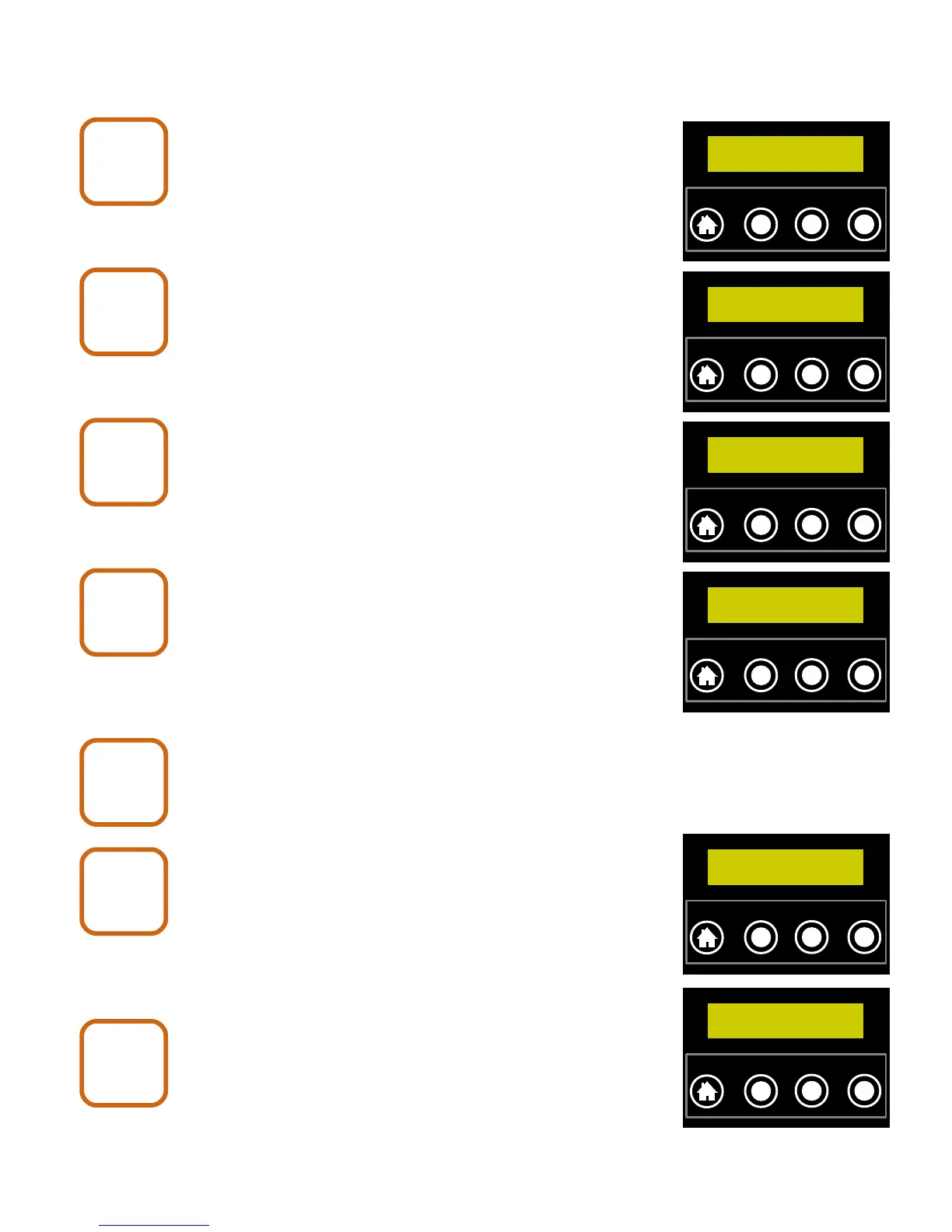
Push the NEXT button until the display shows
“Camera Mode”.
Push the CHANGE button until the display shows
“Change mode to: Base”.
Push the ENTER button.
Wait for the camera to reboot.
Repeat Camera Base steps 1 through
4 for all other cameras that will be in the
Network.
Push the NEXT button until display
shows “Add Camera” and press ENTER.
Repeat until all un-registered cameras are found.
Push the NEXT button until the display shows
“Camera Mode”.
X80 Wireless Camera User's Manual v2.0 30 of 35
Camera
Base
5
Camera Mode:
Wireless
`
HOME
NEXT CHANGE
ENTER
Camera
Base
6
Change mode to:
Base
`
HOME
NEXT CHANGE
ENTER
Camera
Base
7
Camera Mode:
Wireless
`
HOME
NEXT CHANGE
ENTER
Camera
Base
8
Base No Pics
No Card
`
HOME
NEXT CHANGE
ENTER
Camera
Base
9
Camera
Base
10
Add Camera
`
HOME
NEXT CHANGE
ENTER
Camera
Base
11
Camera Mode:
Wireless
`
HOME
NEXT CHANGE
ENTER


 To Next Page