13. Camera Base
To change camera settings, download the Camera Base
software at www.buckeyecam.com and save it to an SD
card.
Double click on the Camera Base software.
Change settings if desired and insert the
card into the Camera Base.
Install cameras.
Follow the steps given in Chapter 9, Camera Installation
.
X80 Wireless Camera User's Manual v2.0 31 of 35
Camera
Base
12
Camera
Base
13
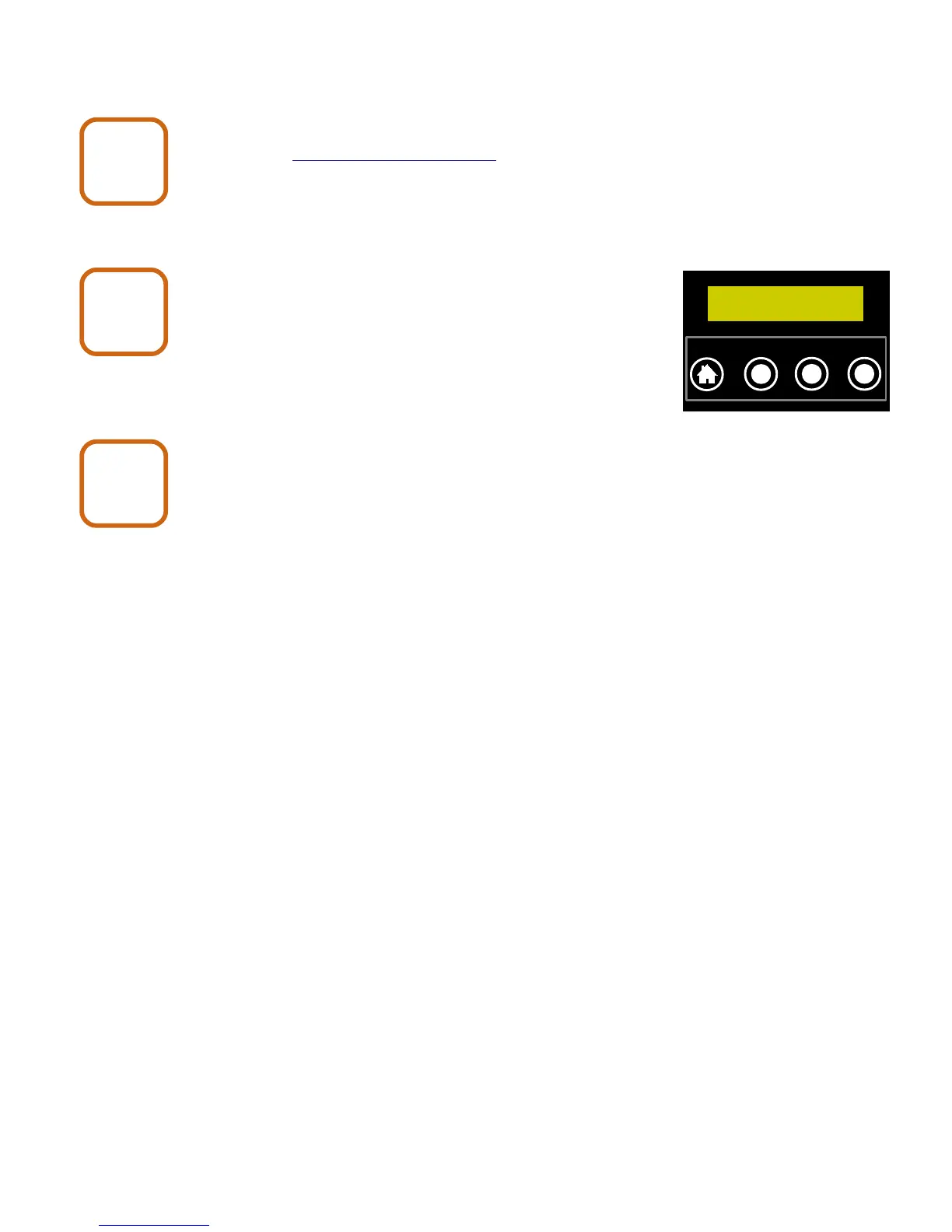
Base No Pics
ENTER to Eject
`
HOME
NEXT CHANGE
ENTER
Camera
Base
14


 To Next Page