11. Repeaters
Setting up a repeater network with multiple cameras
Install cameras in their permanent location and check the signal to the Base
(see Chapter 9, Camera Installation).
For best results, route cameras directly to the base when possible.
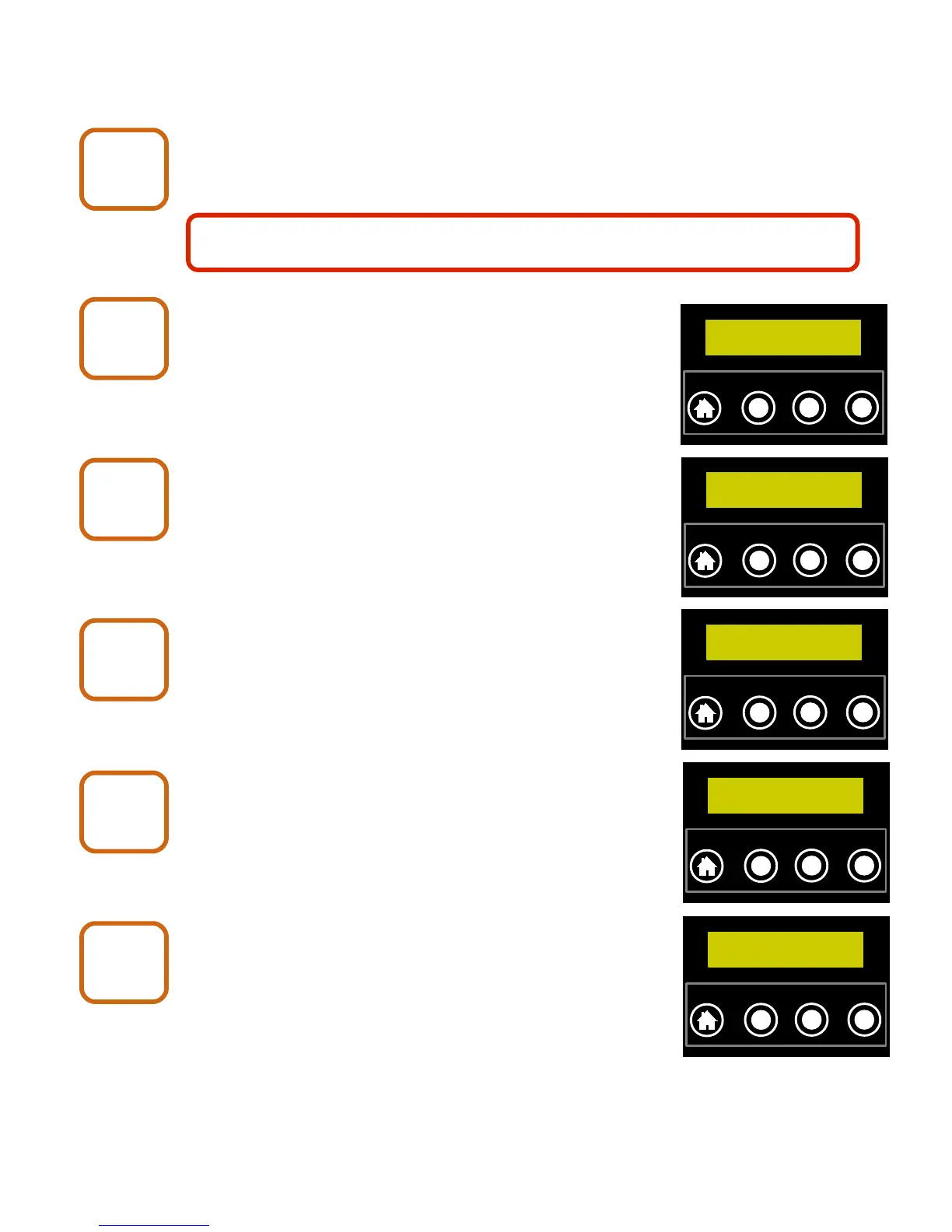
Push the NEXT button until the display shows how
the camera is currently routed.
To change the routing, push the CHANGE button.
The camera will now search for any other devices that
it can get a signal from.
When the search is complete, push the NEXT button
to the view all of the devices that were found (if any).
Push the ENTER button when the display shows
the camera that you would like to route through.
If the camera is able to contact the base through
the node that you have selected, the display will
show “.... OK”.
X80 Wireless Camera User's Manual v2.0 25 of 35
Repeaters
1
Repeaters
2
Routed to Base
… OK
`
HOME
NEXT CHANGE
ENTER
Repeaters
3
Routed to Base
Searching...
`
HOME
NEXT CHANGE
ENTER
Repeaters
4
3 nodes found
NEXT–view list
`
HOME
NEXT CHANGE
ENTER
Repeaters
5
Change to Node2
Camera 2
`
HOME
NEXT CHANGE
ENTER
Repeaters
6
To setup a repeater network, there must first be at least one camera that
can get a signal directly to the base.
Routed to Node2
… OK
`
HOME
NEXT CHANGE
ENTER


 To Next Page