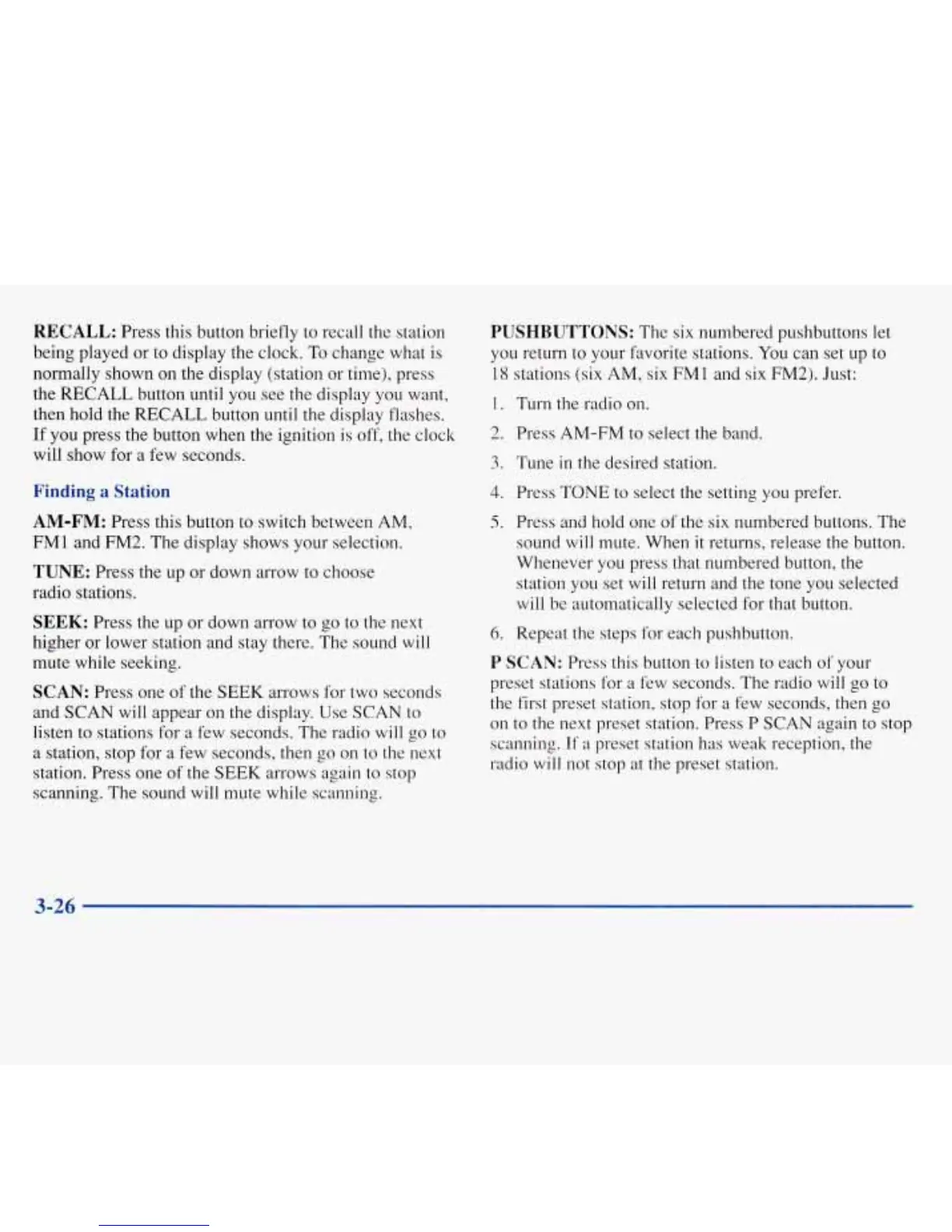
RECALL:
Press this button briefly to recall the station
being played or to display the clock.
To
change what is
normally shown on the display (station or time), press
the
RECALL
button
until
you see the display you want,
then hold the RECALL button
until
the display flashes.
If
you
press the button when the ignition is off, the clock
will show for
a
few seconds.
Finding
a
Station
AM-FM:
Press this button to switch between AM,
FM1 and
FM2.
The display shows your selection.
TUNE:
Press the
up
or down arrow to choose
radio stations.
SEEK:
Press the up or down arrow to go to the next
higher or lower station and stay there. The sound
will
mute while seeking.
SCAN:
Press one of the
SEEK
arrows for two seconds
and SCAN will appear
on
the display. Use SCAN to
listen to stations for a few seconds. The radio
will
go
to
a station, stop for
a
few seconds, then go on
to
the next
station. Press one
of
the
SEEK
arrows again to
stop
scanning. The sound will mute while scanning.
PUSHBUTTONS:
The six numbered pushbuttons let
you return to your favorite stations.
You
can set
up
to
18
stations
(six
AM, six FM1 and six FM2). Just:
1.
TUI-11 the radio
on.
2.
Press AM-FM to select the band.
3.
Tune in the desired station.
4.
Press TONE to select the setting you prefer.
5.
Press and hold one
of
the six numbered buttons. The
sound
will
mute. When
it
returns, release the button.
Whenever you press that numbered button, the
station you set will return and the tone you selected
will
be automatically selected for that button.
6.
Repeat the steps for each pushbutton.
P
SCAN:
Press this button to listen to each
of:
your
preset stations for a few seconds. The radio
will
go
to
the first preset station, stop for a few seconds, then
go
on
to the next preset station. Press P SCAN again to stop
scanning. If
a
preset station
has
weak reception, the
radio
will
not stop at the preset station.
3-26









 To Next Page