Delayed
Locking
(If-Equipped)
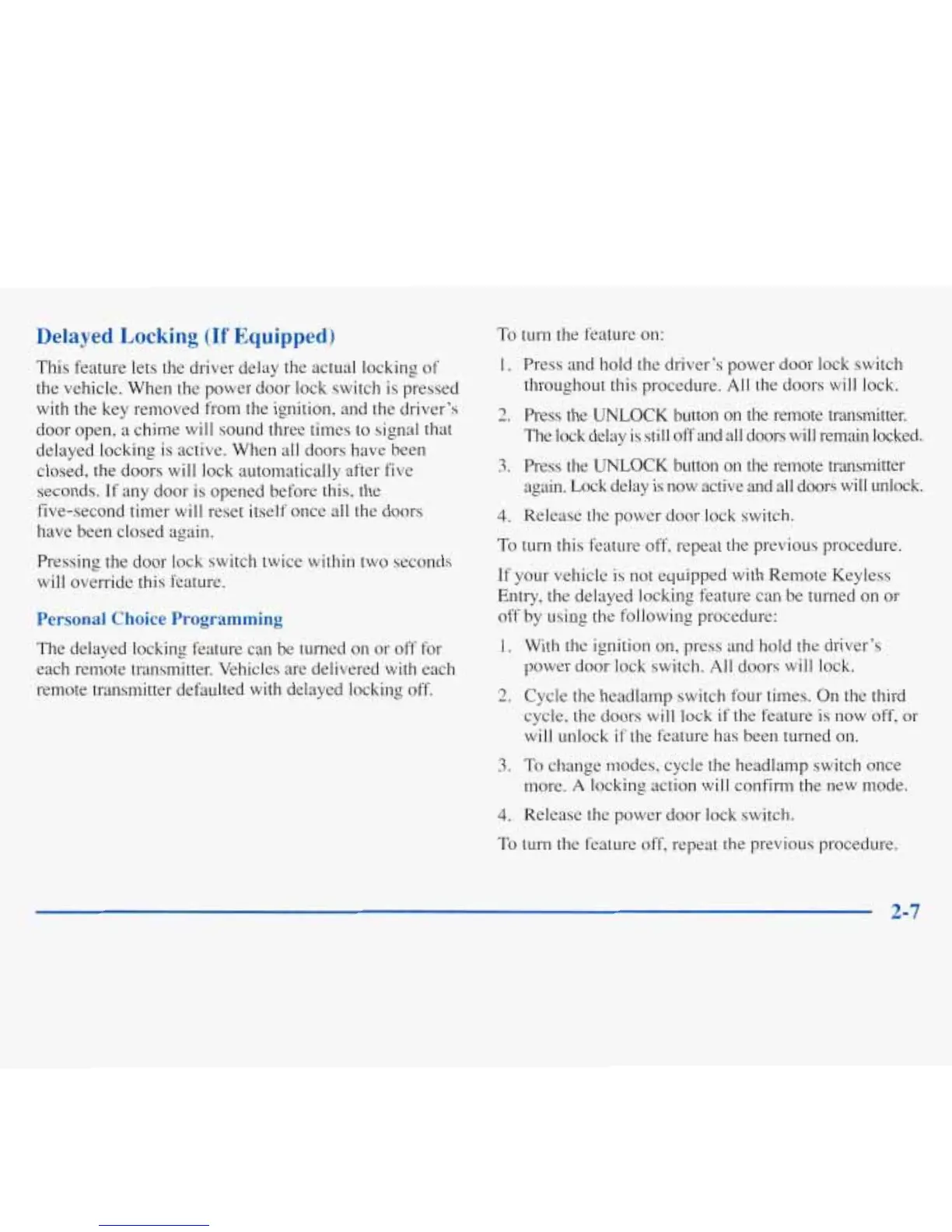
This feature lets the driver delay the actual locking
of
the vehicle. When the power door lock switch is pressed
with
the key removed from the ignition, and the driver’s
door open, a chime will sound three times to signal that
delayed locking is active. When all doors have been
closed, the doors will lock automatically after five
seconds. If any door is opened before this, the
five-second timer will reset itself once all the doors
have been closed again.
Pressing the door lock switch twice within two seconds
will override this feature.
Personal Choice Programming
The delayed locking feature can be turned
on
or off for
each remote transmitter. Vehicles are delivered with each
remote transmitter defaulted with delayed locking
off.
To
turn
the feature on:
1.
Press and hold the driver’s power door lock switch
throughout this procedure. All the doors will lock.
2.
Press the
UNLOCK
button
on
the remote transmitter.
The lock delay is still
off
and all doors will remain locked.
3.
Press the
UNLOCK
button on the remote transmitter
again. Lock delay
is
now active and all doors will unlock.
4.
Release the power door lock switch.
To
turn this feature off, repeat the previous procedure.
If your vehicle is not equipped with Remote Keyless
Entry, the delayed locking feature can be turned on or
off by using the following procedure:
1.
With the ignition on, press and hold the driver’s
power door lock switch. All doors will lock.
2.
Cycle the headlamp switch four times. On the third
cycle, the doors will lock if the feature
is
now off, or
will unlock
if
the feature has been turned on.
3.
To change modes, cycle
the
headlamp switch once
more.
A
locking action will confirm the new mode.
4.
Release the power door lock switch.
To turn the feature off, repeat the previous procedure.
2-7






 To Next Page